

How Smart GCs Maximize Their Construction Tech Budget With Jobsite Cameras
Learn how cost is covered on the first project
Too often, GCs treat cameras like overhead or a nice-to-have add-on. But the smartest contractors treat them like any other long-term asset in their construction tech budget—buy the hardware once, then charge it to every project. That way, the cost is covered on the first project, and the camera keeps working for you on every project after.
Here’s exactly how it works:
Step 1: Buy the Camera Once
Let’s say you purchase a jobsite camera for $2,500*. That’s your upfront investment. This is no different than buying a trailer or generator. From then on, you control where it goes and how it gets used.
*This is an example price. Actual camera costs may be lower or higher depending on the model.
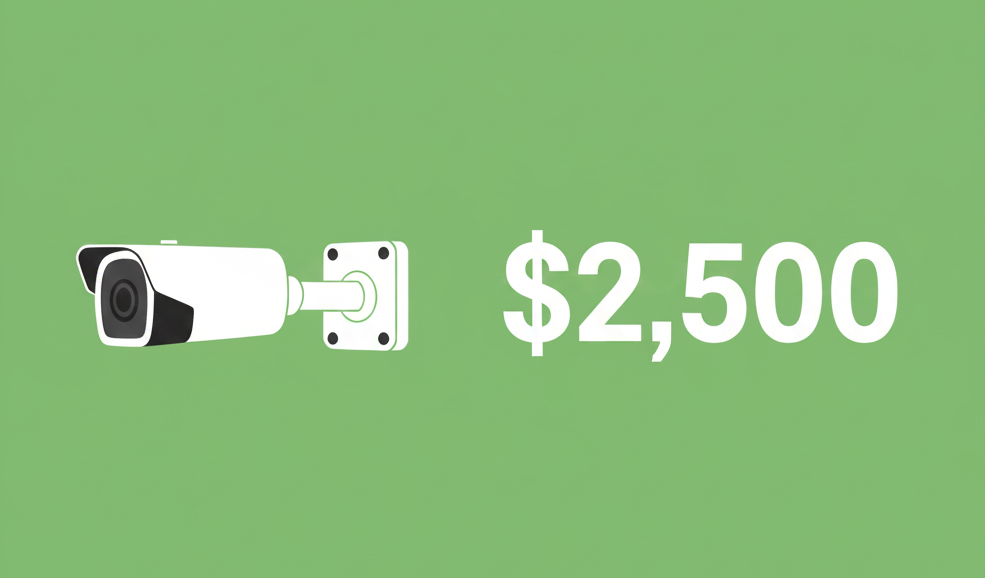
Step 2: Add it to the Construction Tech Budget For Each Job
When you set up a project, include the camera as a reimbursable line item in the estimate, just like fencing or temporary power:
- Camera Equipment Rental: $400/month
- Monitoring Subscription: $300/month

On a 12-month project, that’s $8,400 reimbursed by the Owner — already a strong return on investment. You’re well past break-even on your one-time purchase. This approach pays for your camera in full and generates extra value while making the most of your construction tech budget.
Step 3: Bill It Like Any Other Project Resource
Just like you would with a dumpster or site trailer, the camera is billed as a project expense. It shows up on the owner’s invoice, not in your overhead. The monthly subscription sits right alongside other recurring site services.
Step 4: Show Owners the Value
This part sells itself. Cameras deliver tangible benefits to Owners, lenders, and insurers:
- Live viewing: Remote access means fewer site visits.
- Security coverage: Lowers theft and liability risks.
- Time-lapse video: Great for board reports, investors, or marketing.
- Documentation: Provides punch list and warranty proof that protects everyone.
- Safety: Monitors PPE compliance to help protect your team and prevent accidents.
Once Owners experience the value, most want cameras on future jobs, too.
Step 5: Move It to the Next Job
When the project wraps, roll the same $2,500 camera to your next site. Reset the line item in that budget and start the cycle over. By the third or fourth project, that single camera has generated multiple times its cost, which is all thanks to smart construction tech budget allocation.
Step 6: Scale It Across Your Projects
Here’s what the math looks like:
- 1 Camera, 1 Project (12 months): $8,400 billed → already a 3x return.
- 1 Camera, 3 Projects (36 months): $25,200 billed → more than 10x return.
- 5 Cameras in Rotation: $126,000 billed over three years.

That’s the power of a high-performing construction camera ROI strategy. Now, you have a steady income and stronger project delivery from assets you already own.
Why This Works
- No overhead hit: Every cost is tied to the job.
- Recurring coverage: Monthly billing keeps projects accountable.
- High ROI: Hardware pays for itself in the first job, and continues delivering value.
- Owner goodwill: They see you as a partner, adding security and transparency.
Bottom line: Your construction tech budget doesn’t have to stretch thin. With the right structure, you maximize your ROI by buying once, billing to the project, and keeping each camera in rotation for years. Over time, you’ll build a fleet of jobsite assets that make every project more secure, better documented, and more efficient.