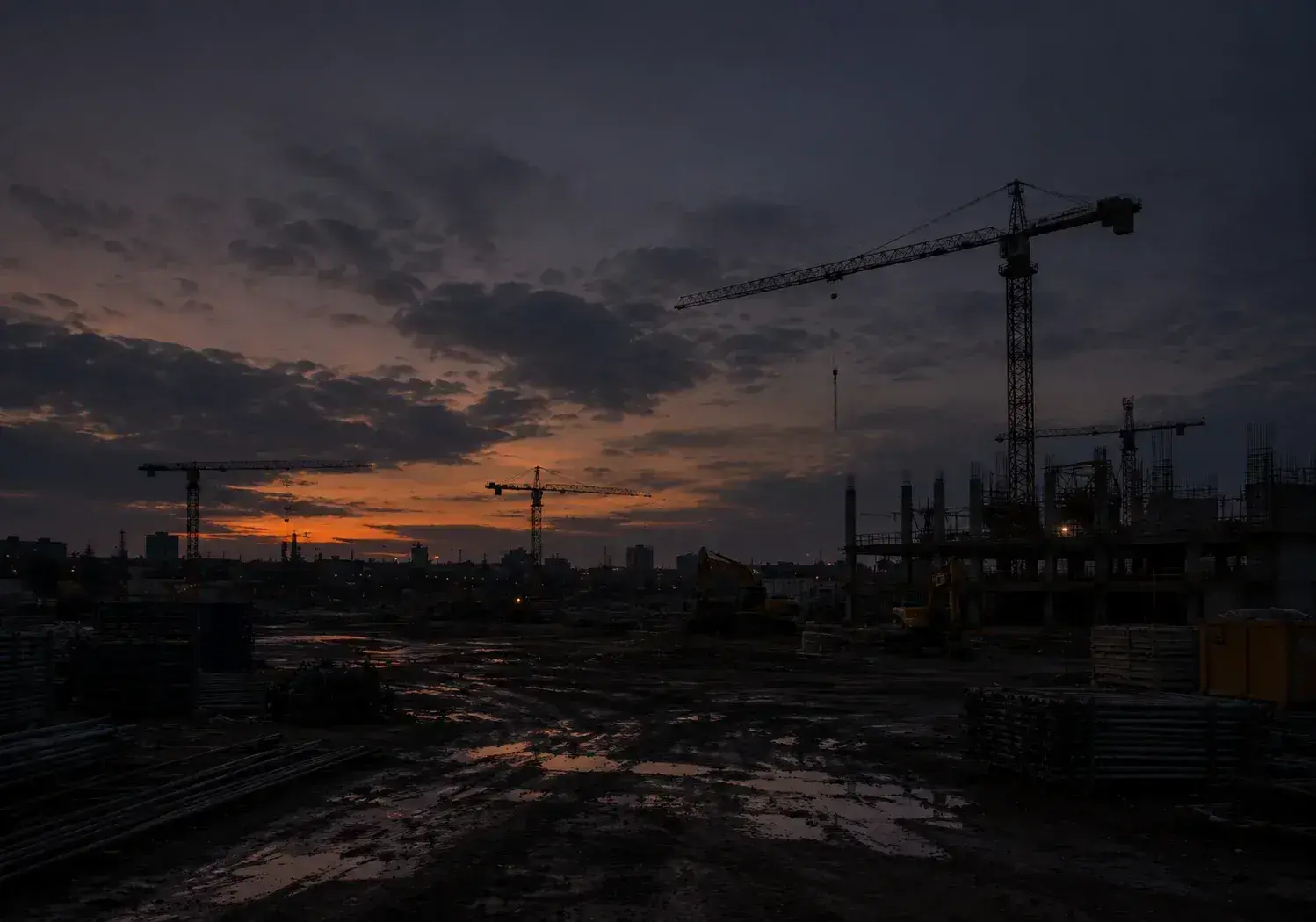
Live construction cameras to see your jobsite from anywhere
Open a live feed from every jobsite camera on your phone, tablet, or computer. Pan, tilt, and zoom to check deliveries, lifts, and progress without the drive.
A construction live feed that does more than stream
Watch every jobsite in real time, check work up close, and share live views with your team and owners, from any device.
A real-time live feed you control
Steer the camera with on-screen arrows, switch between optical and digital zoom, or draw a box around any spot and the camera re-aims to match.
Every jobsite on one screen
See every jobsite, camera status, and site conditions like weather and wind in one place, and switch between projects in a few clicks.
Saved presets
Save presets for the gate, the crane, or the laydown yard and jump to each in one click. Lock the camera so no one moves it while you watch.
Share secure live links
Send owners, architects, or subs a secure live link that opens in any browser, with no account or app to set up.
Snapshots and markup
Save a still from the live feed, circle what matters, and email it to your team or add it to a photo album.
Check the jobsite live, without the drive
How project teams use a construction webcam feed from first delivery to final sweep.
7 a.m. — Confirm the delivery
The truck shows up an hour early. Pull up the live feed, confirm the load, and see where it’s staged without making the drive.
11:30 a.m. — Watch the critical lift
Pan to the crane and zoom in to follow the pick in real time, so you know it went to plan.
4 p.m. — Update the owner
Do a final sweep of every camera, then send the owner a live link so they see progress for themselves.
Live construction cameras for every part of the jobsite
Every camera streams to the same platform, so live views, recordings, and time-lapses stay in one place.
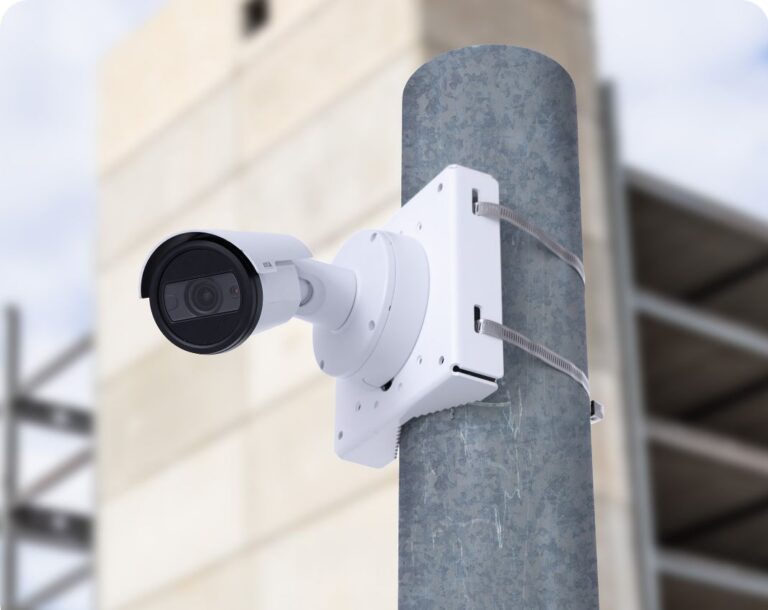
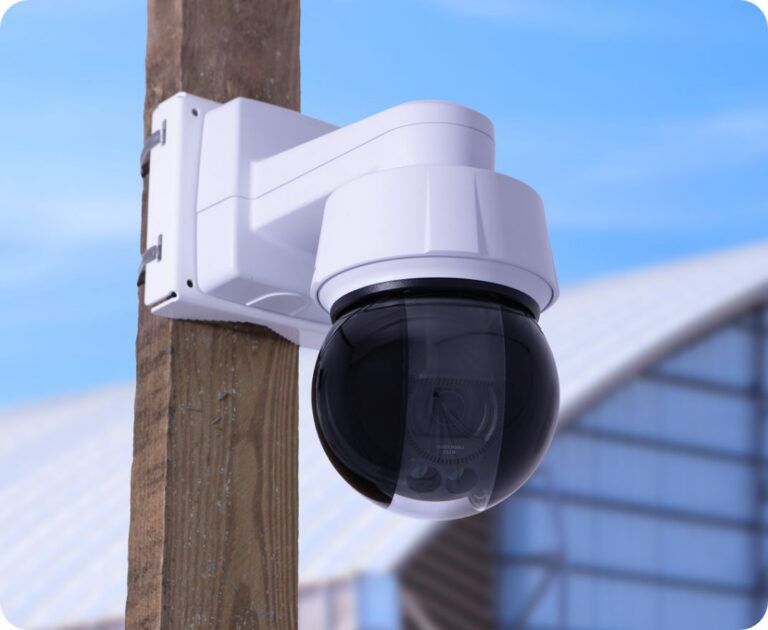
PTZ cameras
Pan, tilt, and zoom from your desk or phone to check any part of the site.
Explore PTZ cameras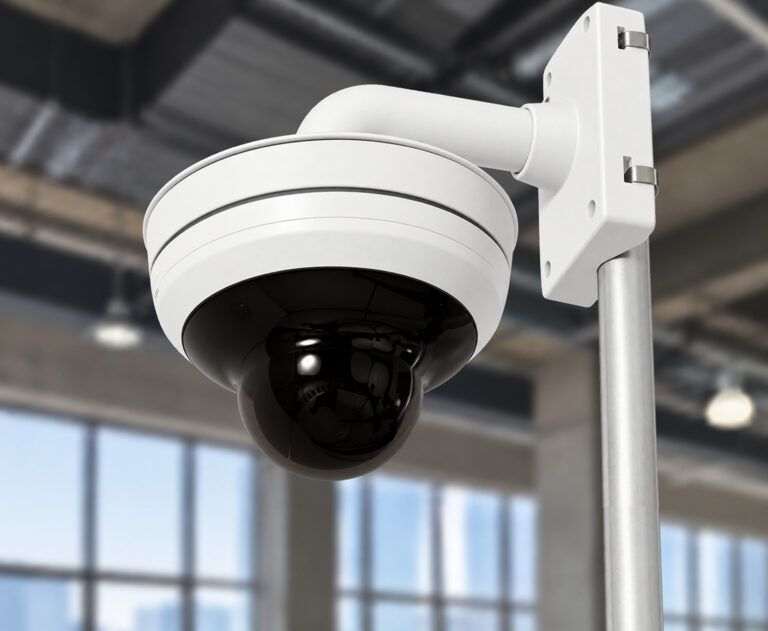
Interior cameras
See inside once the building closes in, from fit-outs to finishes.
Explore interior cameras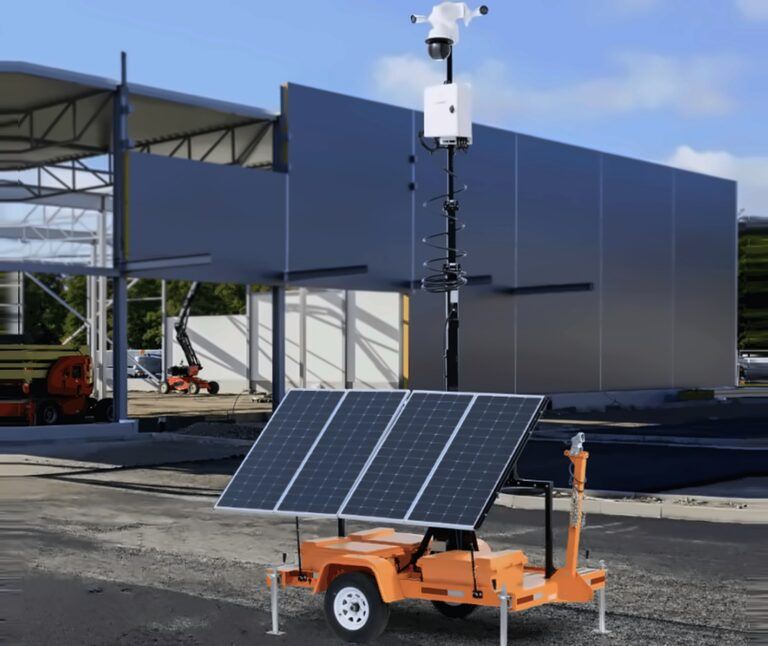
Mobile Surveillance Trailers
Solar powered for sites without power or a place to mount. Lease or purchase.
Explore trailersReal feedback from real jobsites
“Fantastic tool to track progress, and protect our clients’ investment.”
“These cameras allow for constant progress status and check-ins remotely without having to make long, time-consuming drives.”
Questions buyers ask about live construction cameras
How much do live construction cameras cost?
You can lease TrueLook cameras for as low as $159 per month, and live viewing is included with every plan. Get pricing for your project and we will recommend the right setup.
Can I monitor my construction site from my phone?
Yes. Open TrueLook in any phone browser or the TrueLook app for iOS and Android to see every live camera on your projects. Switch between jobsites, pan, tilt, and zoom, and grab snapshots from the truck, the trailer, or the office.
Is a construction live cam the same as a webcam?
No. A basic webcam is made for indoor video calls. A construction live cam is built for the jobsite, with weatherproof hardware, high-resolution video, pan-tilt-zoom control, recording, and secure access for your team and the stakeholders you choose.
Can I share a live stream of my construction site?
Yes. Send owners, architects, or subs a secure live link to the cameras you choose, with an optional password and expiration date. You can also publish a live stream for a project or community page, with no login needed to watch.
Can I control the camera remotely?
Yes. With a PTZ camera, you can pan, tilt, and zoom from your desk or phone. Save the views you check most as presets, and lock the camera so no one moves it while you are watching.
How many jobsites can I view at once?
All of them. Every project and camera sits in one dashboard, so you can see your whole portfolio at a glance and open any live feed in a click.
Do construction cameras need Wi-Fi?
No. TrueLook cameras run on built-in 4G LTE, so you don’t need internet on site to start watching. They can also connect over Wi-Fi, Ethernet, or satellite internet.
What is the difference between live viewing and jobsite monitoring?
Live viewing is you checking your own cameras whenever you want. Jobsite Monitoring covers the times you can’t: when cameras detect activity, monitoring specialists verify whether it is a real threat and contact you, and can send help if they can’t reach you.
Get live camera pricing for your jobsite
Tell us about your site and we will recommend the right cameras and plan. Try TrueLook risk-free with a 30-day money-back guarantee.