
NEEDS | CONNECT YOUR EXISTING WORKFLOWS

Connect TrueLook to ​the tools your team already uses

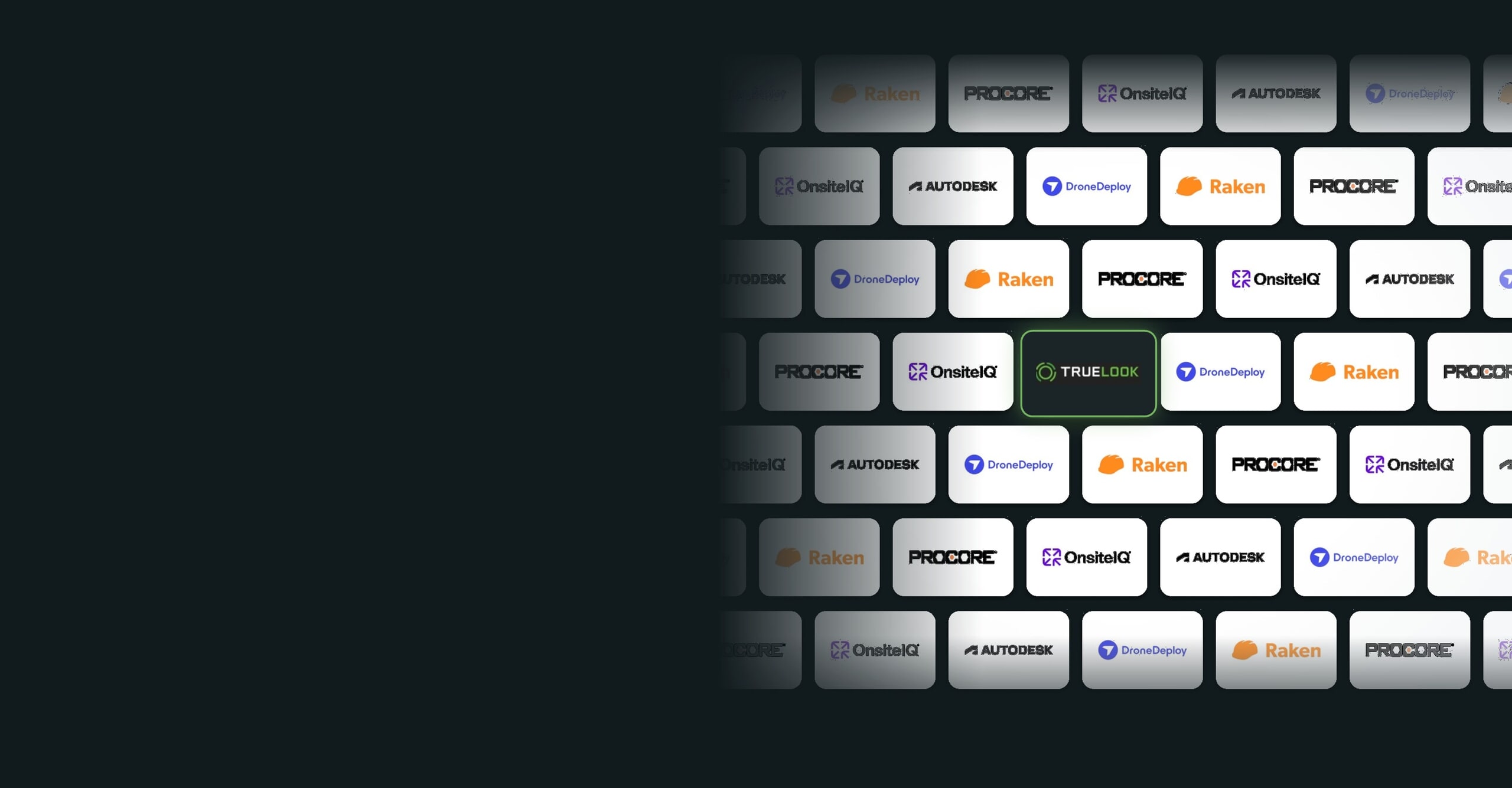
Bring live cameras and progress photos into Procore, Autodesk, and the rest of your stack, so your team gets jobsite visibility without switching apps.

WHAT YOU GET

Jobsite visibility inside the tools you use

TrueLook plugs into the platforms your team already works in, and sharing tools put cameras in front of everyone else.

INTEGRATIONS
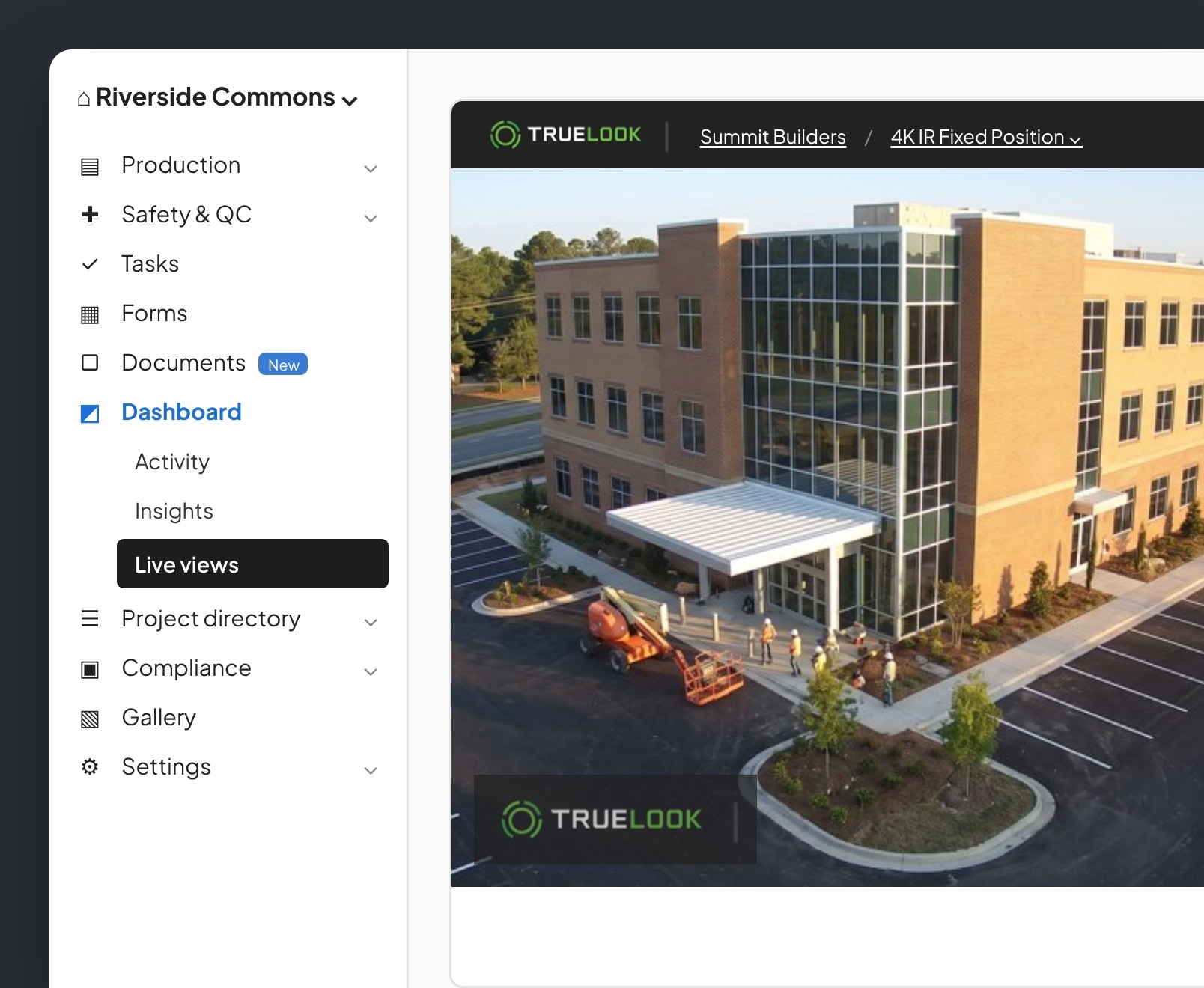
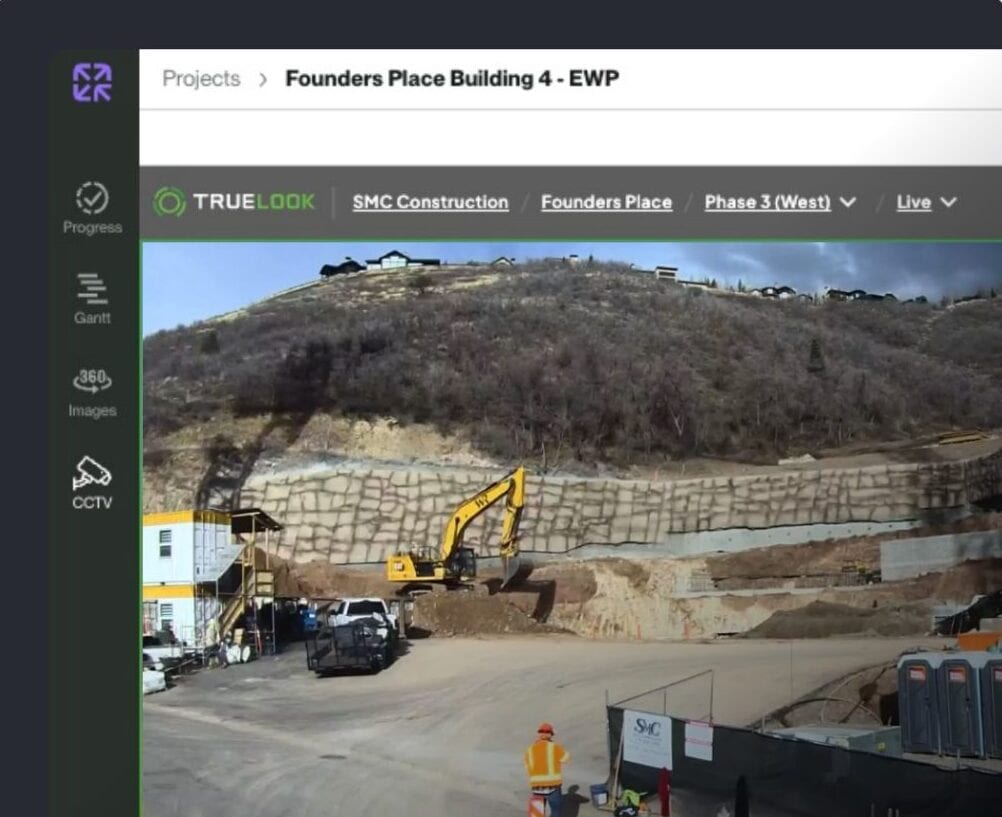
Live cameras ​inside Procore

Add TrueLook to Procore as an embedded app and open any camera from the project, with no second login.
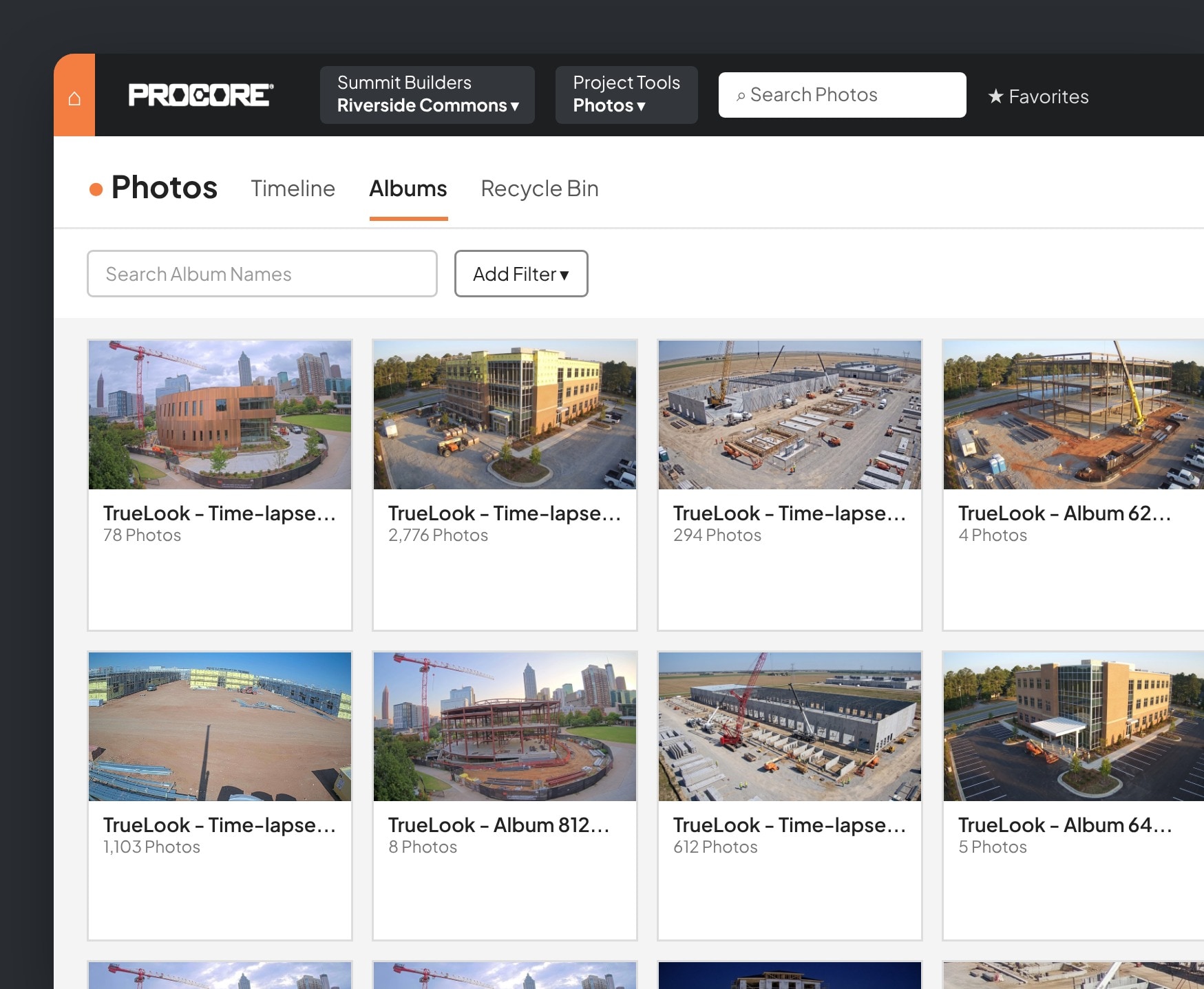
TrueLook time-lapse albums synced to Procore Photos
INTEGRATIONS
Cameras on your ​Autodesk dashboard

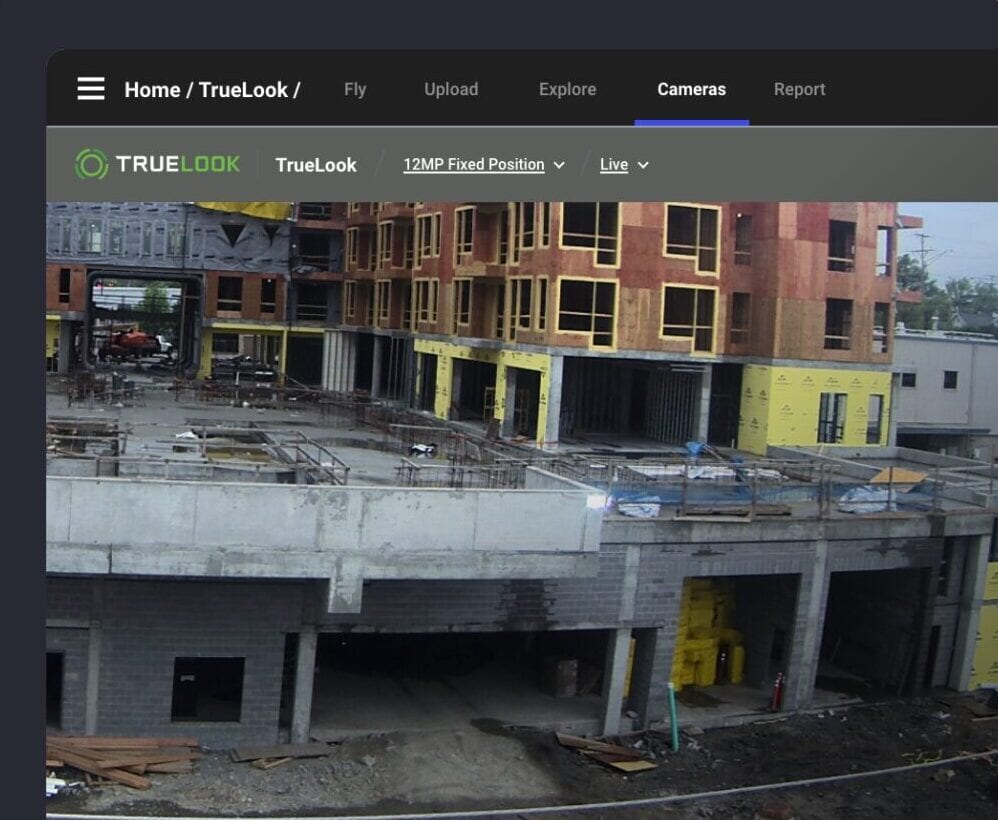
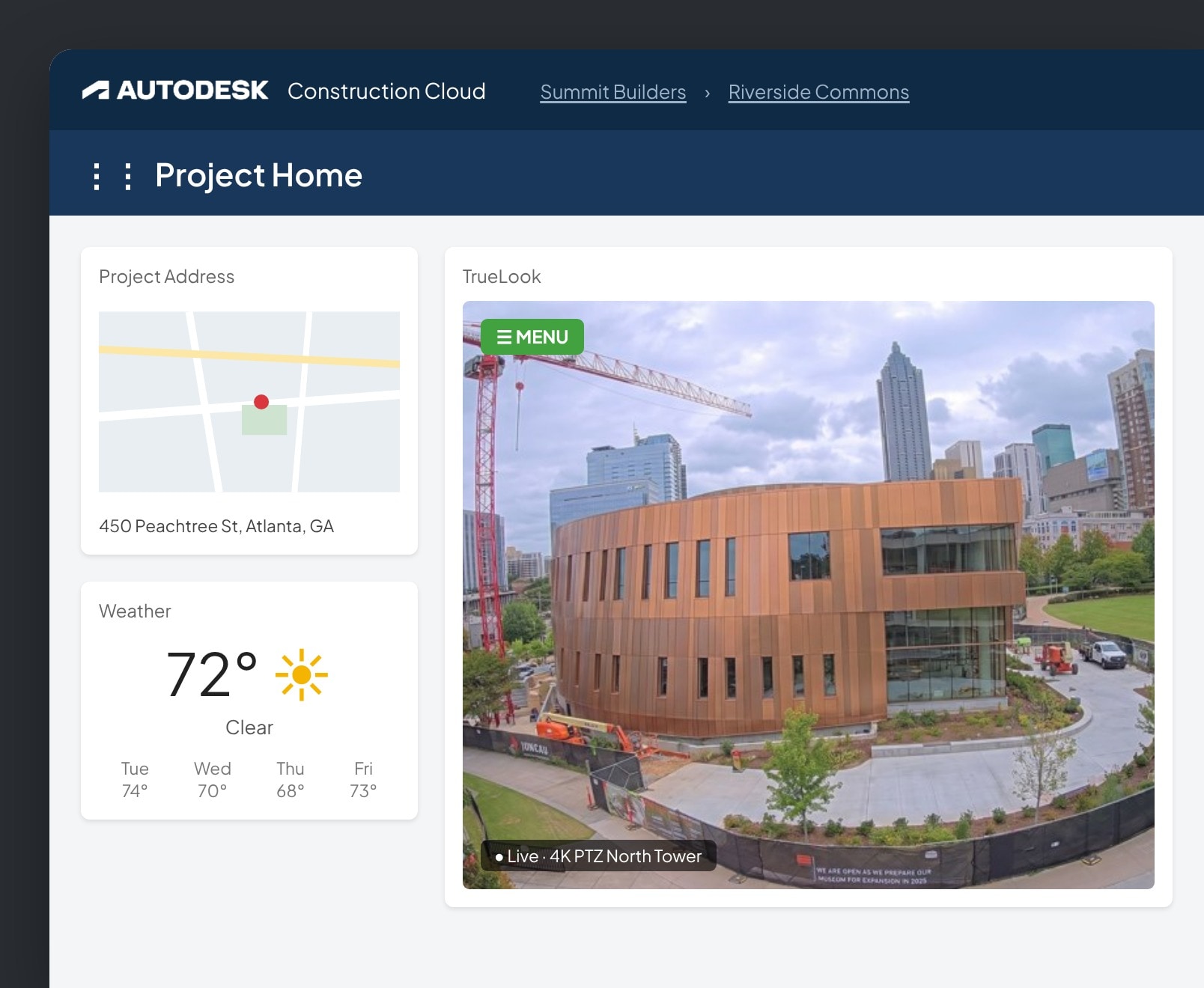
Add TrueLook as a card on your Autodesk Construction Cloud insights dashboard to view and control your cameras.

TrueLook live camera card on an Autodesk Construction Cloud project home
INTEGRATIONS
Live views next to ​your daily reports

Open your TrueLook cameras from the Raken dashboard and check what happened on site while you write the daily report.

TrueLook live camera view inside Raken
INTEGRATIONS
Ground-level views ​next to your drone maps

Bring TrueLook cameras into DroneDeploy so fixed camera views sit alongside your aerial maps.

DroneDeploy platform showing a TrueLook live feed to show integration
SHARING
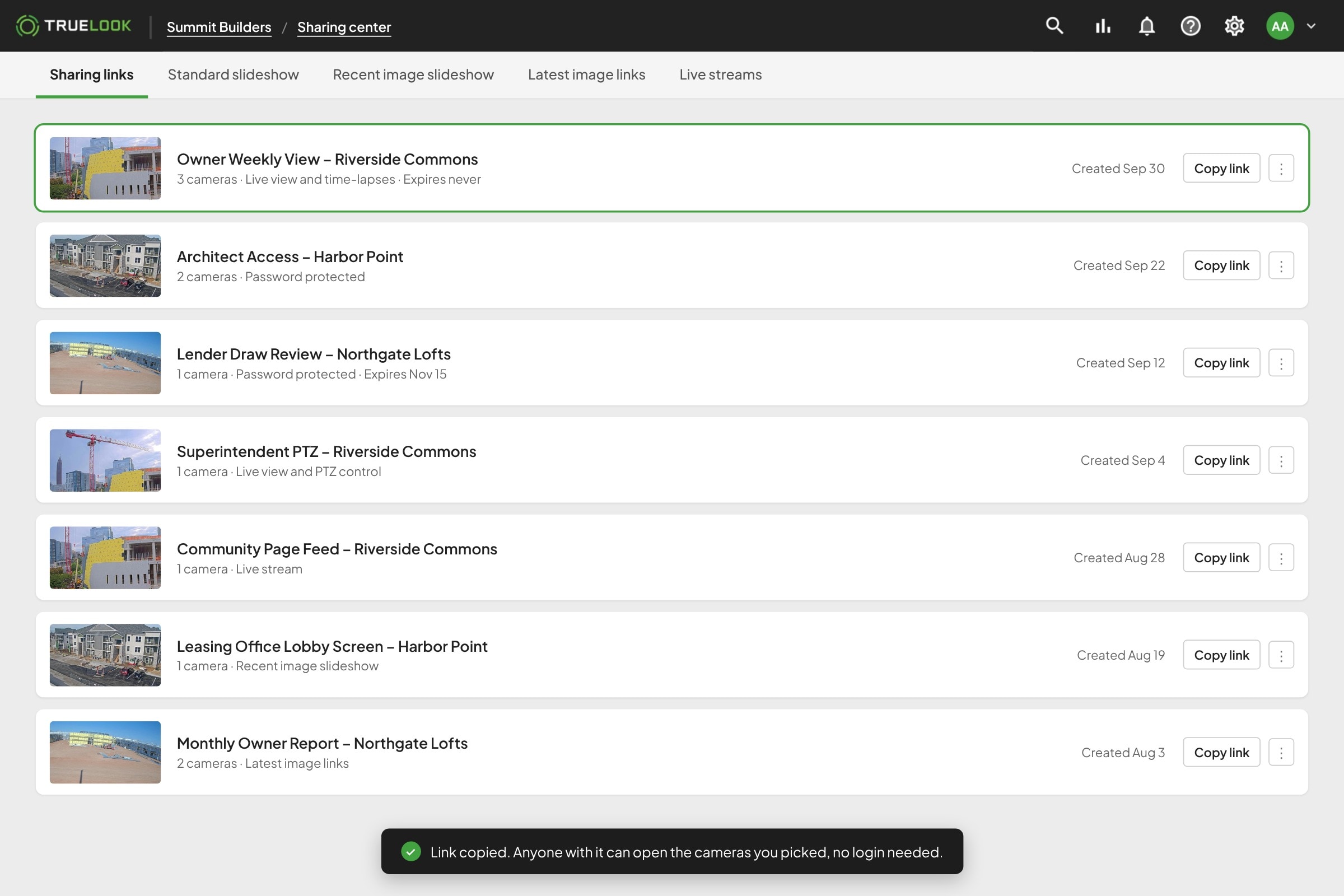
Share any camera ​with a simple link

Pick the cameras and send a link. Owners, architects, and subs open it in any browser, with no account, app, or login to set up.

TrueLook Sharing Center list of sharing links for owners, architects, and lenders
SHARING
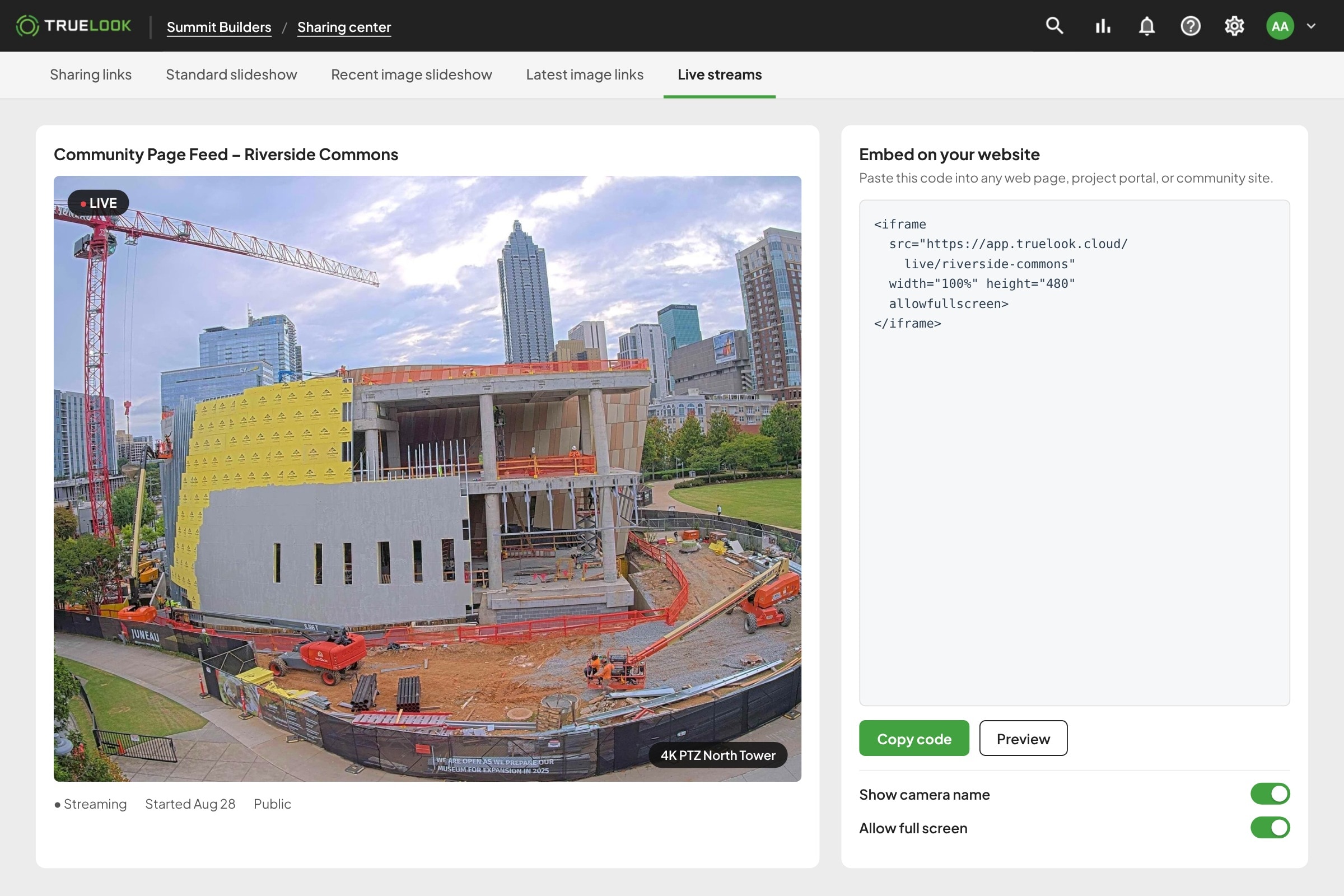
Put a live camera ​on your project website

Live streams give you a camera player for your website, a project portal, or a community page, so the public can watch the build without anyone sending updates.

Embedding a TrueLook live stream on a project website

Fast to Launch

Live in three simple steps

No IT tickets, no network setup, and no learning curve. If you can open an app on your phone, you can use TrueLook.

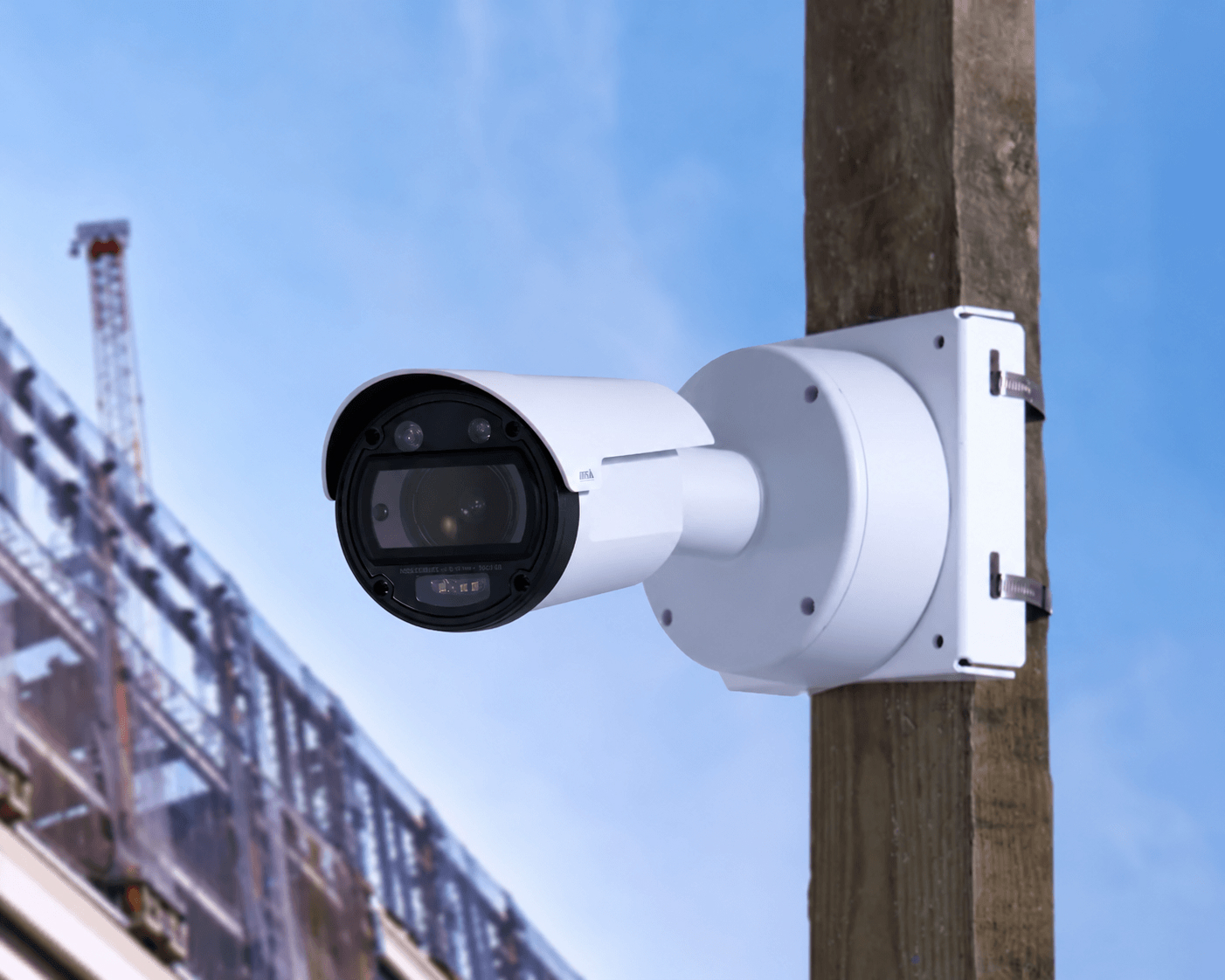
Every camera arrives pre-assembled with built-in cellular. Band it to a pole or bolt it to a wall with tools your crew already has, or have our team install it for you.

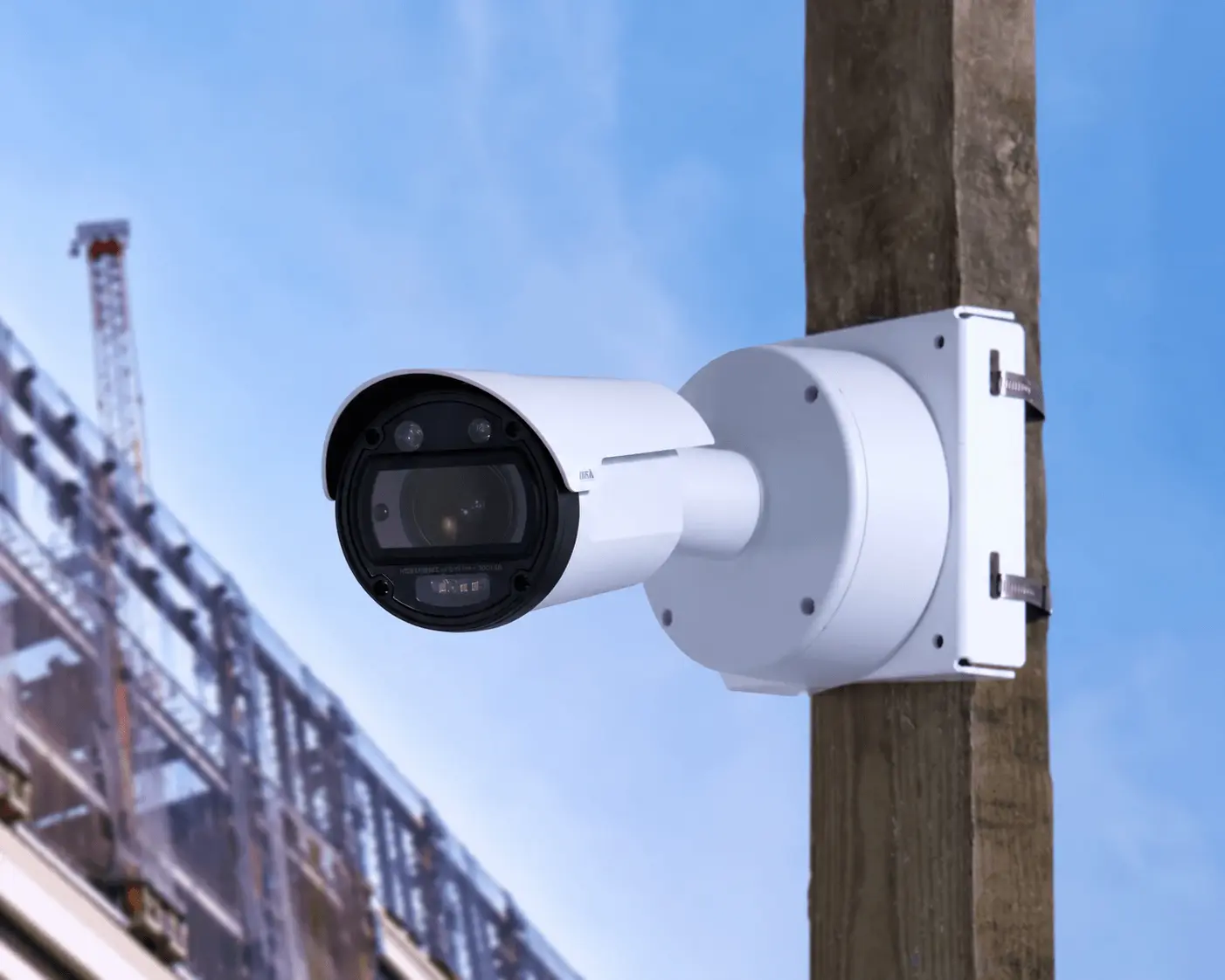
8K IR Fixed Construction Camera on a wooden pole monitoring construction site activity and protecting the site for security

Choose Your Camera

Which camera fits your project?

Match your project type to the right starting point, and talk to us if you’re unsure.

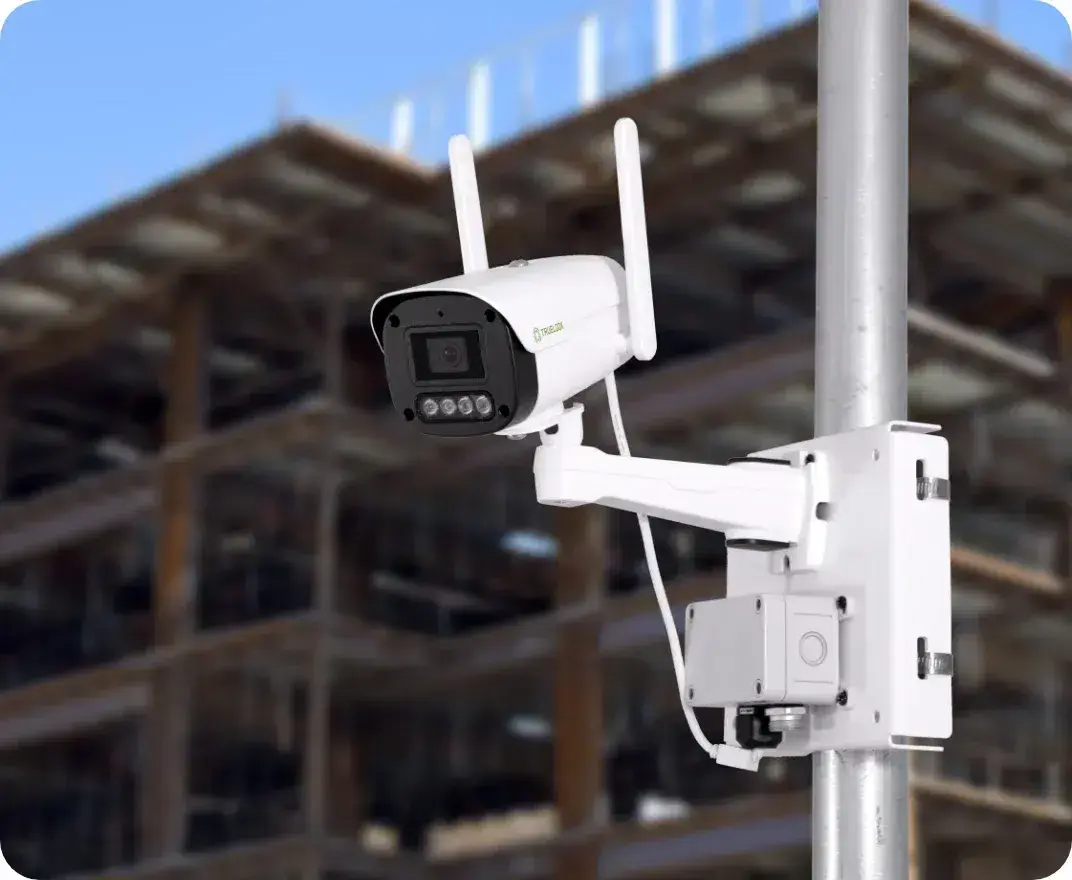
2K infrared fixed camera mounted on a pole at a jobsite

2K IR Fixed

Turnkey, dependable, and delivers sharp visuals

  • Focal Length4-6mm
  • Hor. Field of View:79°
  • Infrared (IR) Range:50m
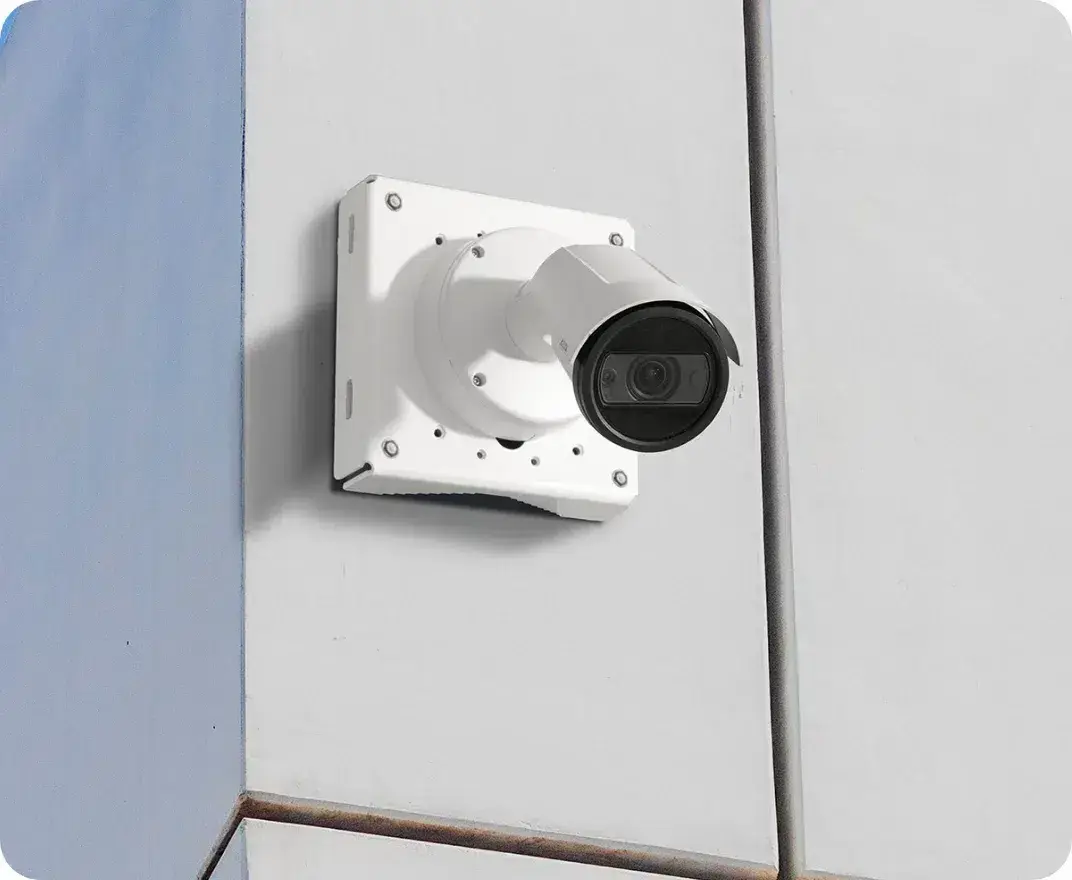
4K infrared fixed camera mounted on a jobsite wall

4K IR Fixed

Offers ultra-clear resolution and a wide field of view

  • Focal Length5.9-13.8mm
  • H. Field of View114°
  • IR Range50m
TrueLook 8K IR fixed camera mounted on a wooden pole at a construction site

8K IR Fixed

Perfect for creating time-lapse footage or capturing long-range visuals with precision

  • Focal Length12-24mm
  • H. Field of View90°
  • IR Range60m

BY ROLE

Built for everyone ​who needs eyes on the site

01

Construction project manager in a hard hat checking a tablet on a jobsite

Construction PM

Monitor progress, reduce site visits, and keep projects on schedule with live jobsite visibility.

02

Owner and developer reviewing projects at his desk

Owner/Developer

Stay connected to every project with real-time visibility and visual documentation from anywhere.

03

VDC tech manager working on a laptop by an office window

VDC/Tech Manager

Connect camera data with your construction technology stack to improve collaboration and project oversight.

04

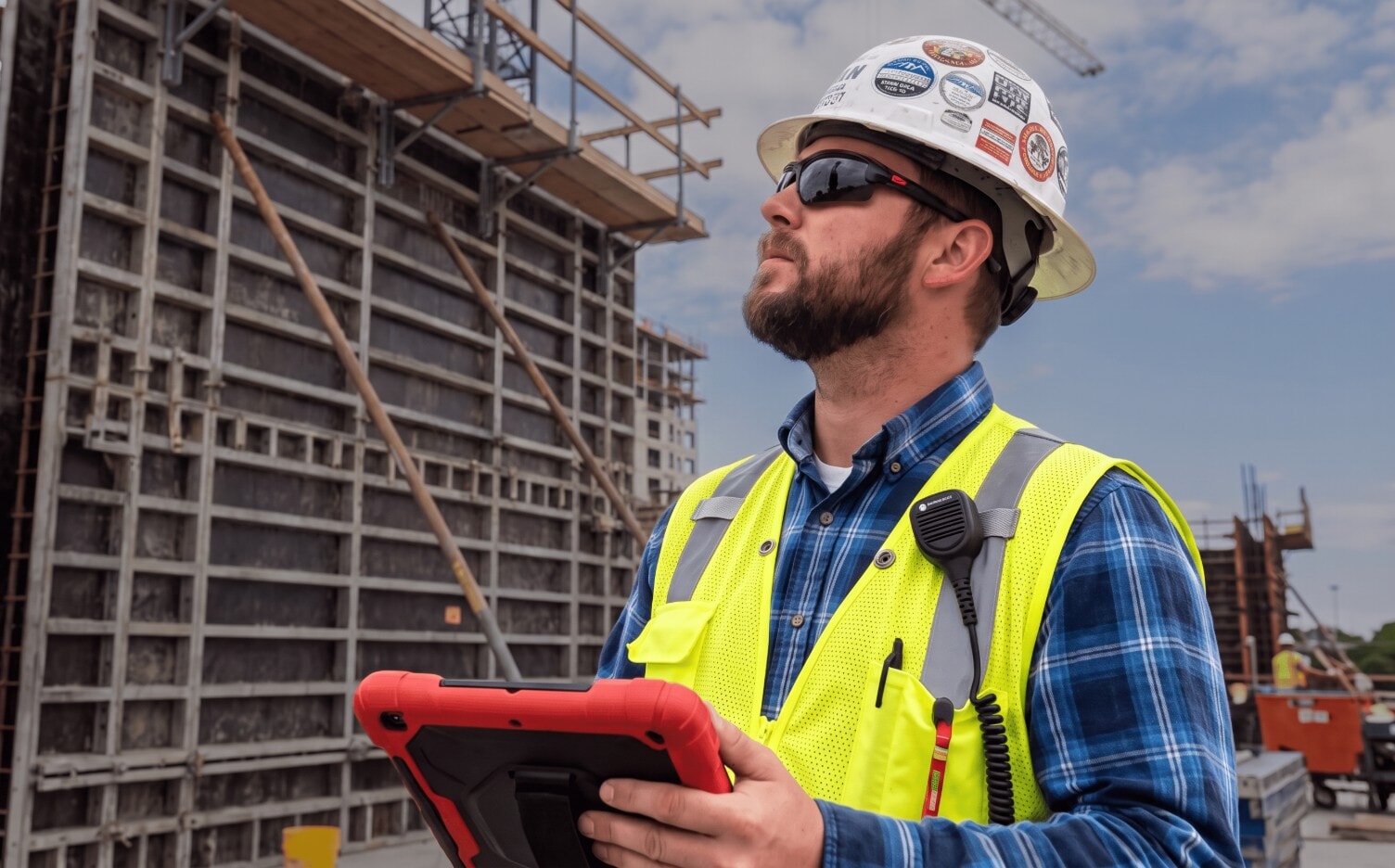
Safety manager in a hard hat and hi-vis vest holding a tablet on a jobsite

Safety Manager

Protect jobsites with active deterrence, professional monitoring, and construction security cameras.

Integrations

Connects to the tools ​your team already uses

No new silo. TrueLook works inside the workflows construction teams depend on every day, from Procore to Autodesk to BIM platforms.

View All Integrations
Procore
Add TrueLook to Procore as an embedded app and watch your cameras without leaving the project.

Add TrueLook to Procore as an embedded app and watch your cameras without leaving the project.

  • Live view inside ProcoreOpen any camera from the Procore project, no second login needed.
  • Automatic photo sharingChoose which time-lapse photos and albums show up in Procore Photos on their own.
  • Share noteworthy photosSend the shots that matter from TrueLook straight to Procore.
  • Create RFIs from TrueLookStart an RFI from a camera image and send it through to Procore.

▶Watch the Procore walkthrough (2:34)

TrueLook time-lapse albums synced to Procore Photos
Autodesk
Add TrueLook as a card on your Autodesk Construction Cloud insights dashboard.
DroneDeploy
Bring your TrueLook cameras into DroneDeploy so ground-level views sit next to your aerial maps.
Raken
Add your TrueLook camera to Raken so live views sit next to your daily reports.
OnsiteIQ
Connect TrueLook cameras to OnsiteIQ’s progress intelligence platform.

ANY DEVICE, ANY NETWORK

Check in from wherever you work

Tablet icon
Phone

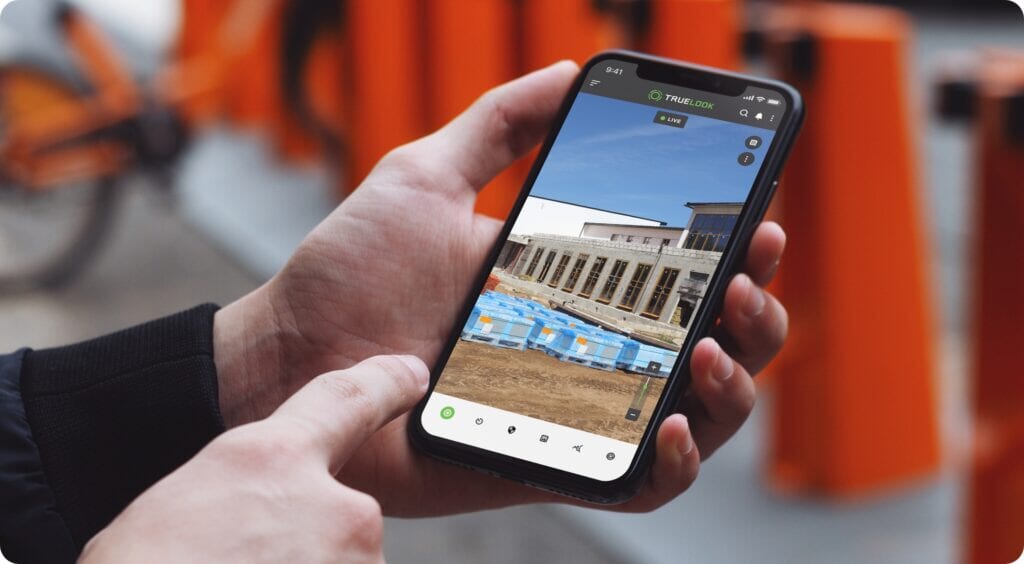
Check in from anywhere on iOS or Android, in your browser or the TrueLook app. No laptop required.

Desktop monitor icon
Desktop & laptop

See every project, manage sharing, and adjust settings, all from one dashboard at your desk.

Wireless signal icon
Built-in cellular

Every camera connects over built-in cellular and can also use Wi-Fi, Ethernet, or Starlink, so you never depend on jobsite internet.

Testimonials

Trusted by construction teams ​across North America

One-Stop Shop

We were losing time and money driving to jobsites just to check in, and struggling to share milestones with owners and stakeholders. The integration became our one-stop shop.

JD Coffee | Project Executive

Reduced windshield time

“These cameras allow for constant progress status and check-ins remotely without having to make long, time-consuming drives.”

Brandon Thompson | Sr. Manager

Amazing Quality

“Our goal wasn’t just to show clients what we wanted them to see, we wanted them to have the ability to see exactly what was happening, when it was happening.”

Jackson Wofford | Project Manager

Great to work with

“The cameras work great but the best part of TrueLook is the people.”

Aaron Hall | Directory of Technology

FAQ

Integration FAQs

TrueLook integrates with Procore, Autodesk Construction Cloud, DroneDeploy, Raken, and OnsiteIQ, so your camera views and jobsite images live alongside your project management and reality capture tools.

get a quote

See which cameras and subscription plan fit your project

Answer a few questions about your jobsite. We’ll recommend cameras and a subscription plan, then a TrueLook rep will review it and follow up with your quote.

Answer a few short questions and we will send you a quote with product and pricing details, tailored specifically to your needs.