

One more app nobody opens
A camera system that lives outside Procore or Autodesk turns into one more login teams ignore.
Connect jobsite cameras to Procore and Autodesk Construction Cloud, control who sees what, and use TrueAI to turn footage into answers.


Compare cameras for documenting progress, checking the site live, and covering interiors.
Turnkey, dependable, and delivers sharp visuals
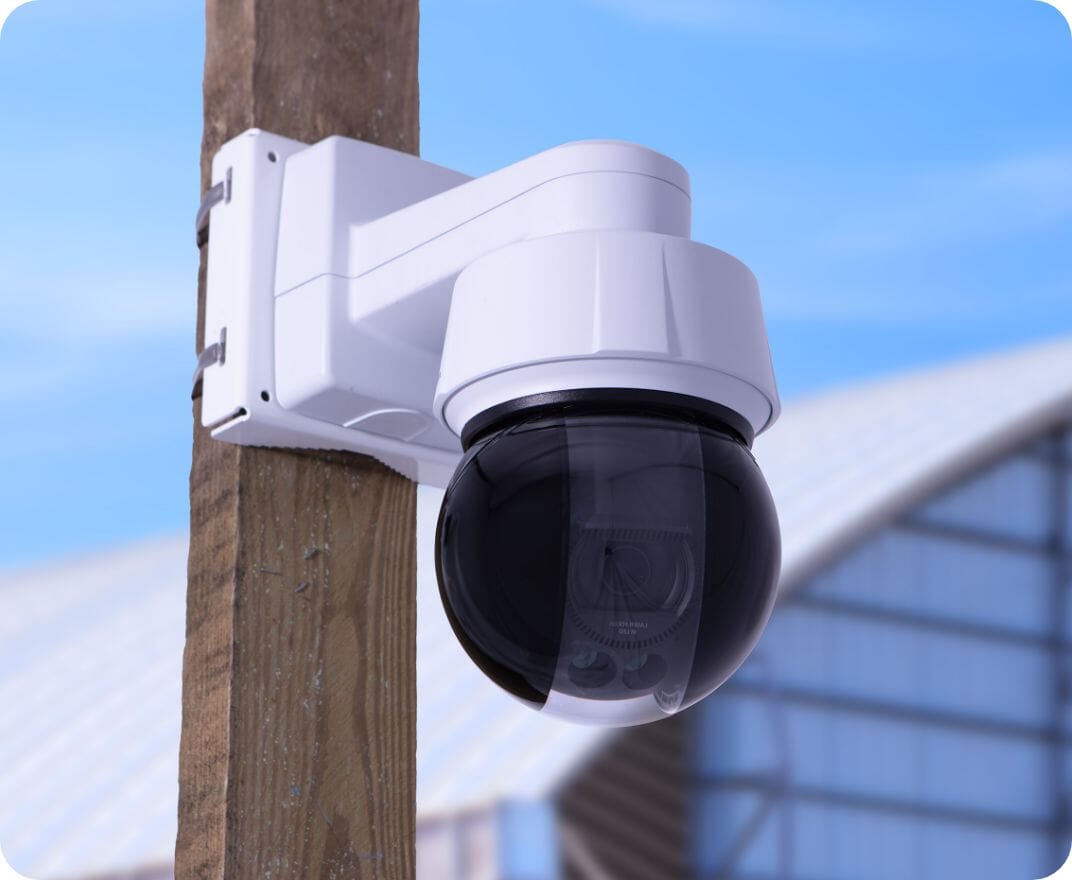
Top choice for jobsites requiring clarity and control
Reliable Partner
“We have been with TrueLook for more than three years now, and their cameras, interface, and support continue to meet our needs.”

Five Years, Zero Outages
“TrueLook camera systems are reliable. We have not had a camera outage in over five years using multiple configurations.”

Great to work with
“The cameras work great but the best part of TrueLook is the people.”

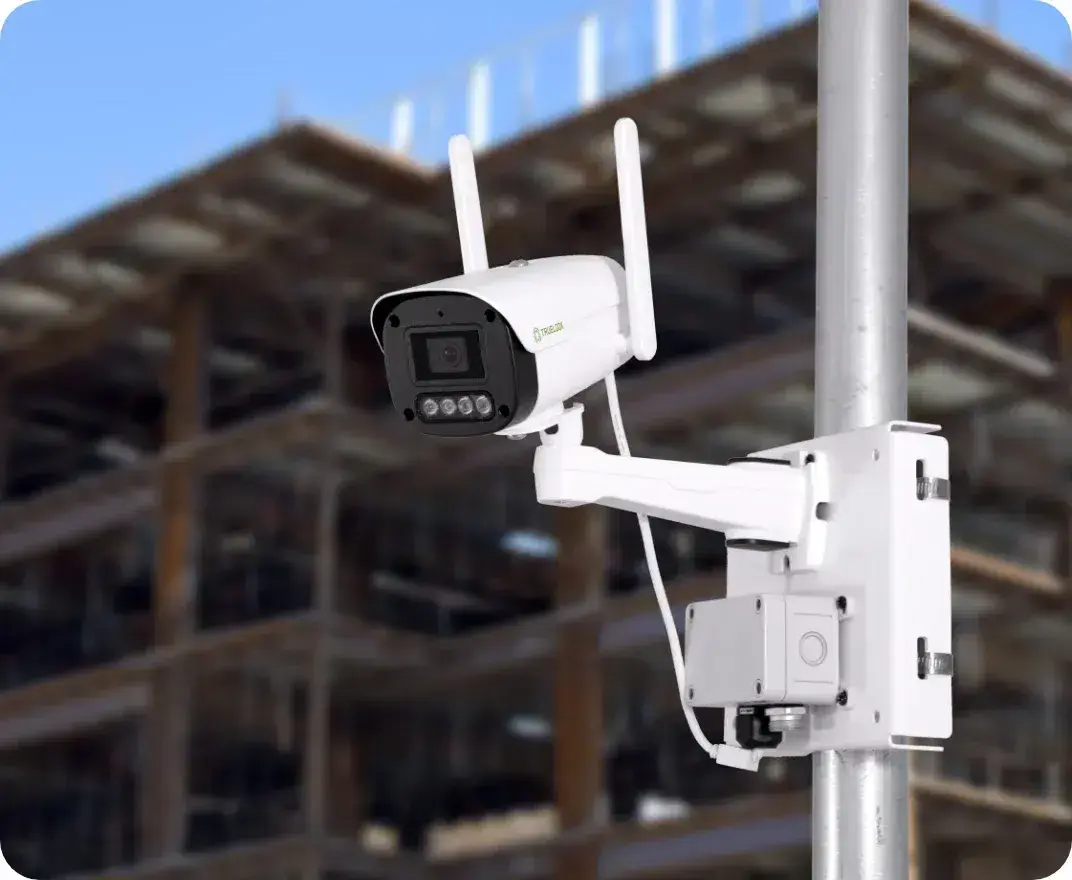
Every camera ships ready to go. Mount it, plug it in, and log in.
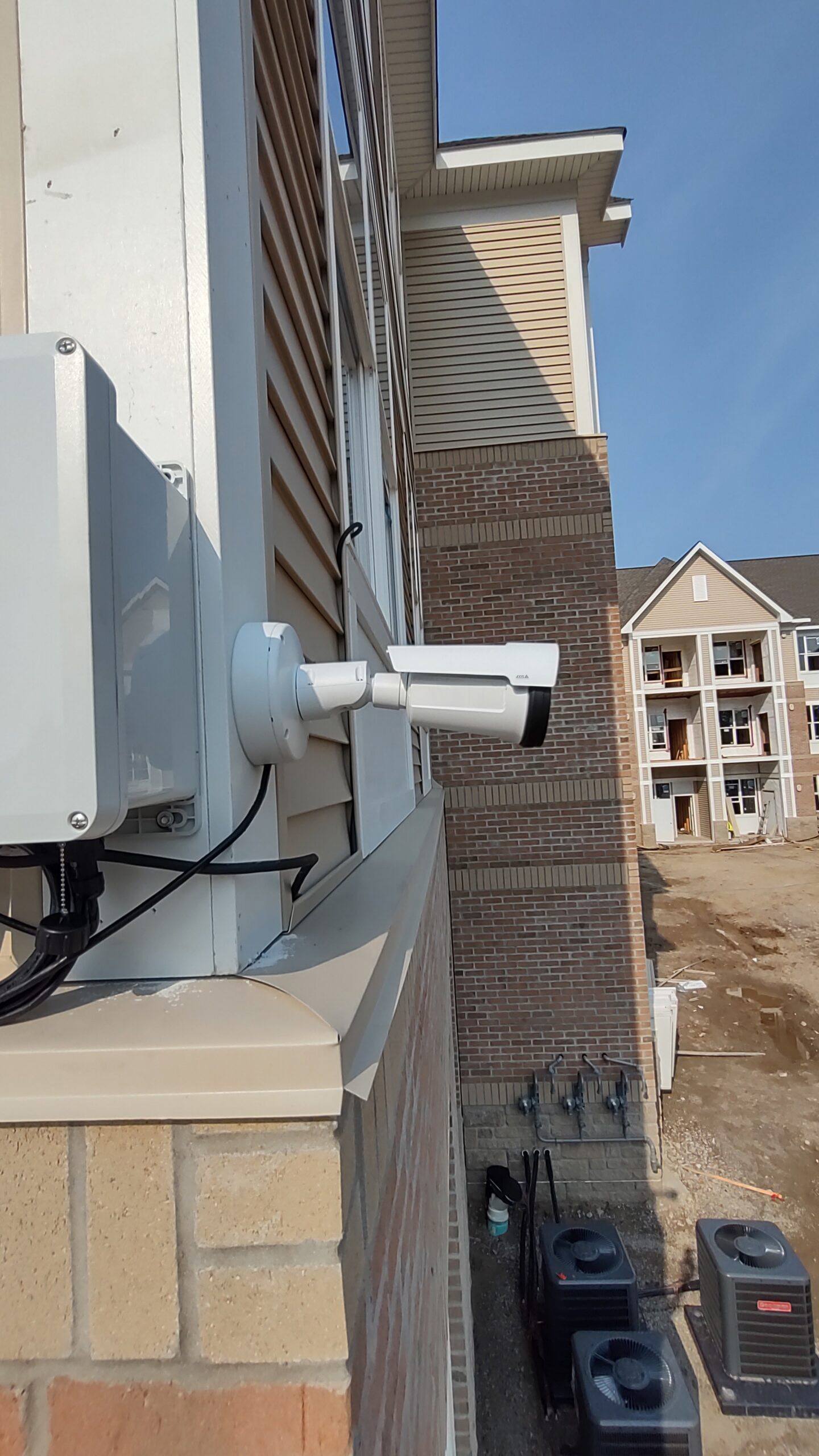
STEP 1
Plug into 110V power or add a solar package. Built-in cellular means there is no jobsite Wi-Fi to set up.
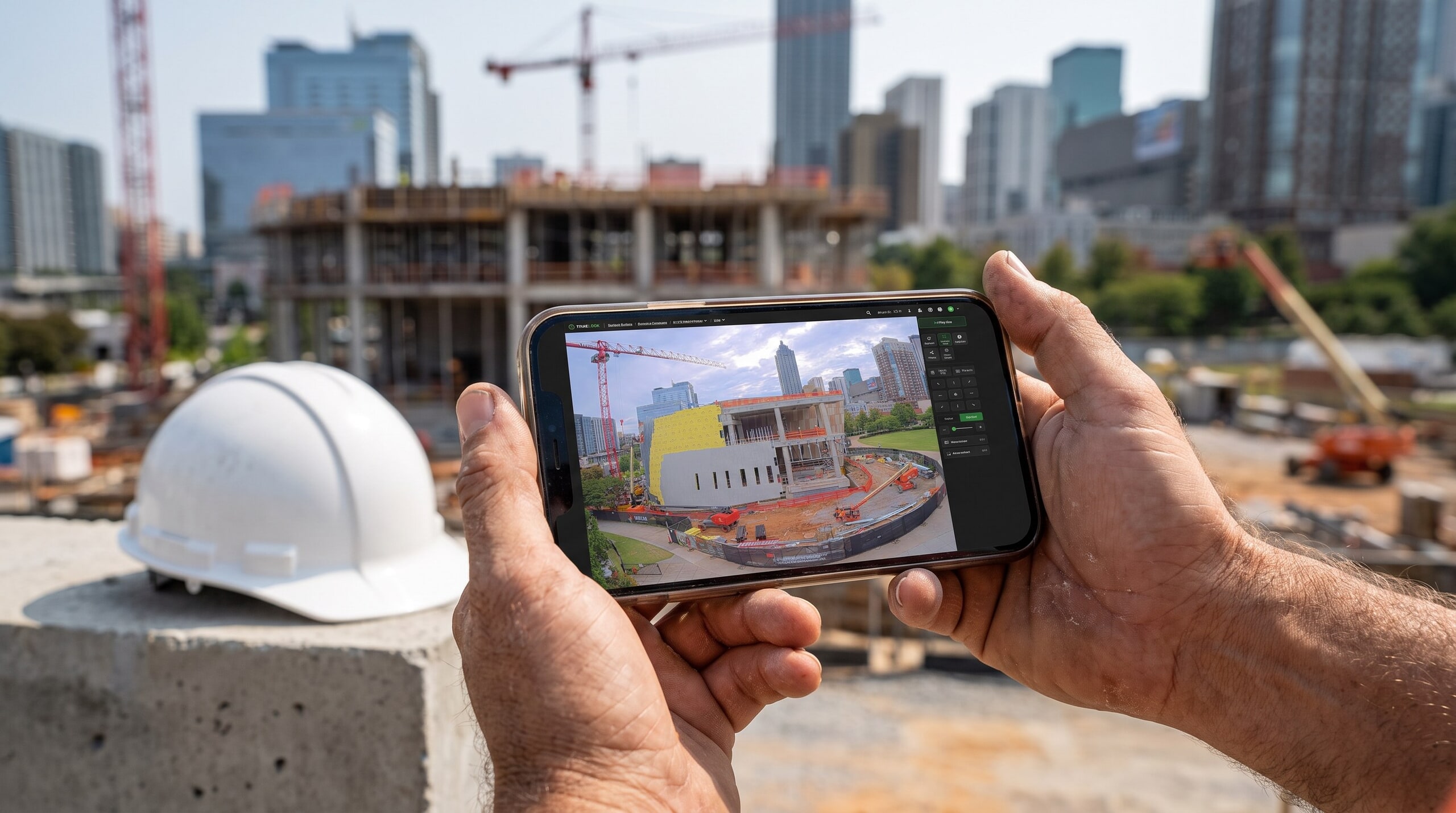
STEP 2
No software to install. Every plan includes unlimited users, so the field and the office get access on day one.
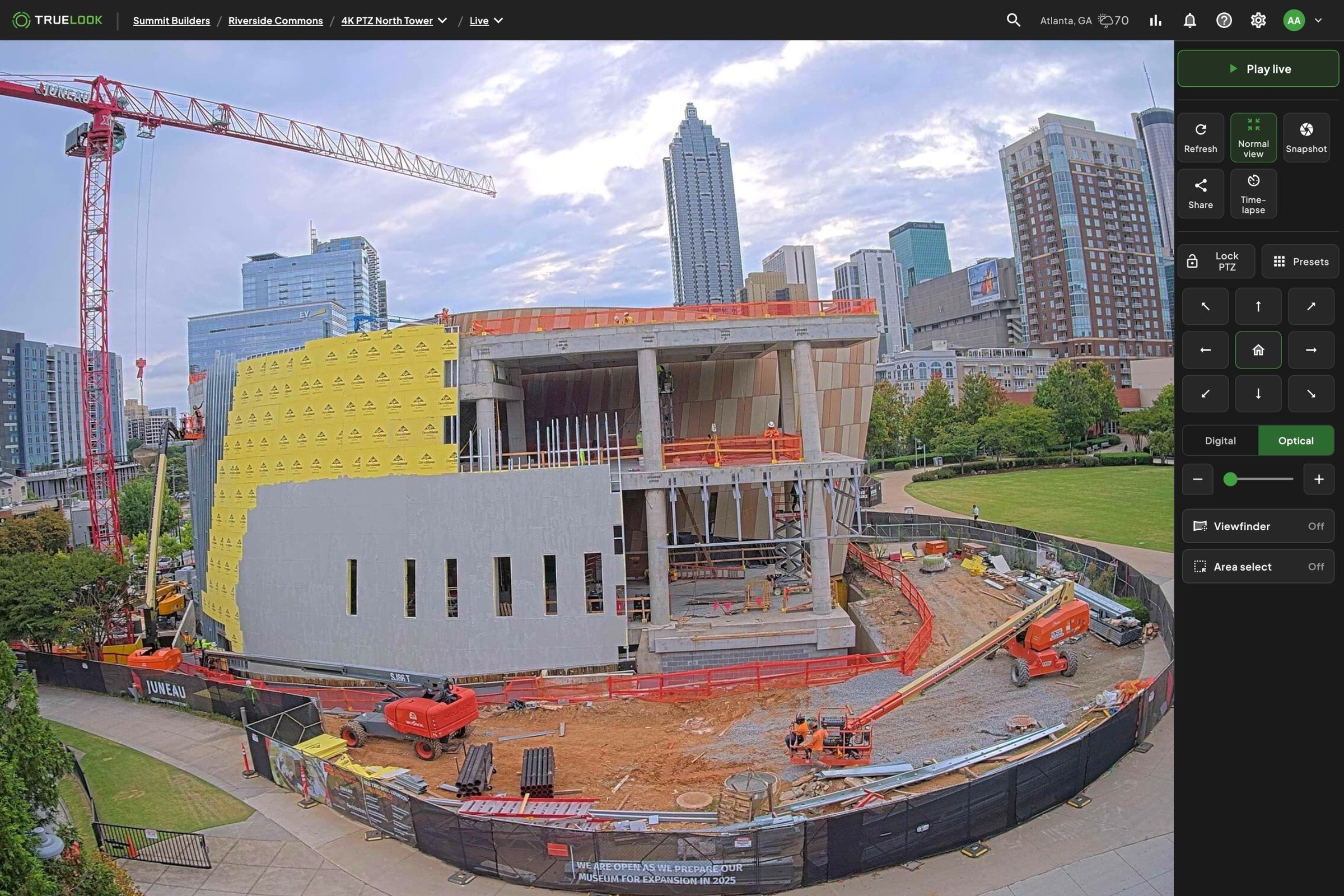
STEP 3
Live view and recordings start right away. Set up time-lapse once and share any view with an owner in one click.


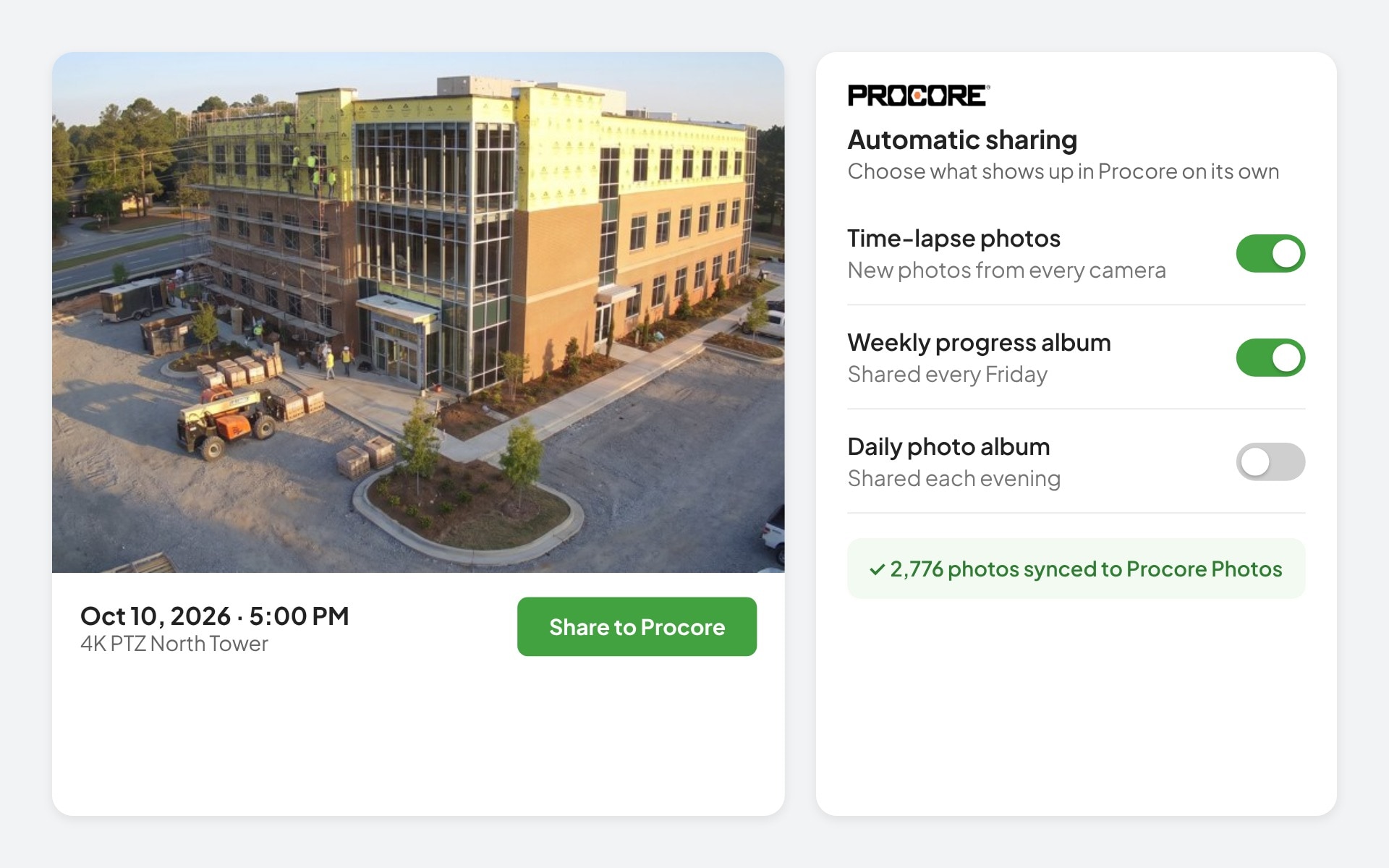
Yes. TrueLook connects directly with Procore, Autodesk Construction Cloud, Raken, DroneDeploy, and OnsiteIQ, so live feeds, photos, and time-lapses can appear inside the project management platforms your team already runs, instead of living in a separate app your team has to check on its own.
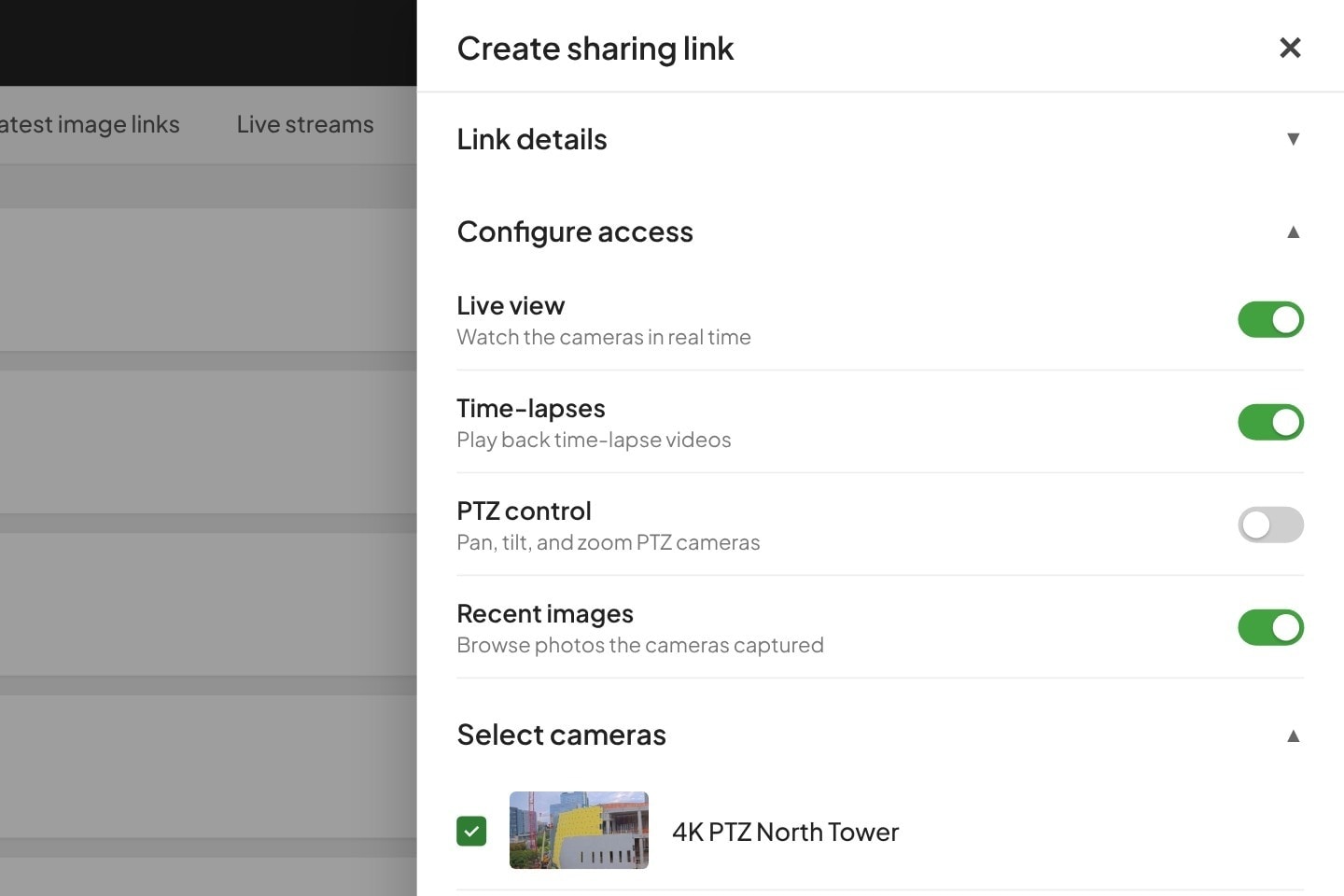
Yes. Admins can add users, edit accounts, reset passwords, and assign access levels directly from the platform’s settings, with no need to involve TrueLook support. Stakeholders who don’t need a full account, like clients or architects, can get view-only access through a sharing link instead.
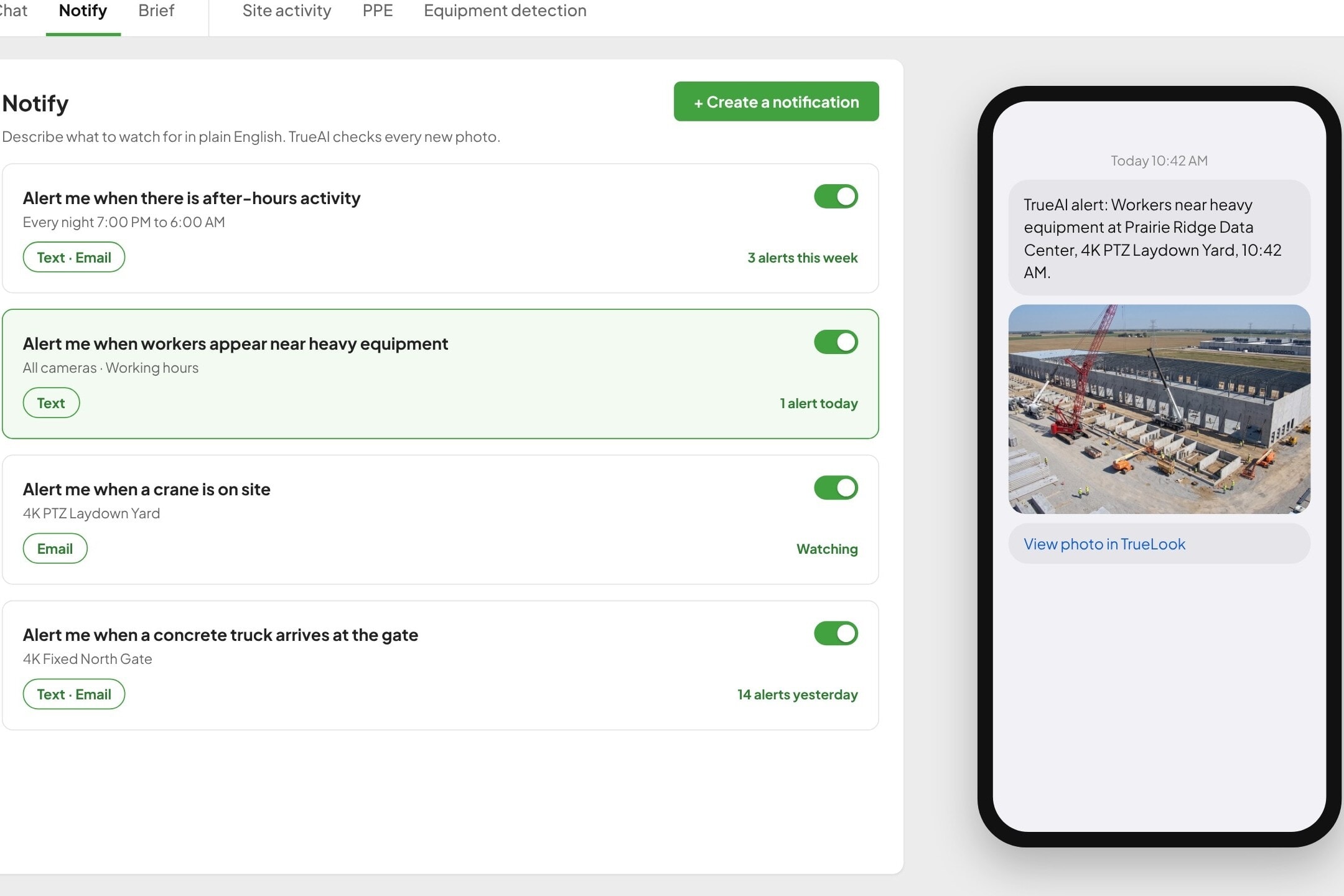
TrueAI detects people, vehicles, PPE, and equipment like cranes and lifts, so alerts focus on what matters. On the compliance side, TrueLook is SOC 2 Type 2 certified and compliant with GDPR and CCPA data privacy regulations.
No. TrueLook cameras run on built-in cellular. They can also connect over jobsite Wi-Fi, Ethernet, or satellite internet like Starlink.
Every plan includes unlimited users, so you can give the field, the office, and outside partners the access they need.
Answer a few questions about your jobsite. We’ll recommend cameras and a subscription plan, then a TrueLook rep will review it and follow up with your quote.