
NEEDS | DOCUMENT EVERY STAGE OF PROGRESS
Document every stage of progress
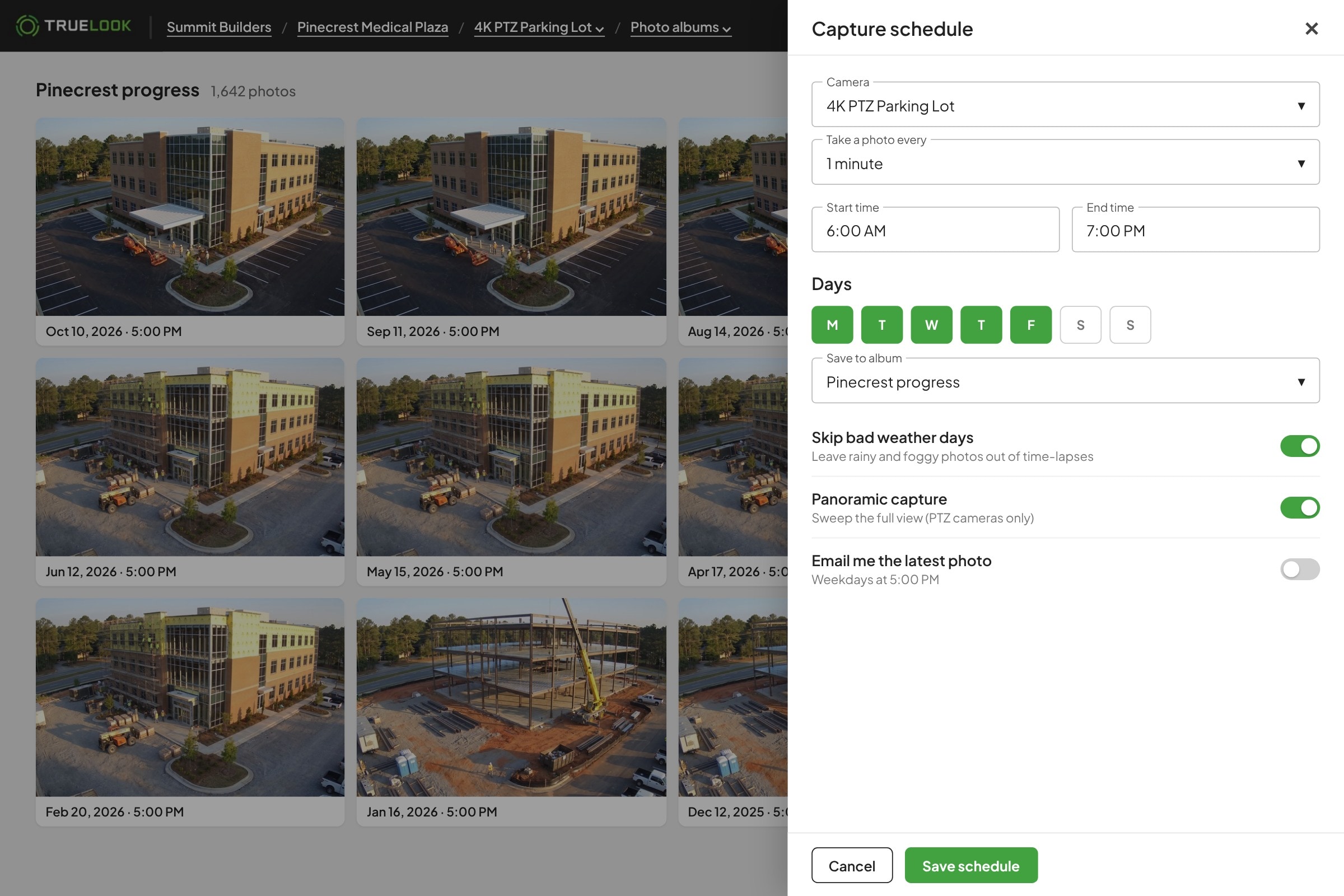
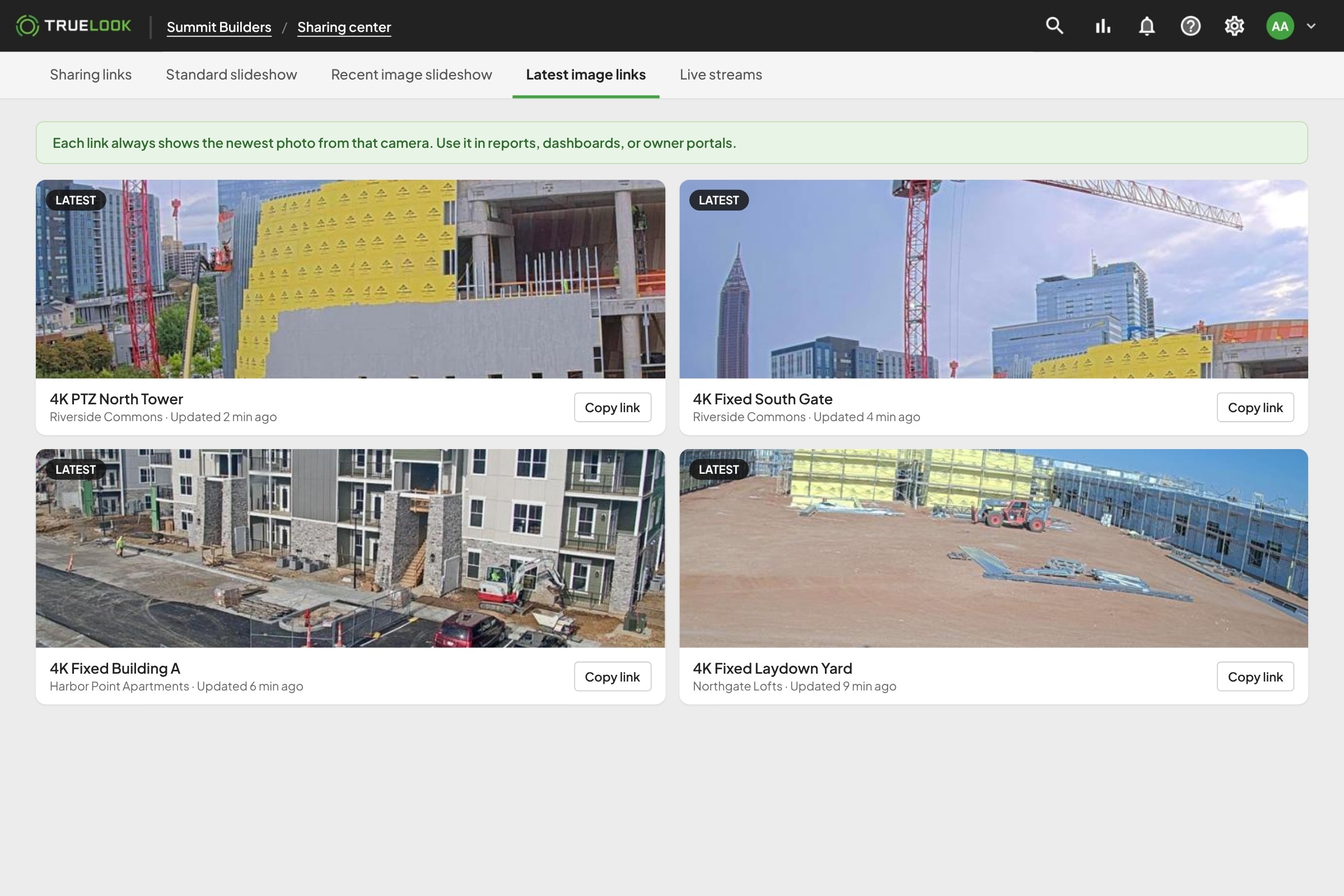
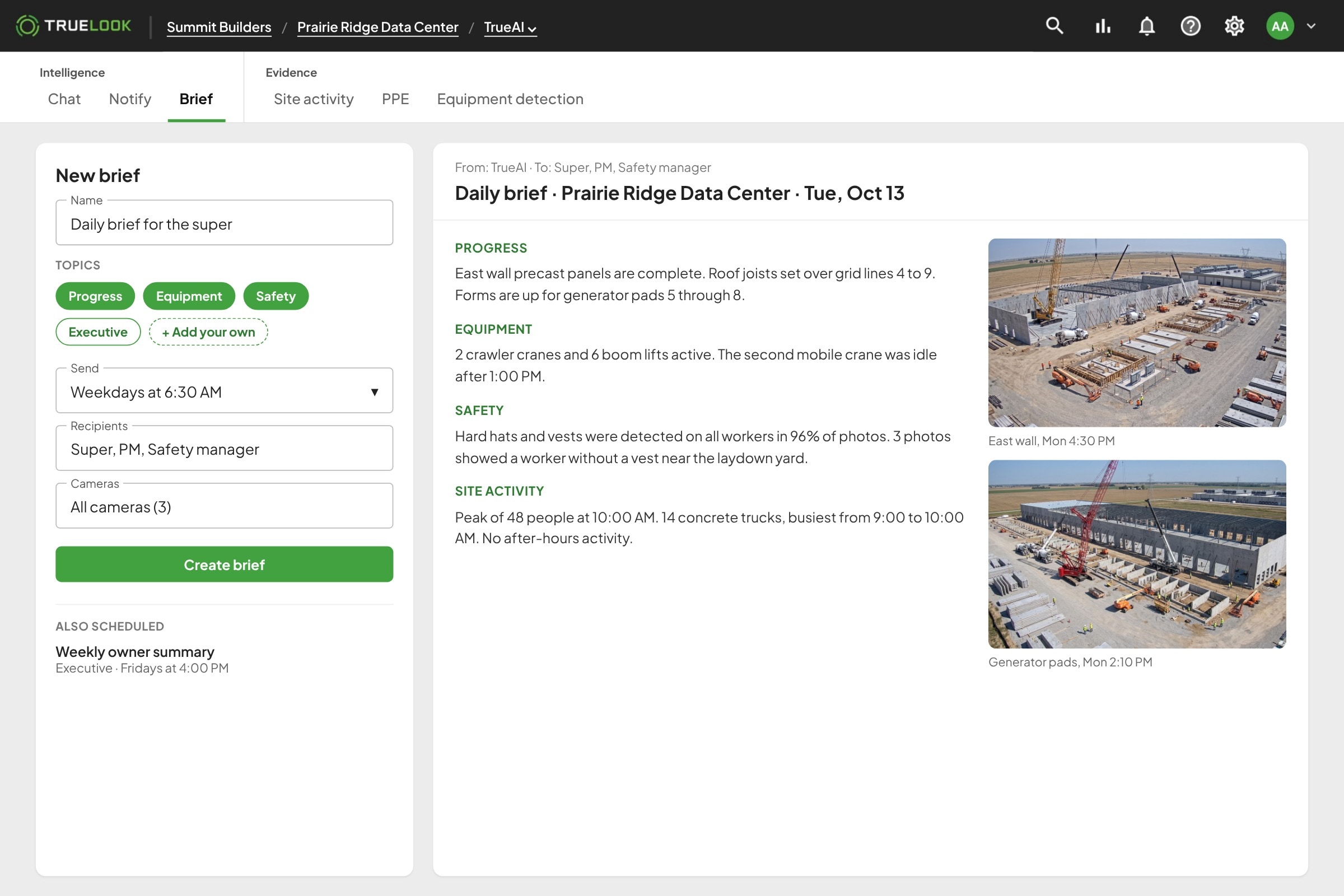
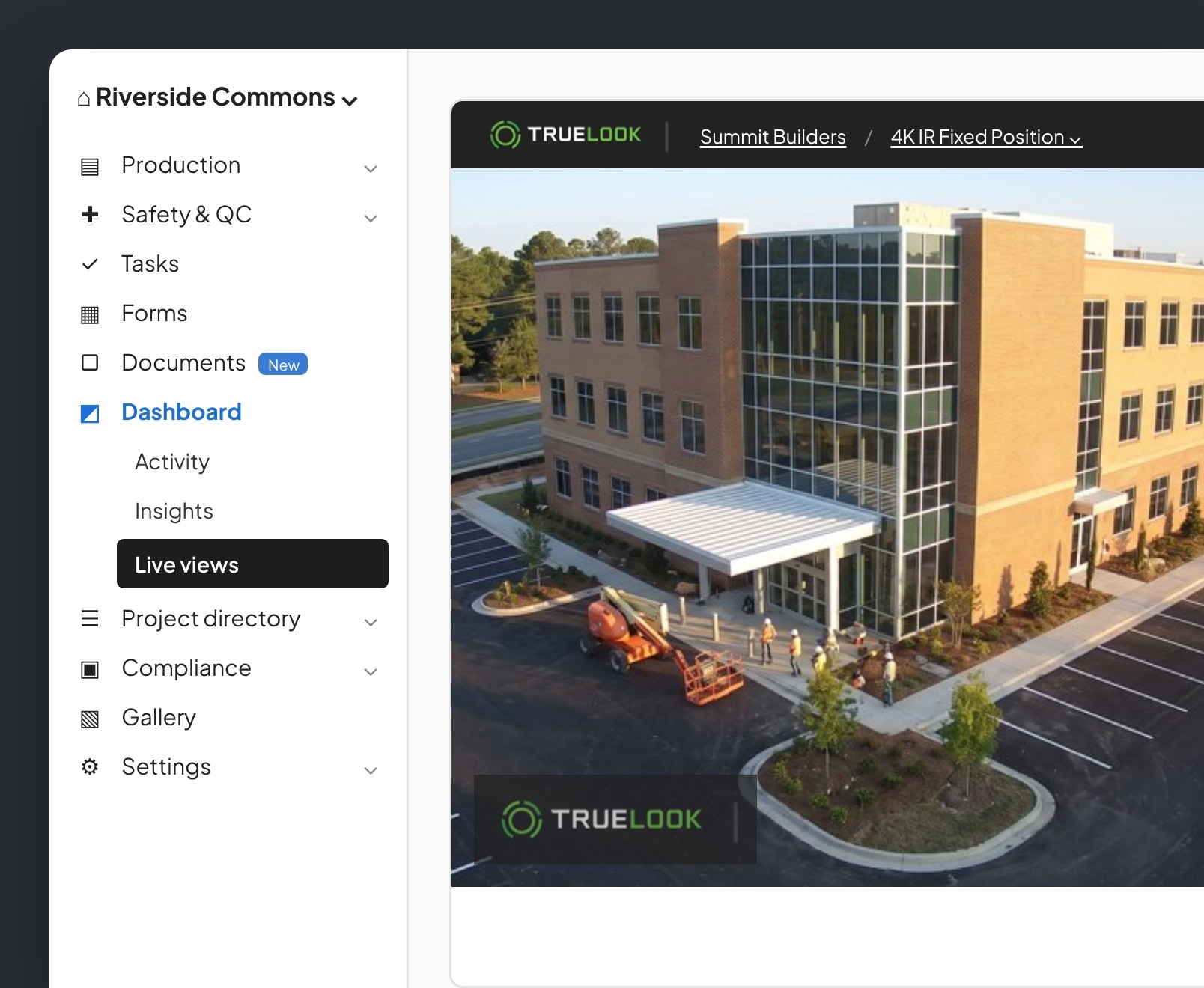
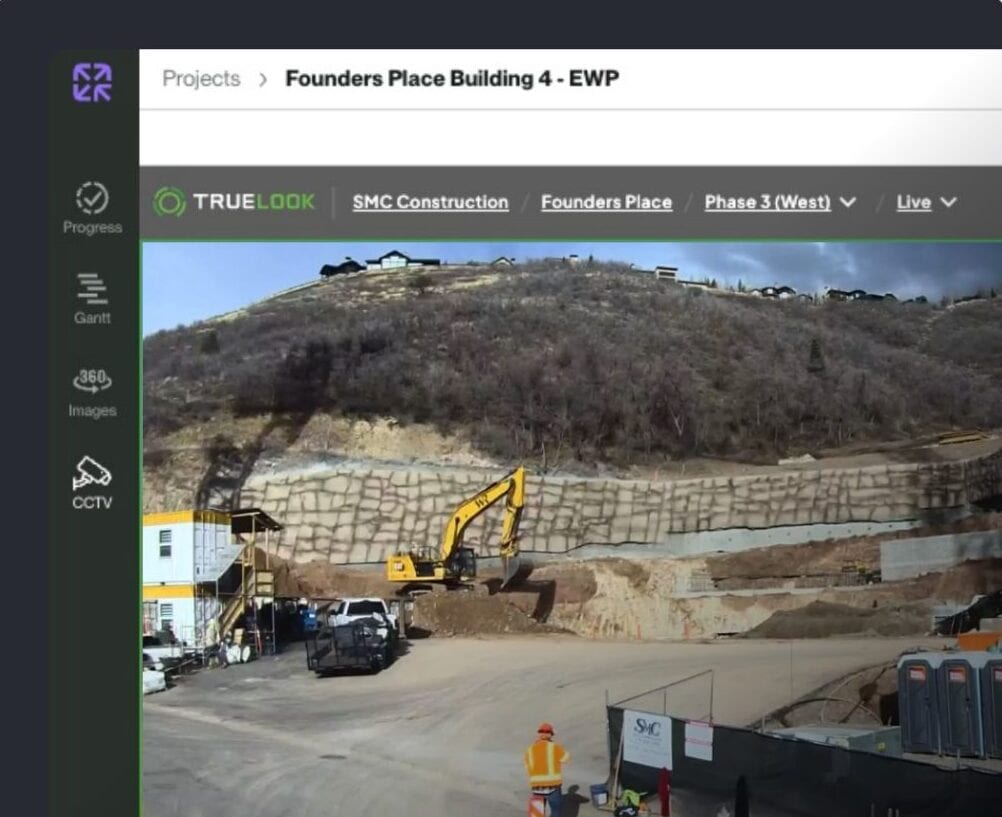
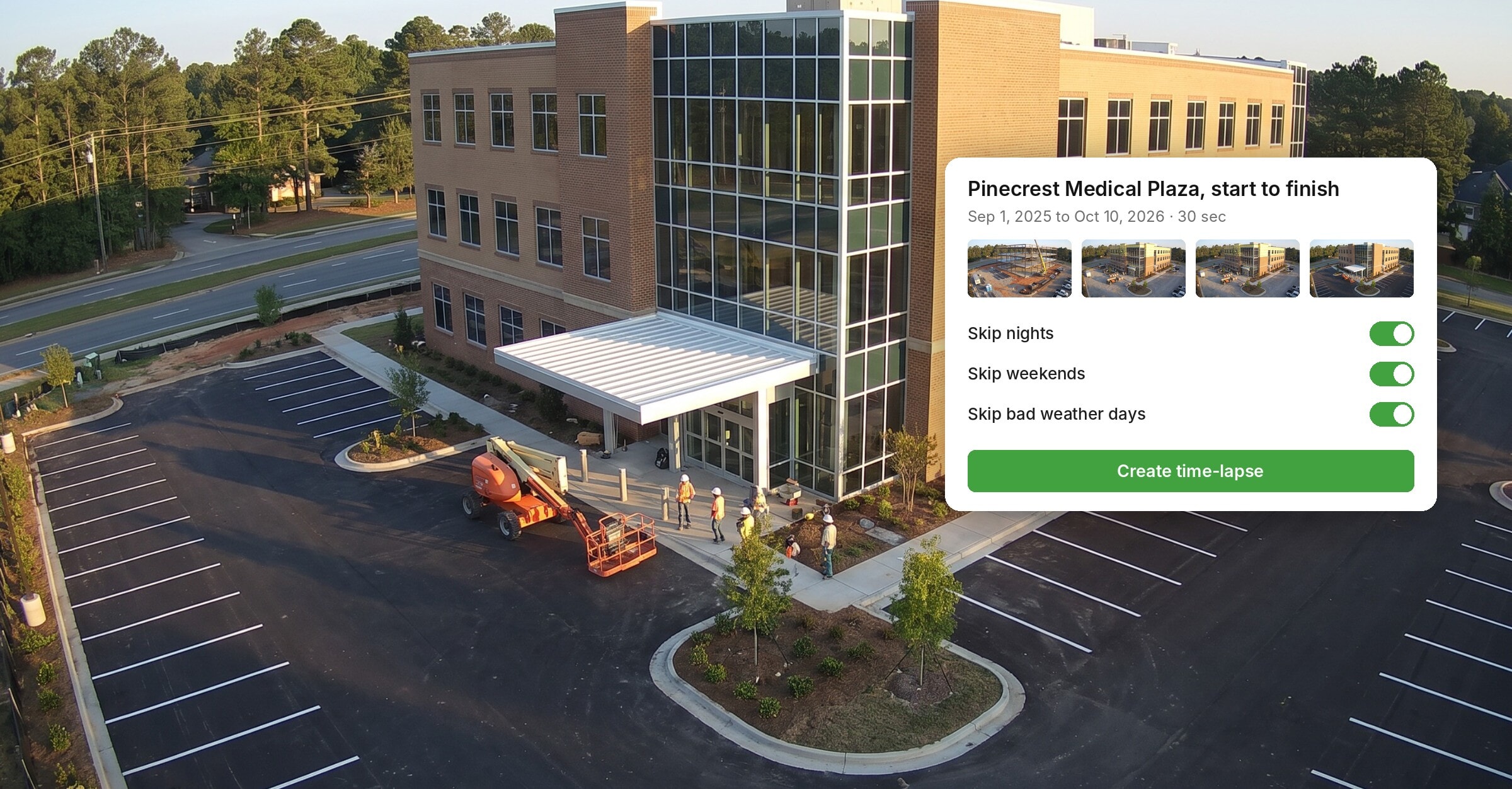
Capture every pour, lift, and milestone automatically. TrueLook photographs your jobsite on the schedule you set, so you build a complete visual record from day one through closeout.
- Photos on your schedule
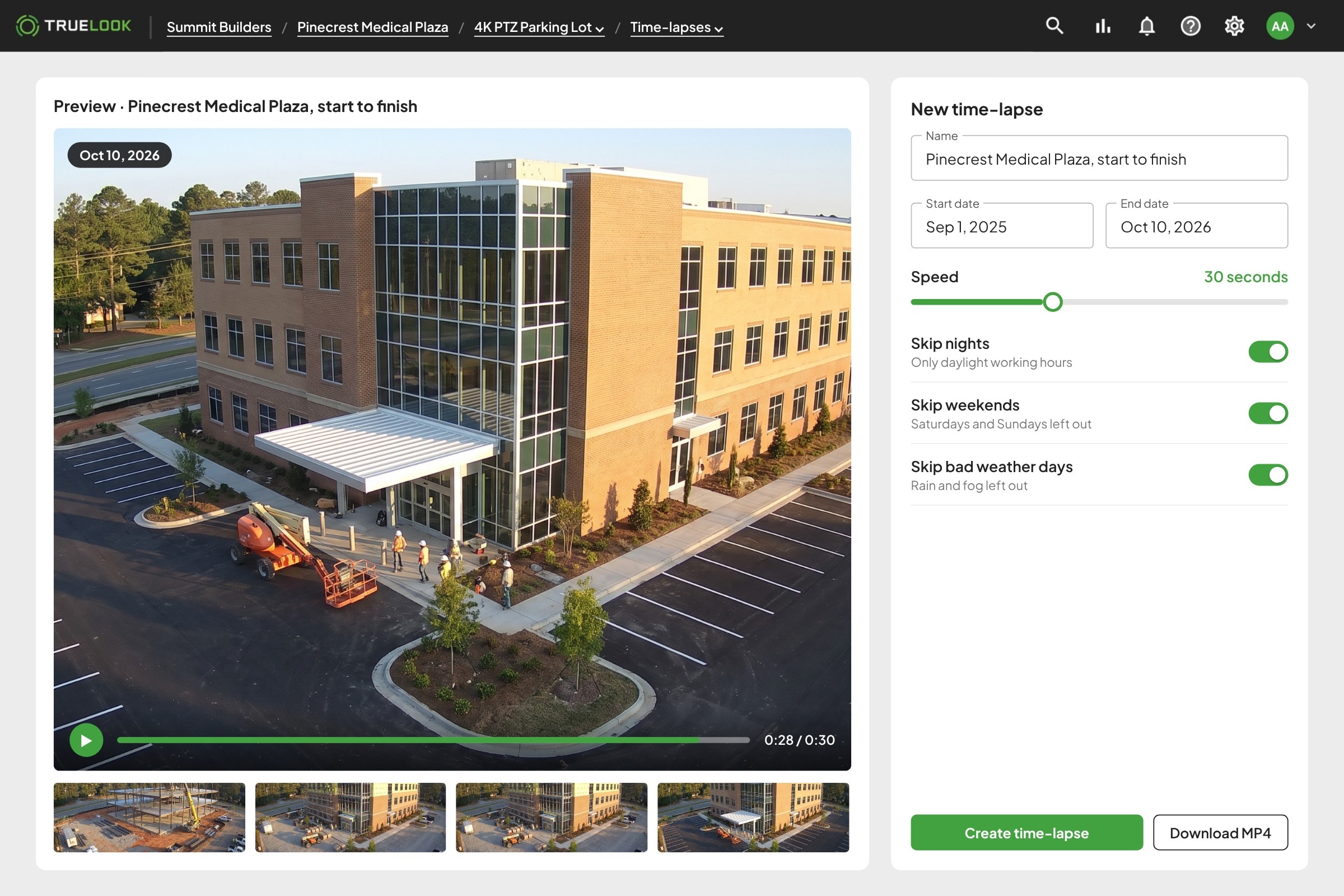
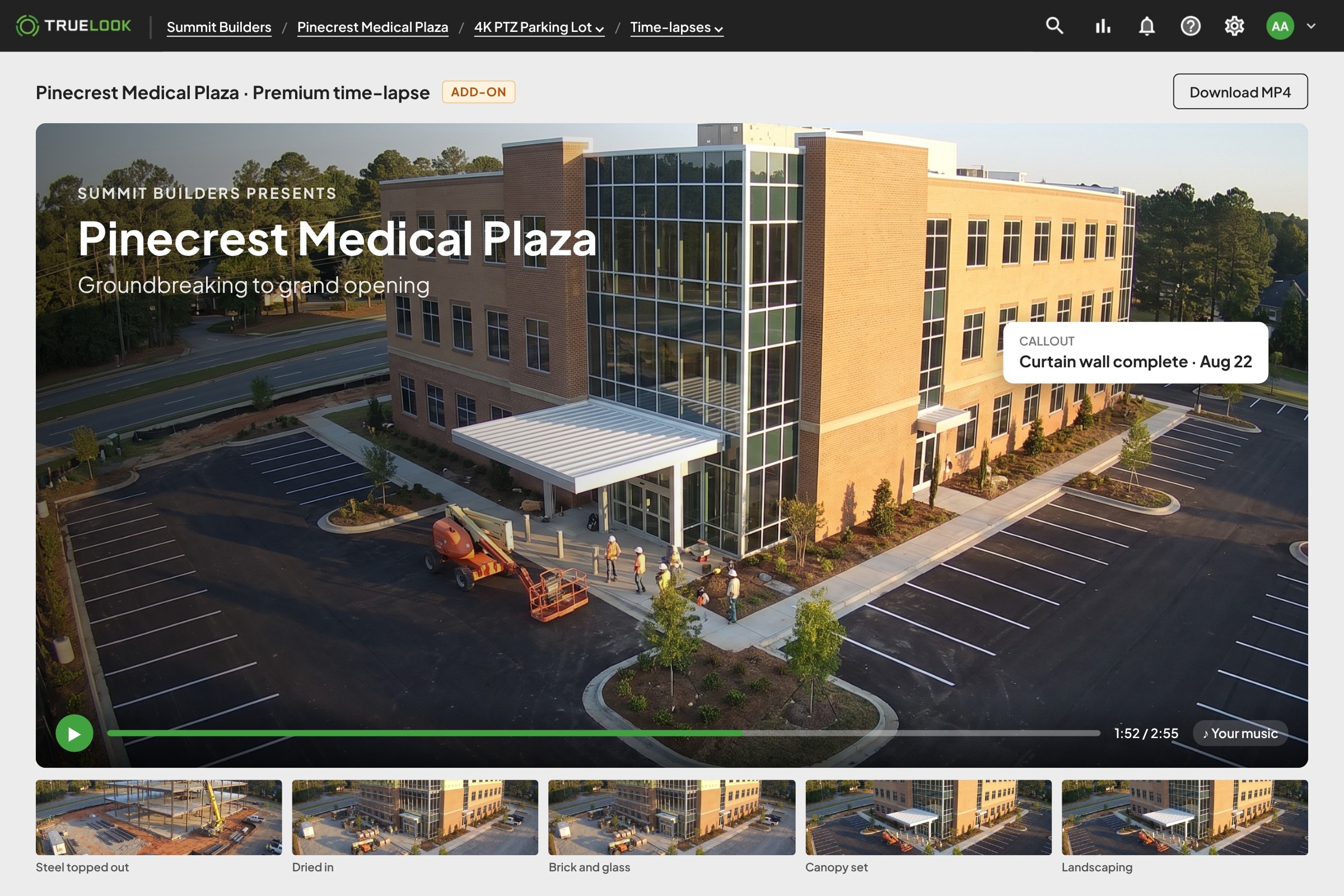
- Time-lapses you can share
- Up to 8K resolution
TRUSTED BY INDUSTRY LEADERS
WHAT YOU GET
A visual record of the whole build
Set it up once and TrueLook keeps documenting, so you always have the photo you need for an owner update, a dispute, or the closeout package.
Fast to Launch
Live in three simple steps
No IT tickets, no network setup, and no learning curve. If you can open an app on your phone, you can use TrueLook.
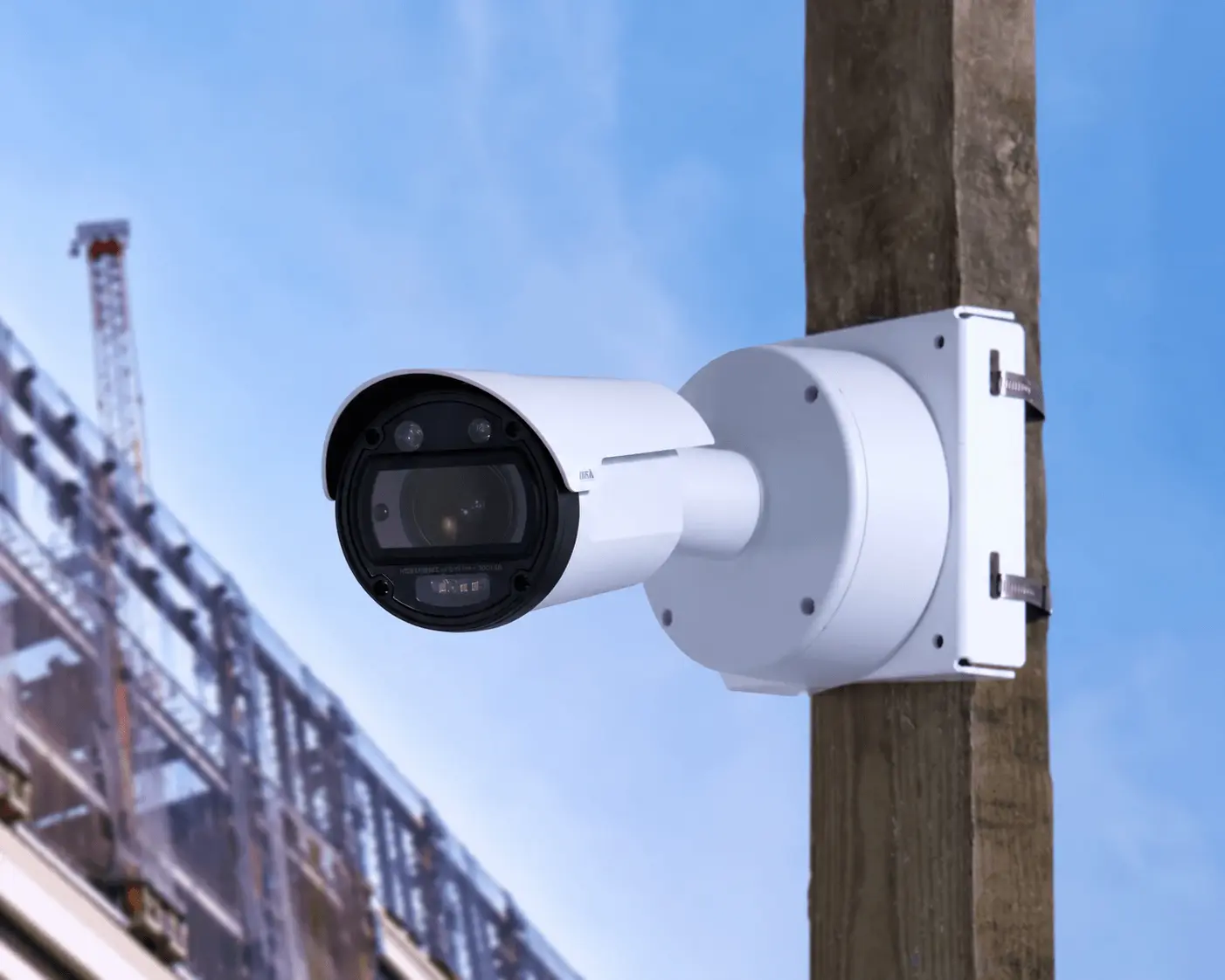
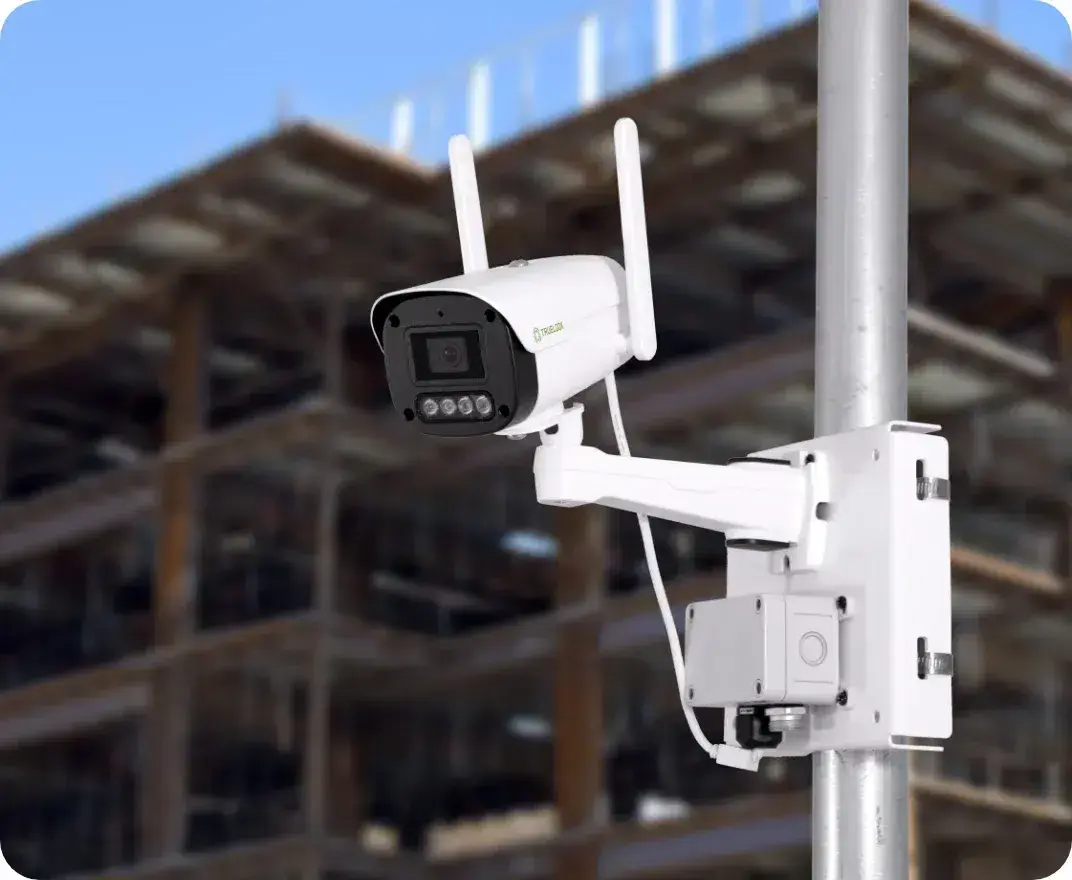
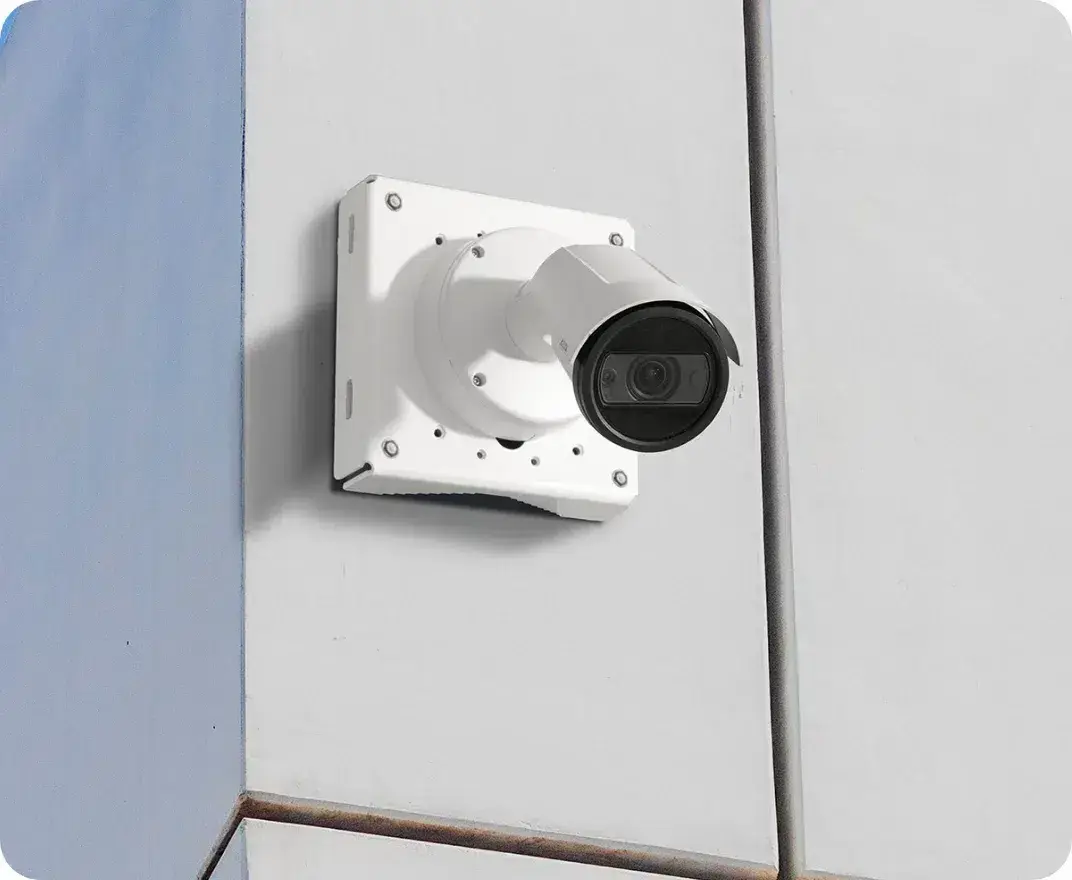
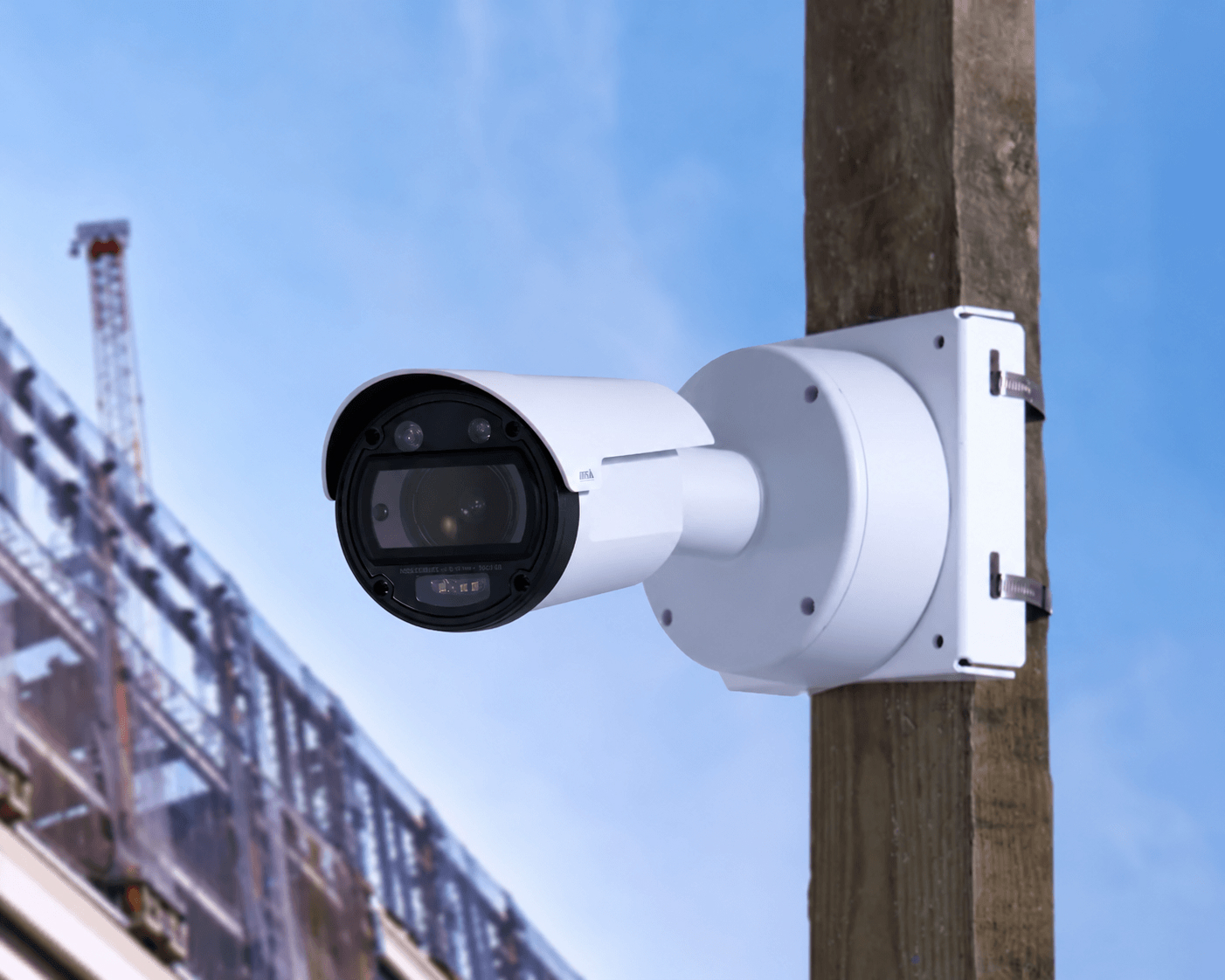
Every camera arrives pre-assembled with built-in cellular. Band it to a pole or bolt it to a wall with tools your crew already has, or have our team install it for you.
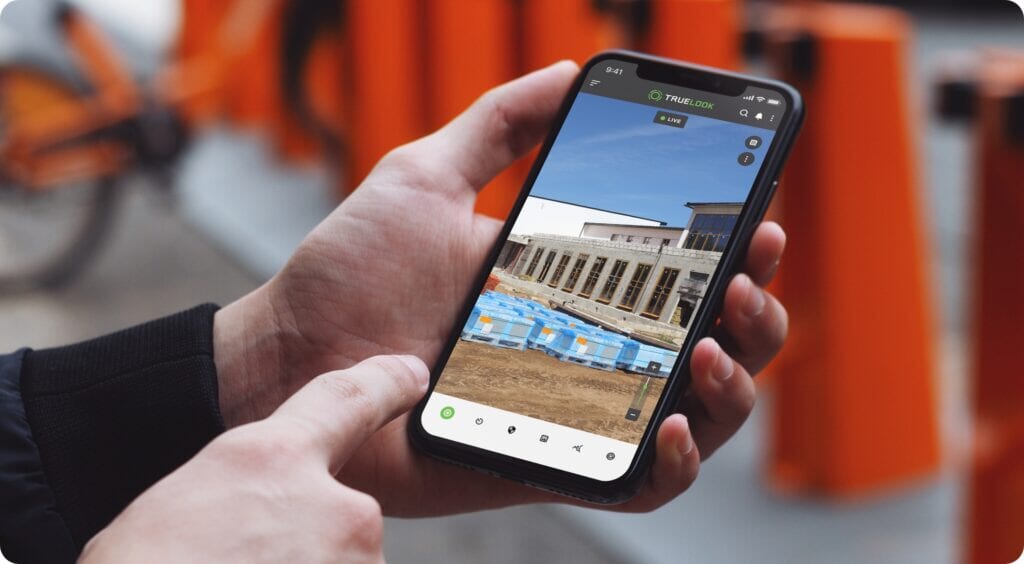
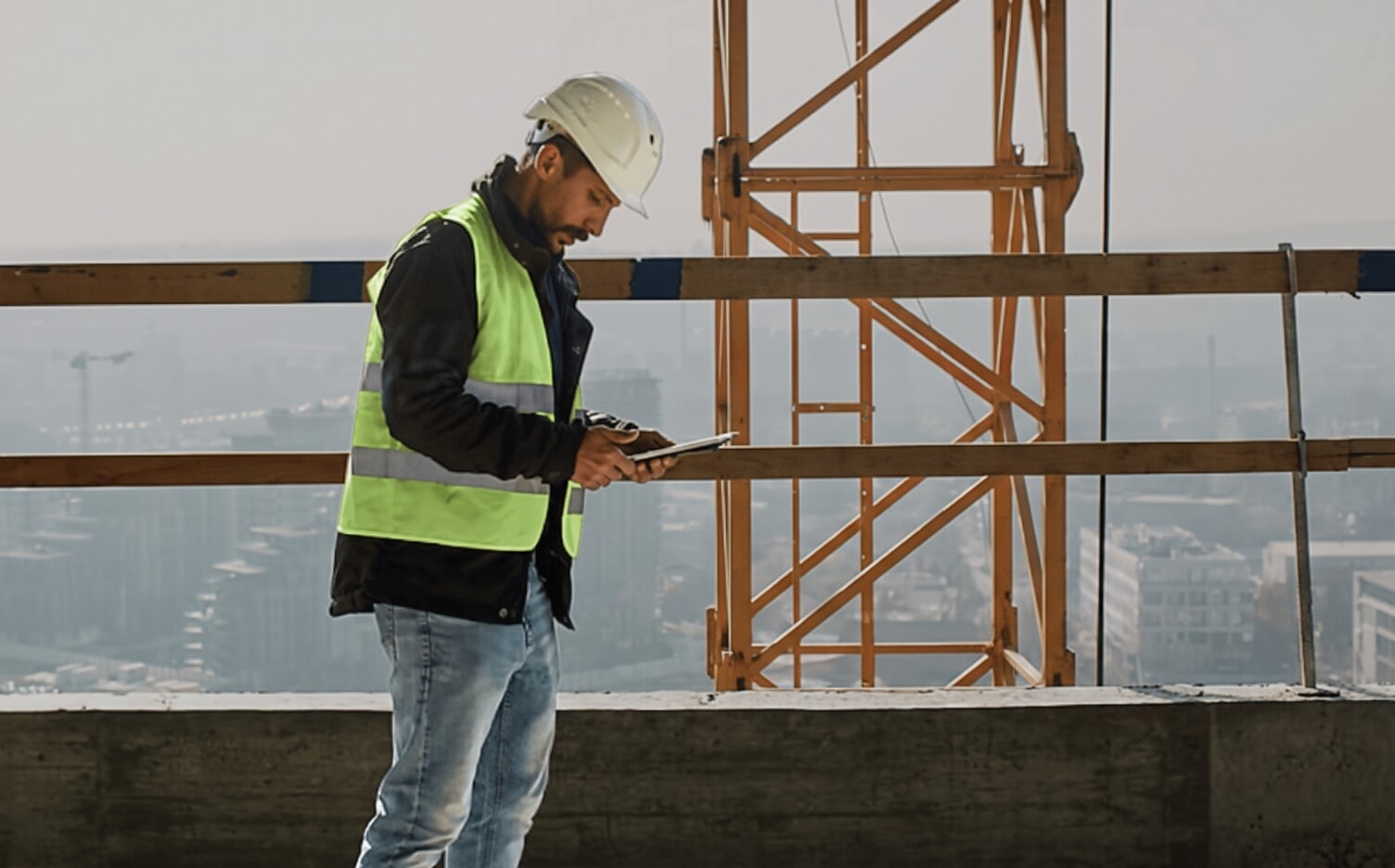
Sign in from any browser or the TrueLook mobile app on iOS or Android. There is no software to install and nothing to configure on site.
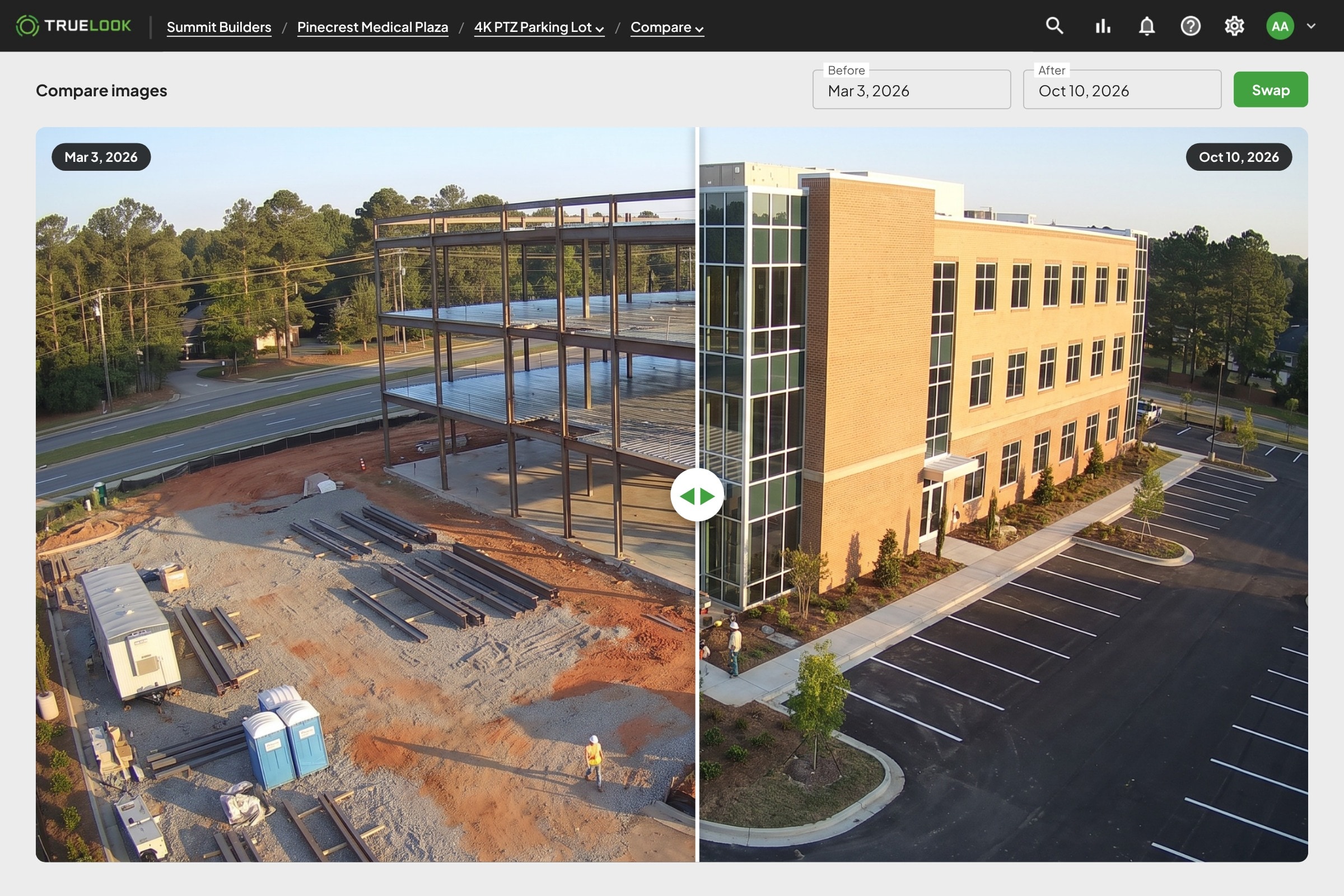
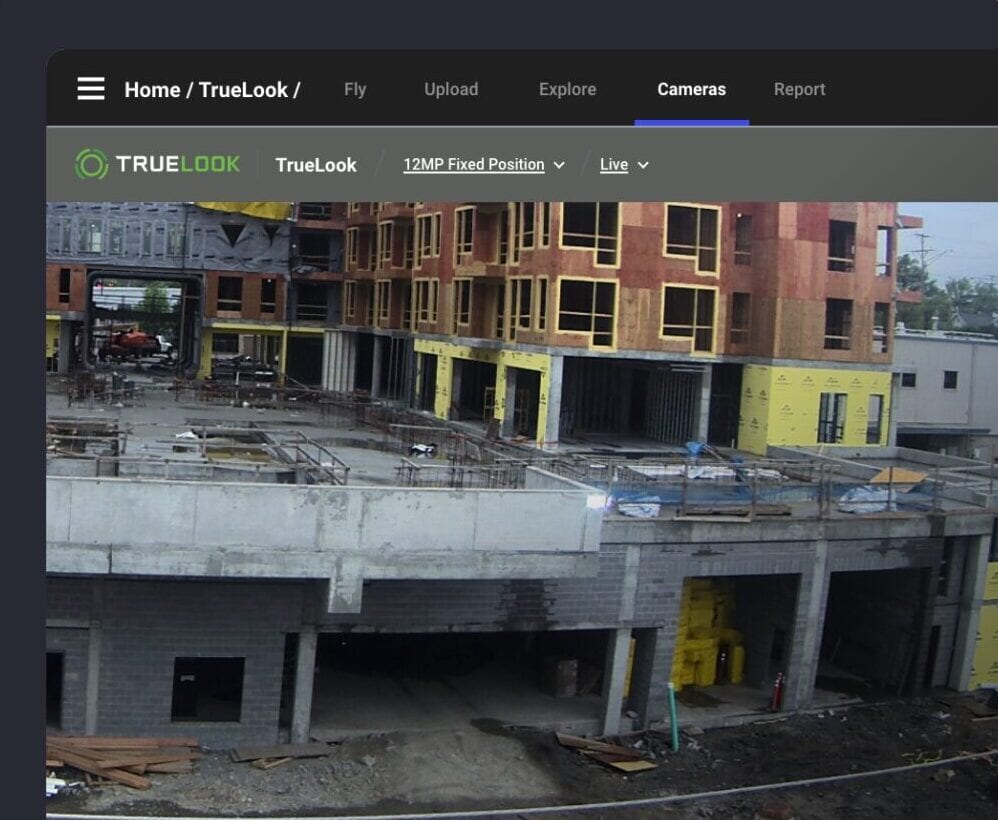
Set your time-lapse schedule when the camera goes live and photos keep coming automatically. Look back at any day, or compare two days whenever you need to.


BY ROLE
Built for everyone who needs eyes on the site
01

Construction PM
Monitor progress, reduce site visits, and keep projects on schedule with live jobsite visibility.
02

Owner/Developer
Stay connected to every project with real-time visibility and visual documentation from anywhere.
03

VDC/Tech Manager
Connect camera data with your construction technology stack to improve collaboration and project oversight.
04

Safety Manager
Protect jobsites with active deterrence, professional monitoring, and construction security cameras.
Integrations
Connects to the tools your team already uses
No new silo. TrueLook works inside the workflows construction teams depend on every day, from Procore to Autodesk to BIM platforms.
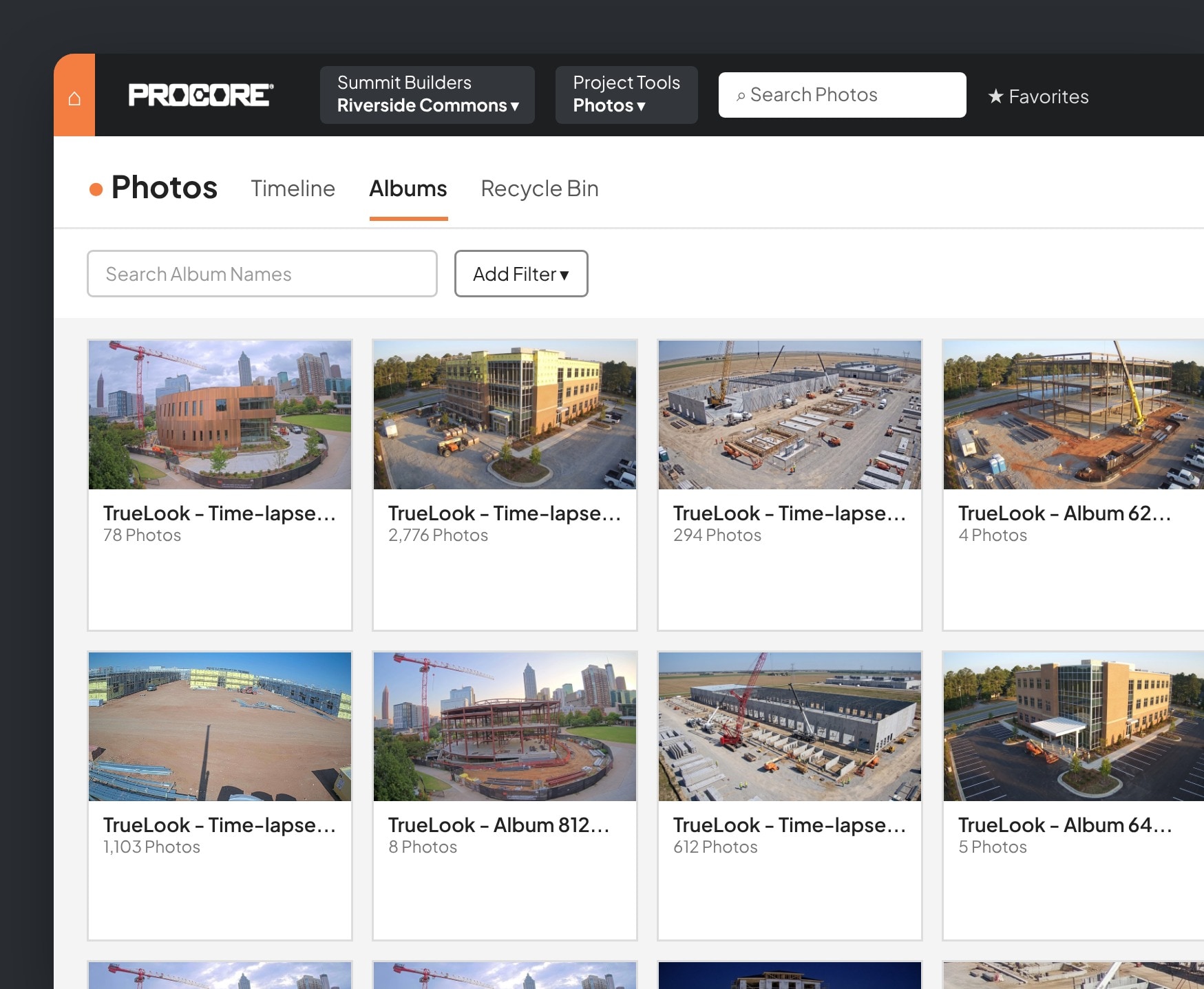
Add TrueLook to Procore as an embedded app and watch your cameras without leaving the project.
- Live view inside ProcoreOpen any camera from the Procore project, no second login needed.
- Automatic photo sharingChoose which time-lapse photos and albums show up in Procore Photos on their own.
- Share noteworthy photosSend the shots that matter from TrueLook straight to Procore.
- Create RFIs from TrueLookStart an RFI from a camera image and send it through to Procore.

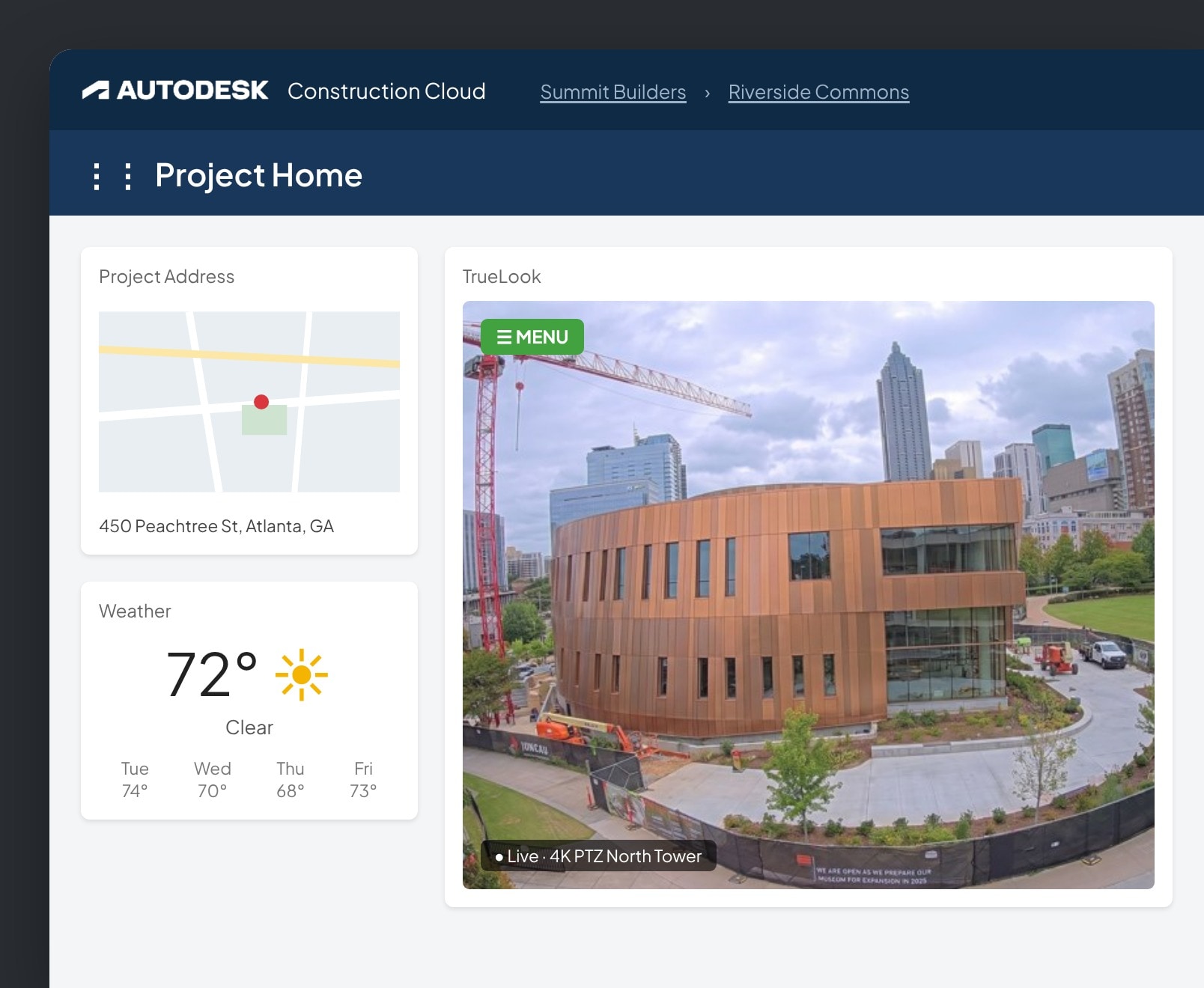
Add TrueLook as a card on your Autodesk Construction Cloud insights dashboard.
- Live camera on your dashboardView and control your TrueLook cameras from Autodesk.
- Time-lapse backupSave every time-lapse photo to a project folder in Autodesk.
- Save and send photosStore important shots in Autodesk and email them to Autodesk contacts.

DroneDeploy
Bring your TrueLook cameras into DroneDeploy so ground-level views sit next to your aerial maps.
- More angles, one placeSee fixed camera views alongside drone flights.
- Less jumping between toolsKeep jobsite documentation consolidated in DroneDeploy.

Add your TrueLook camera to Raken so live views sit next to your daily reports.
- Live views in RakenOpen your cameras from the Raken dashboard.
- Context for daily reportsCheck what happened on site while you document the day.

Connect TrueLook cameras to OnsiteIQ’s progress intelligence platform.
- Cameras in OnsiteIQView TrueLook camera imagery inside your OnsiteIQ projects.
- Imagery and insights togetherKeep site imagery and progress data in one workflow.

Testimonials
Trusted by construction teams across North America
Progress Documentation Resources
FAQ
Progress documentation FAQs
It’s software that pairs jobsite cameras with a cloud platform to automatically capture, store, and organize visual records of a project as it’s built. Instead of relying on manual site visits or photo logs, teams get a continuous, timestamped archive they can review from anywhere.
A standard security camera is built around live monitoring and motion alerts. Construction progress tracking software adds scheduled image capture, automated time-lapse generation, and long-term archiving designed specifically for documenting a build over its full timeline, while often still handling security in the same hardware.
Yes. Because every image is timestamped and stored, teams can pull up exactly what the site looked like on a specific date to support change order claims, delay documentation, or subcontractor disputes, without depending on memory or informal notes.
Essentials plans capture as often as every 15 minutes. Advanced and Premium plans capture as often as every minute.
Yes. You pick the date range and speed, and you can skip nights, weekends, and bad weather days so the video only shows active work.
Yes. Time-lapse videos download as MP4 files, so you can add them to presentations, emails, and social posts.
After your project ends, media is stored for 1 year on Essentials, 3 years on Advanced, and for the life of your account on Premium.
get a quote
See which cameras and subscription plan fit your project
Answer a few questions about your jobsite. We’ll recommend cameras and a subscription plan, then a TrueLook rep will review it and follow up with your quote.
Answer a few short questions and we will send you a quote with product and pricing details, tailored specifically to your needs.