
NEEDS | PROTECT YOUR SITE FROM THEFT
Protect your site from theft
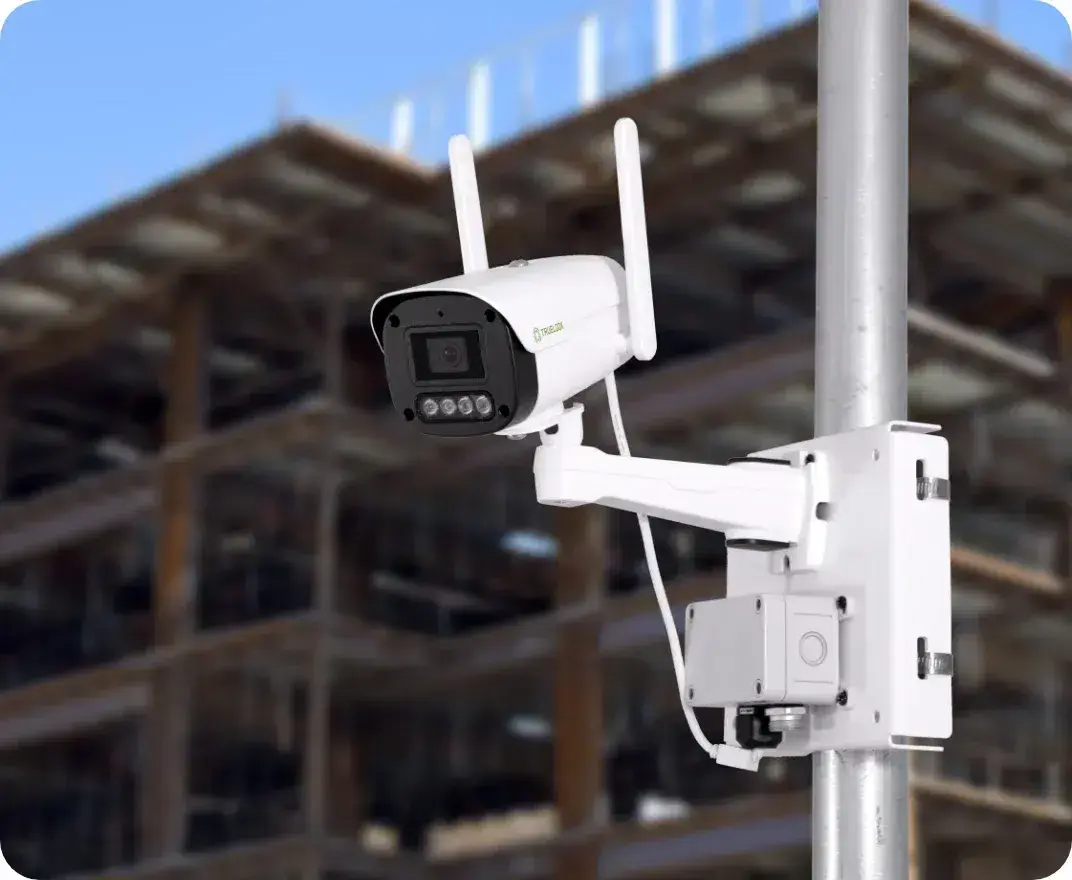
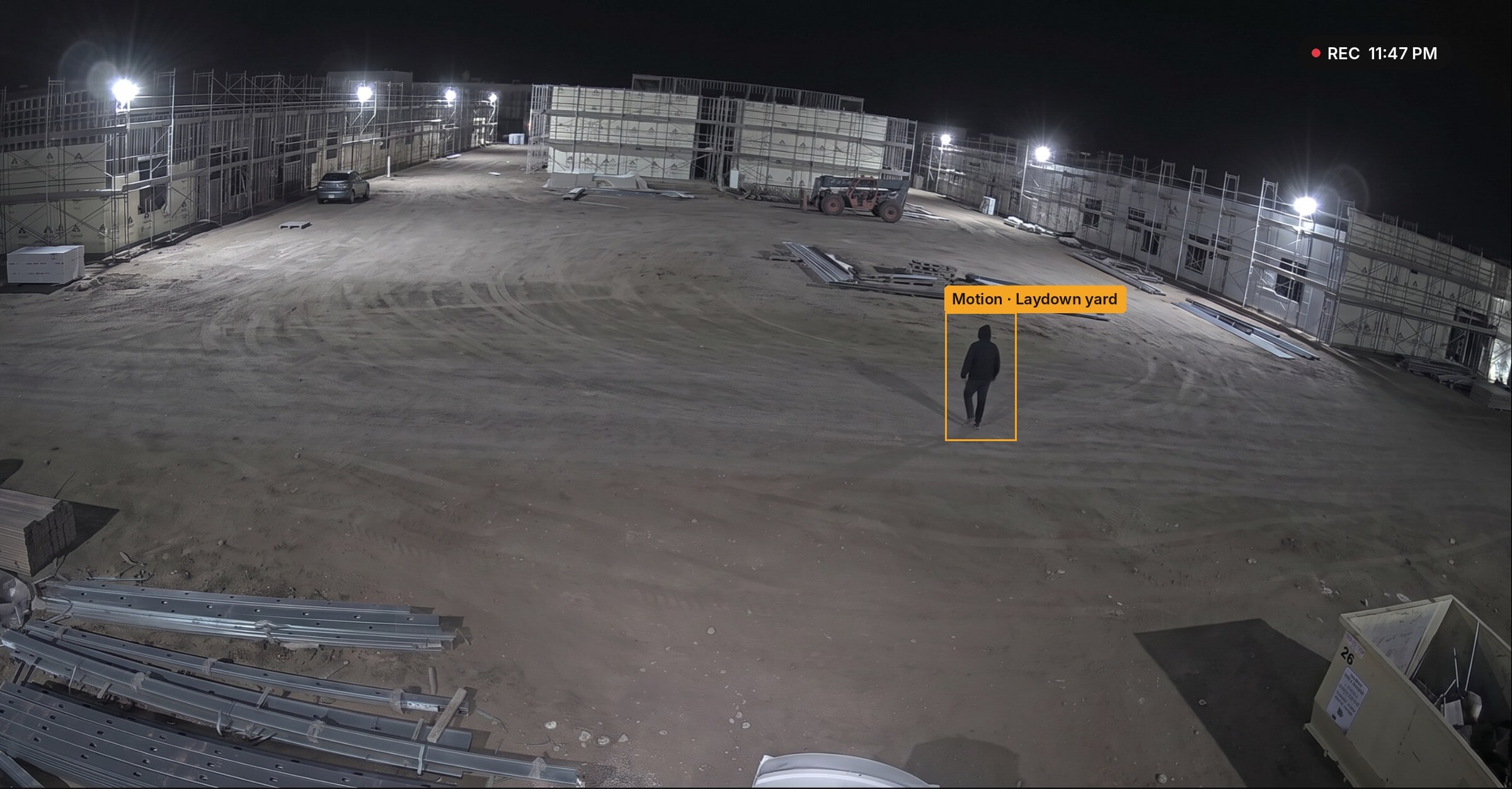
Stop losses before materials walk off. TrueLook pairs 24/7 recording and motion alerts with strobes, sirens, and talk-down warnings, with professional monitoring available as an add-on.
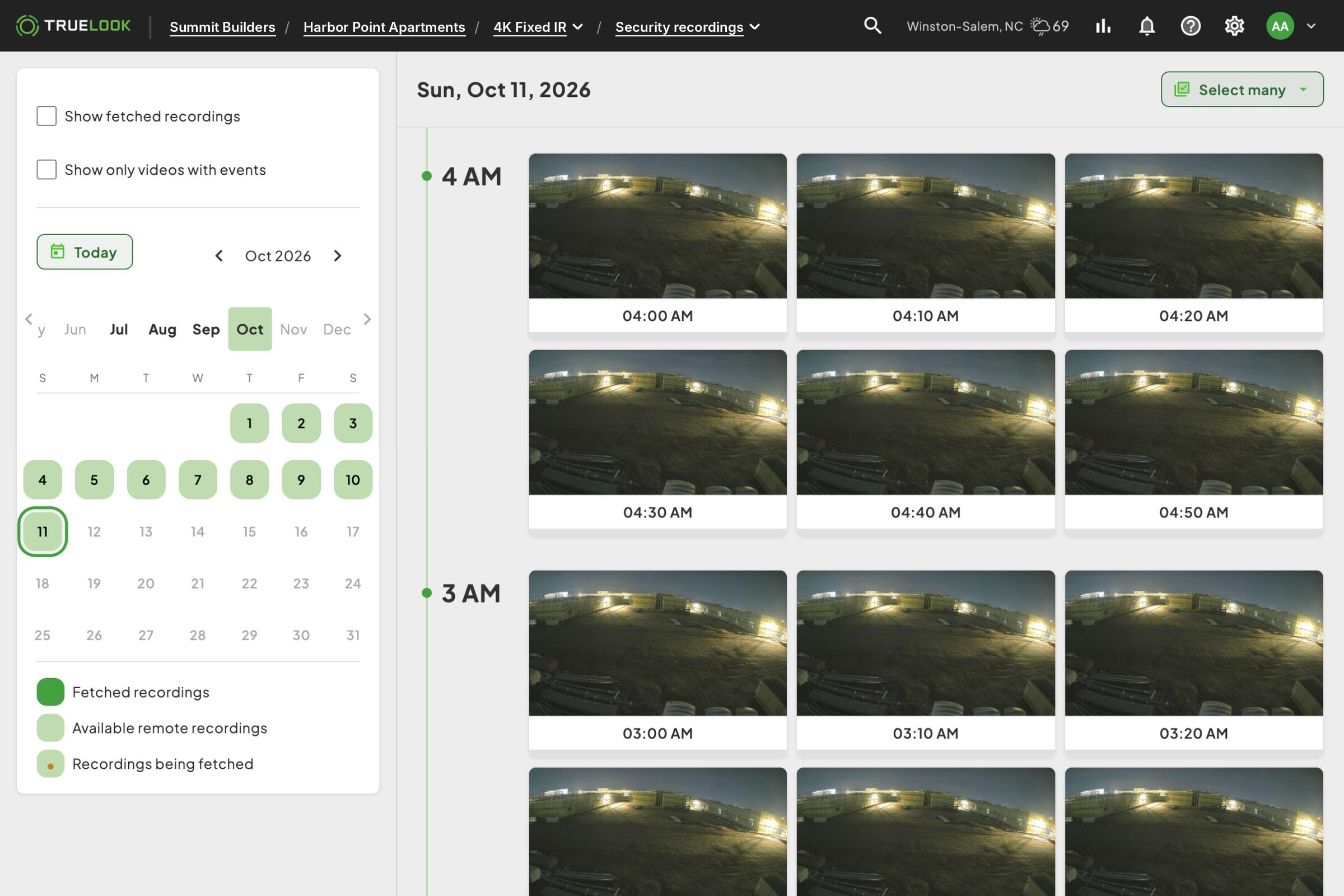
- 24/7 recording
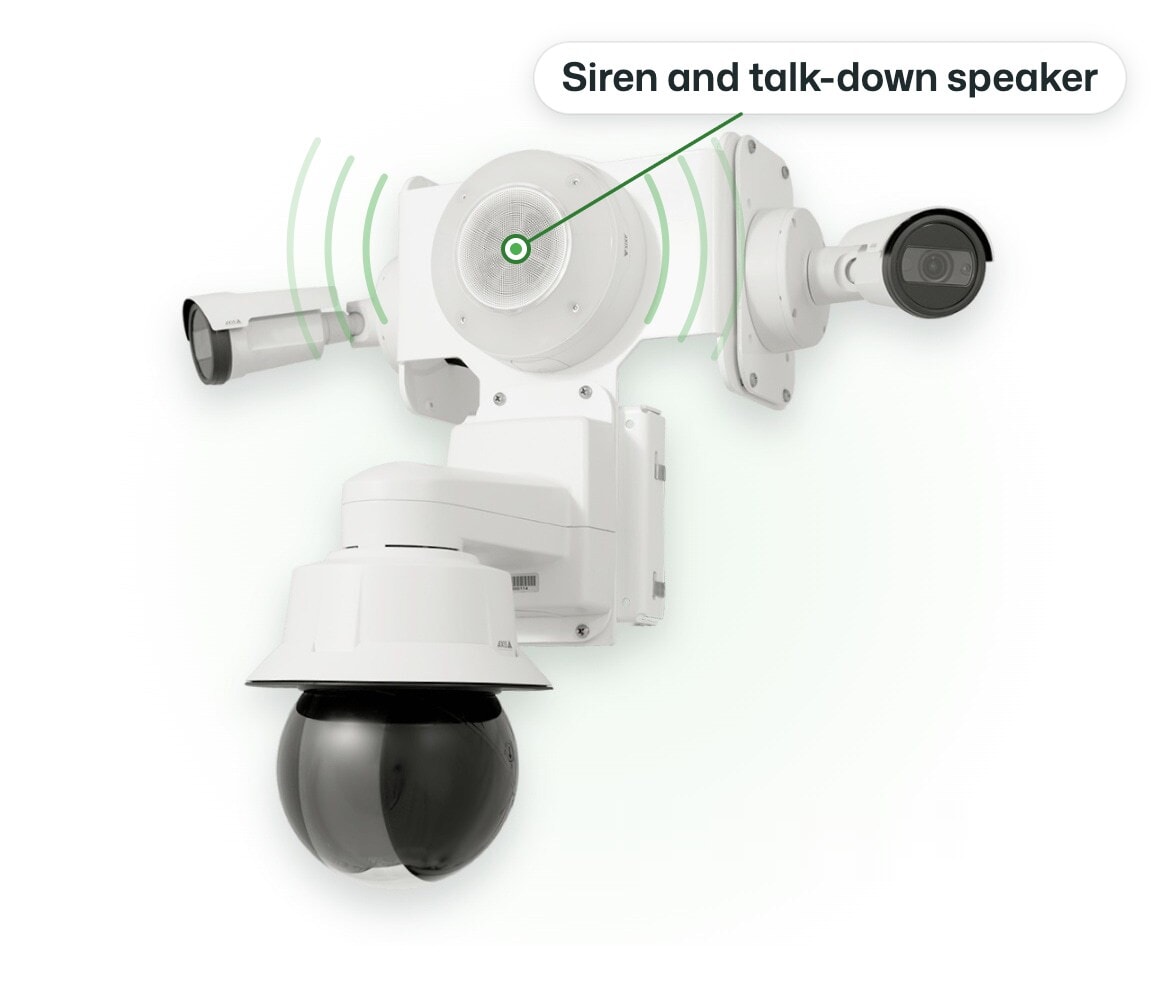
- Strobes, sirens, and talk-down
- Meets builder’s risk requirements
TRUSTED BY INDUSTRY LEADERS
WHAT YOU GET
Deter, detect, and document
Every layer works together: cameras that record around the clock, alerts when something moves, deterrents that make intruders leave, and footage ready for police and insurance.
Fast to Launch
Live in three simple steps
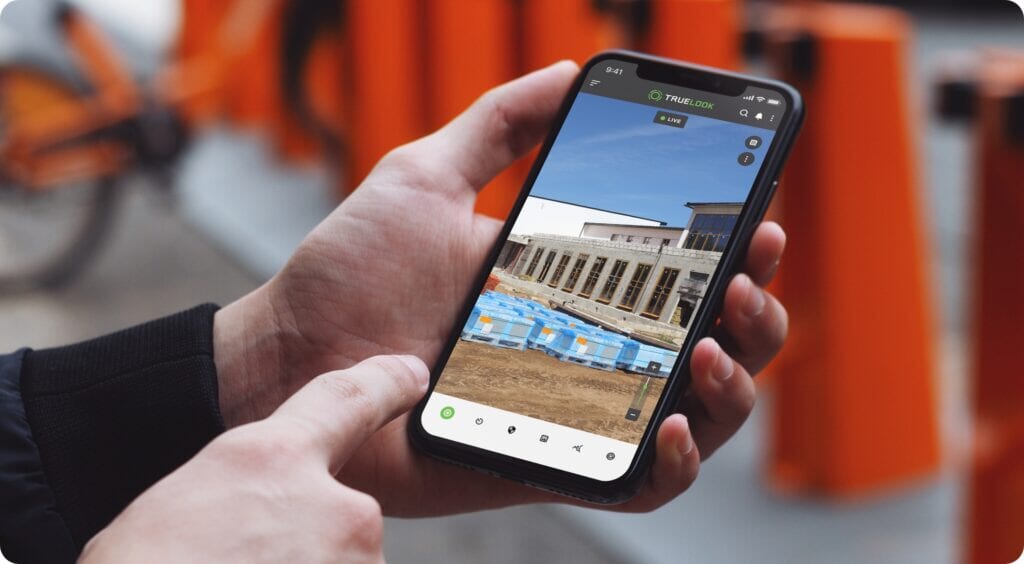
No IT tickets, no network setup, and no learning curve. If you can open an app on your phone, you can use TrueLook.
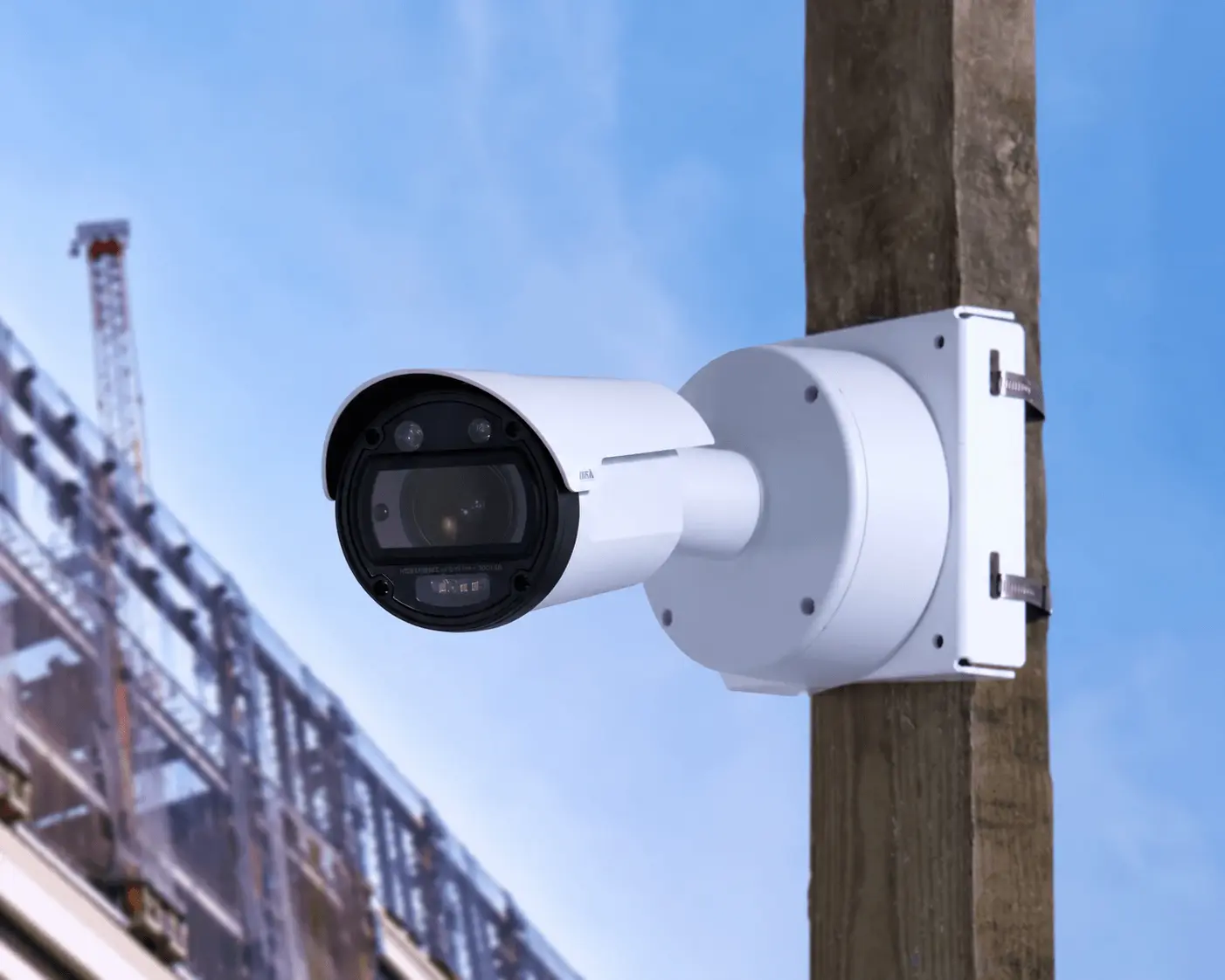
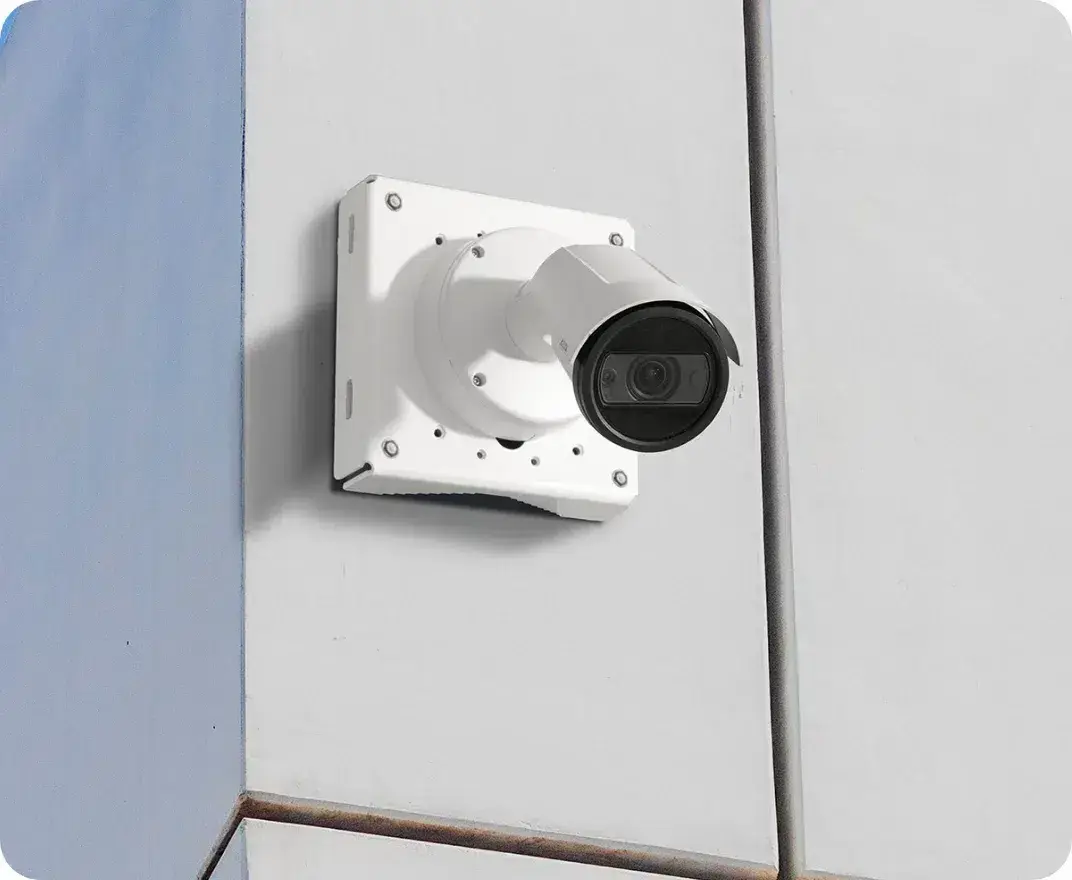
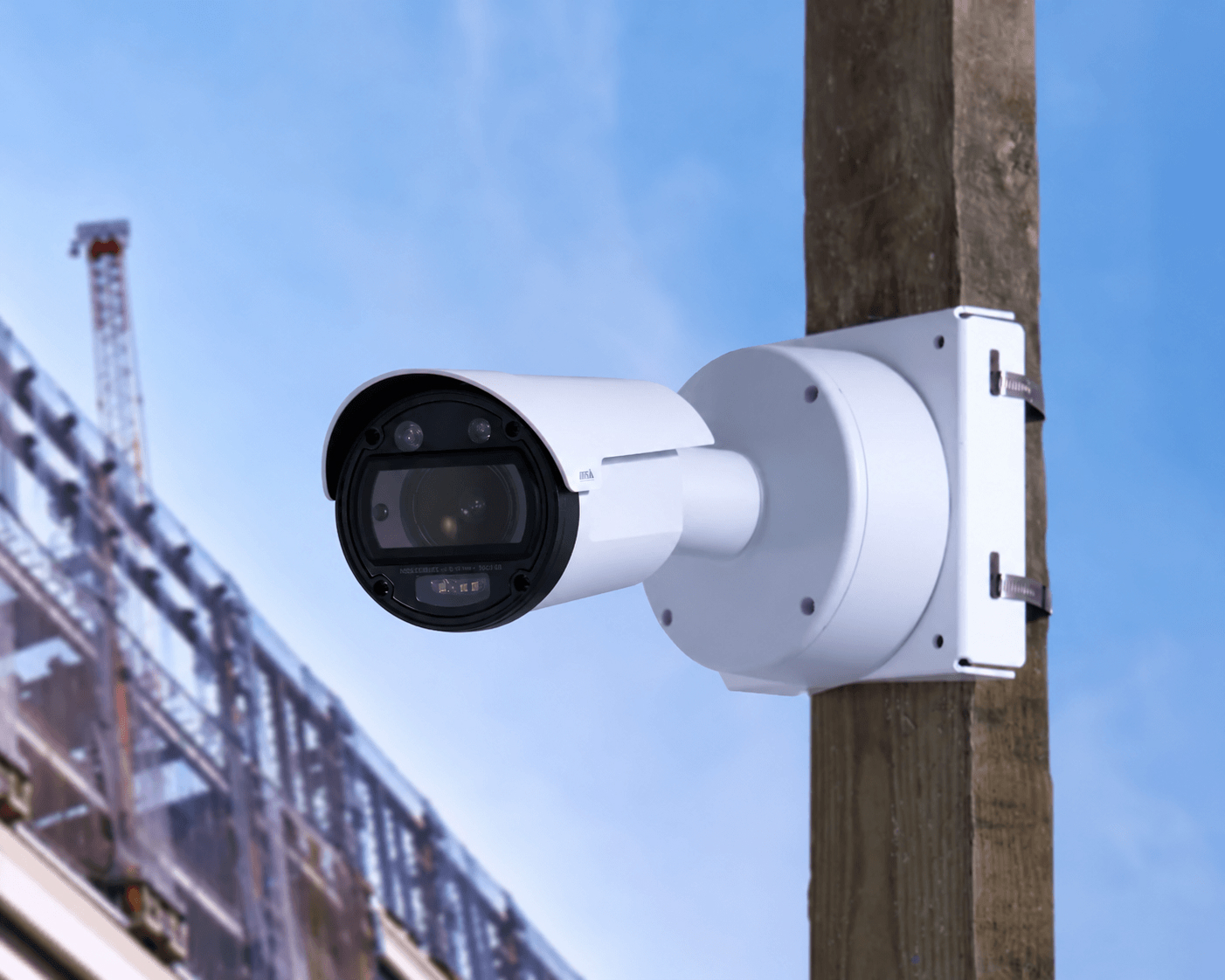
Every camera arrives pre-assembled with built-in cellular. Band it to a pole or bolt it to a wall with tools your crew already has, or have our team install it for you.
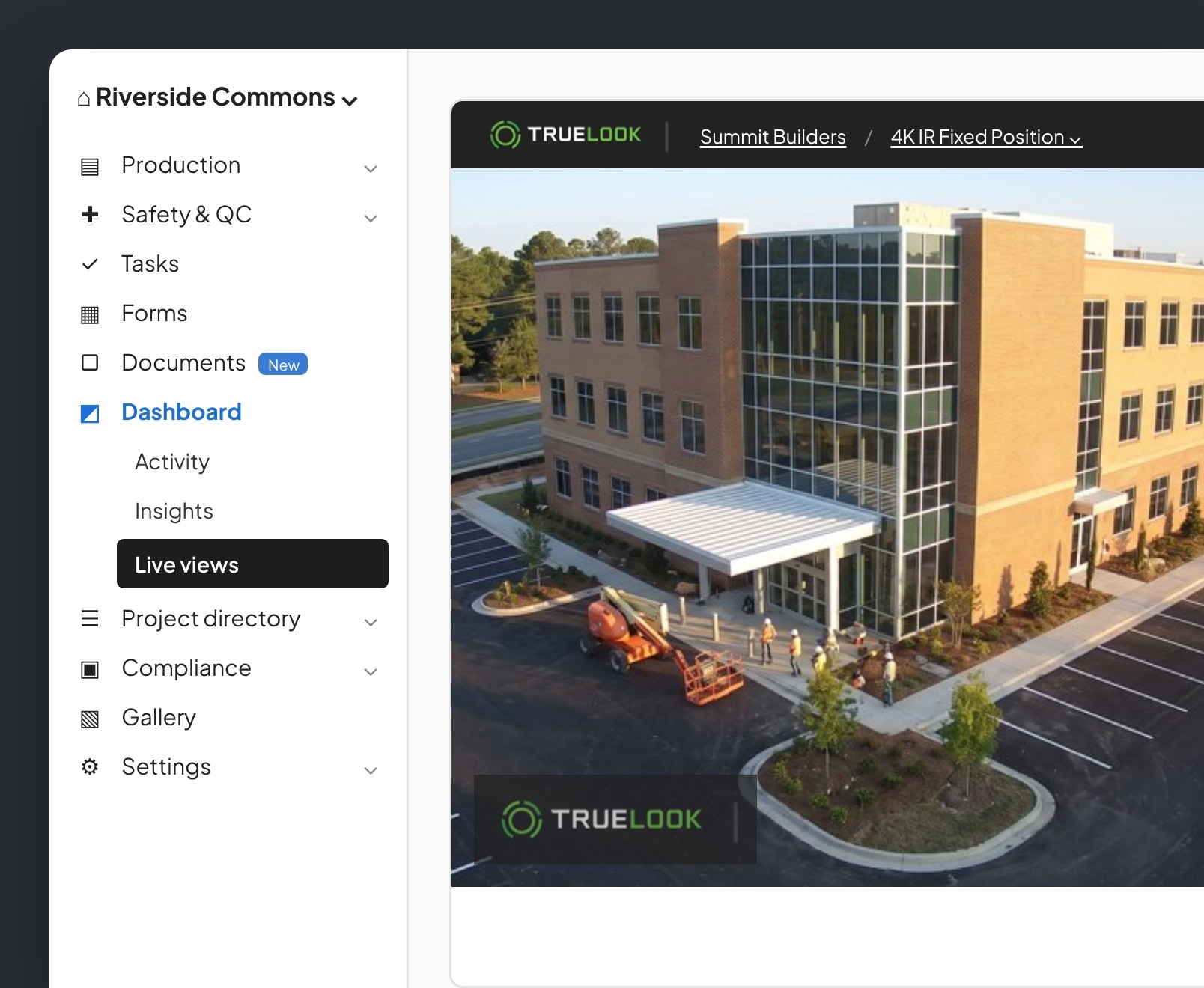
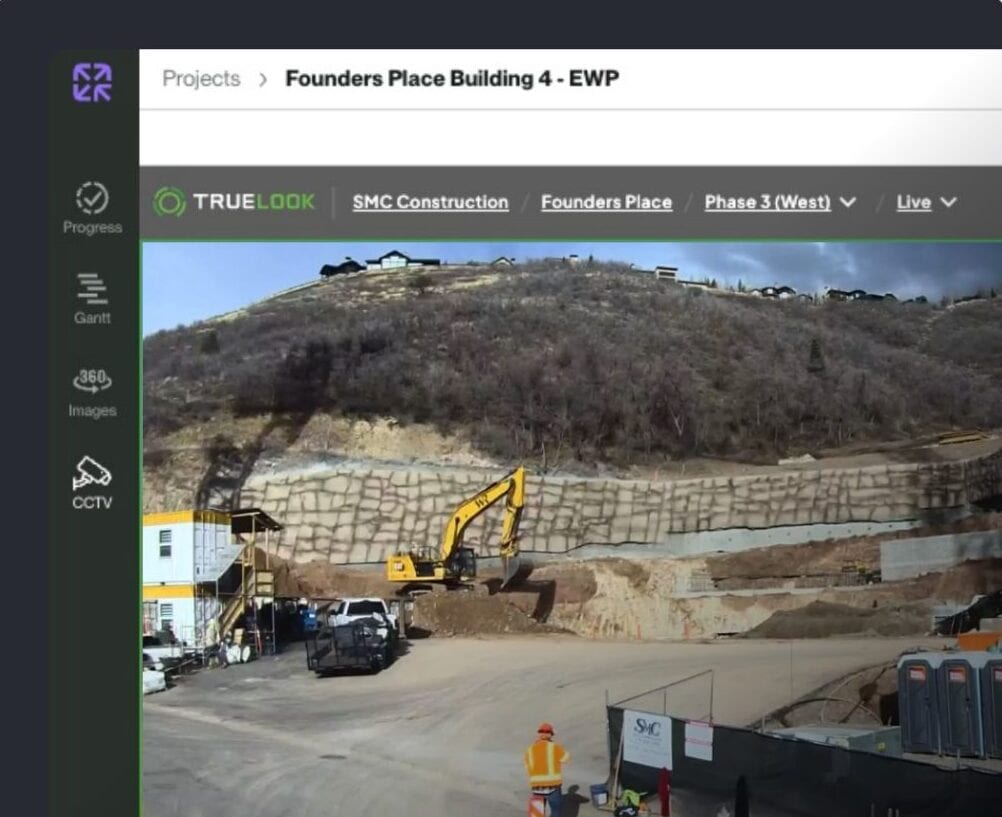
Sign in from any browser or the TrueLook mobile app on iOS or Android. There is no software to install and nothing to configure on site.
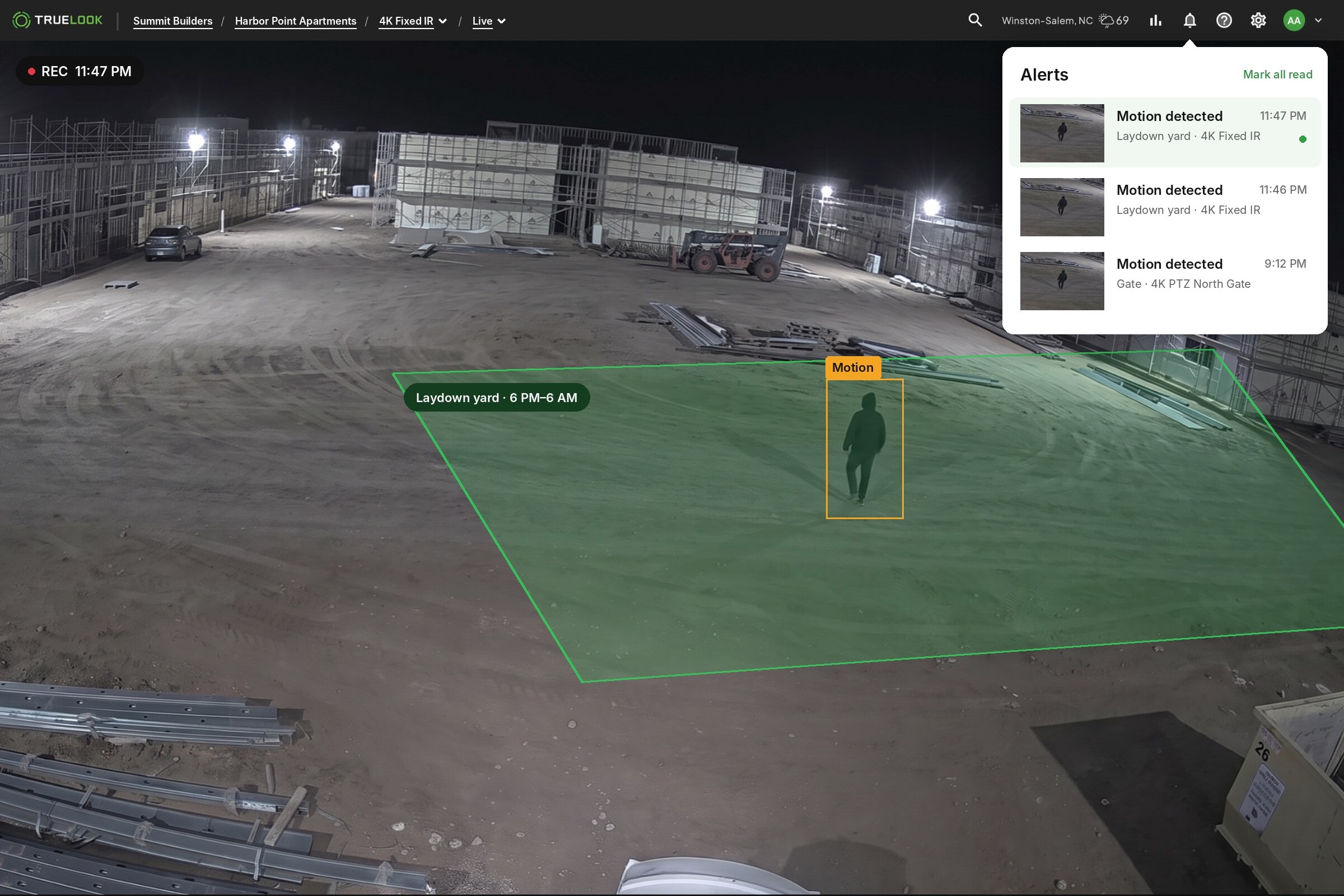
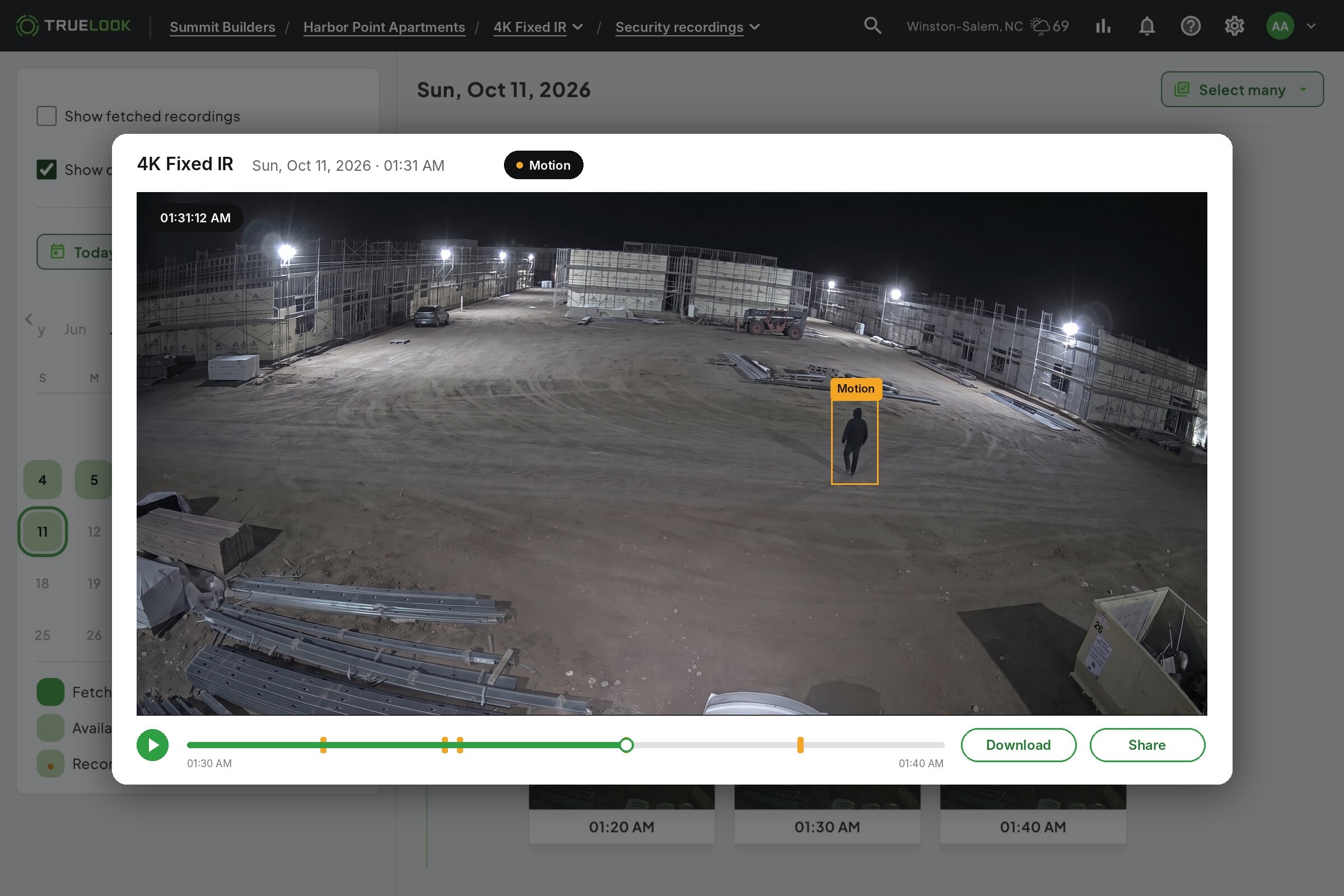
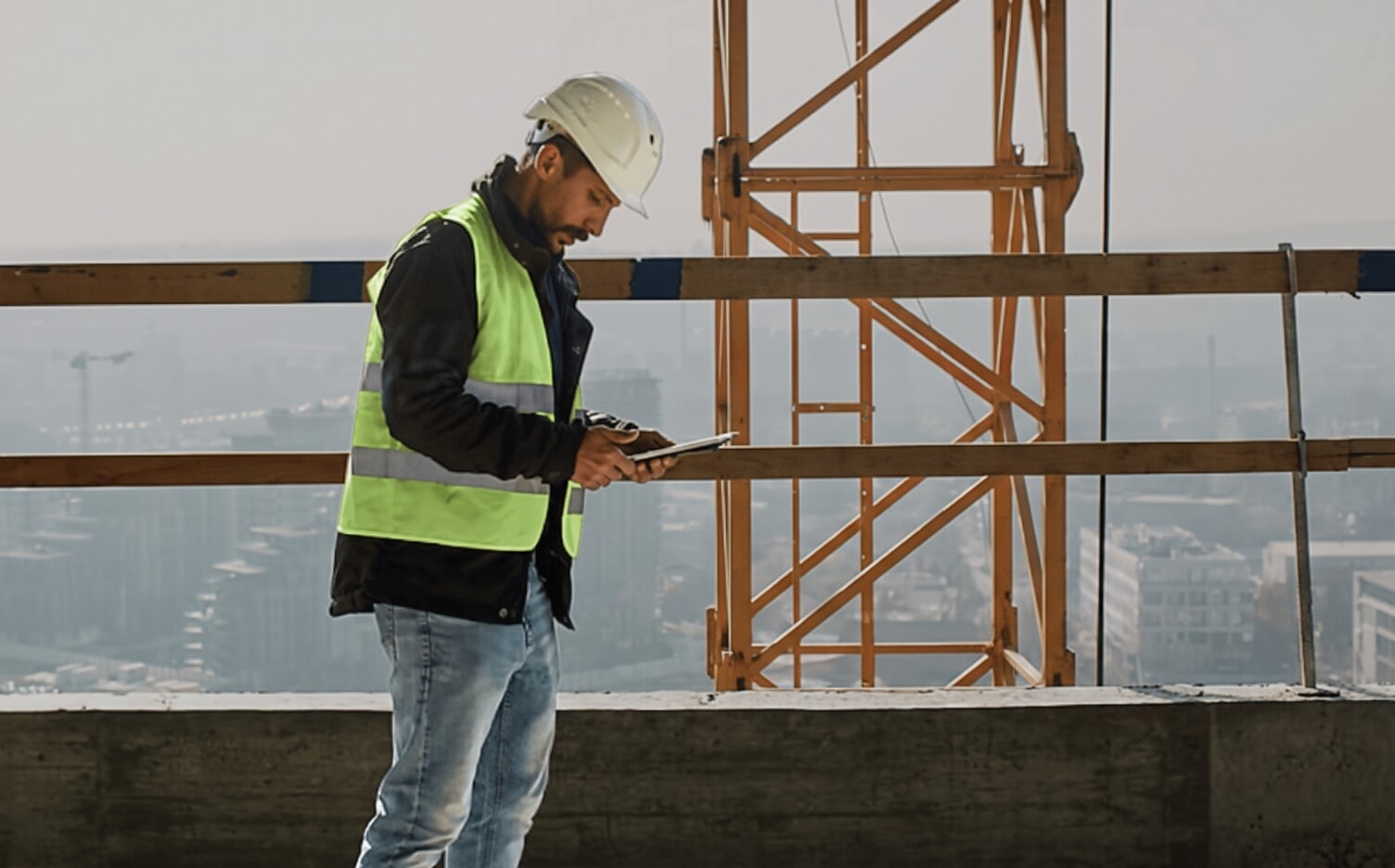
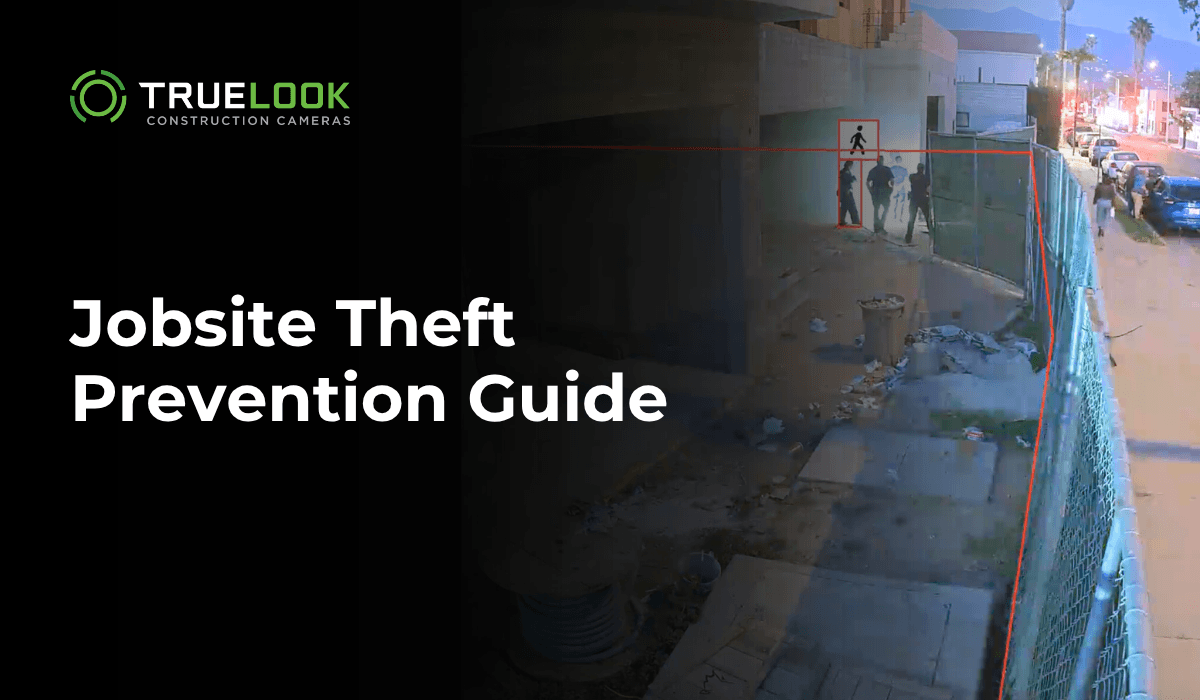
Motion detection flags activity after hours and sends an alert to your phone, so you can check the live feed right away.


BY ROLE
Built for everyone who needs eyes on the site
01

Construction PM
Monitor progress, reduce site visits, and keep projects on schedule with live jobsite visibility.
02

Owner/Developer
Stay connected to every project with real-time visibility and visual documentation from anywhere.
03

VDC/Tech Manager
Connect camera data with your construction technology stack to improve collaboration and project oversight.
04

Safety Manager
Protect jobsites with active deterrence, professional monitoring, and construction security cameras.
Integrations
Connects to the tools your team already uses
No new silo. TrueLook works inside the workflows construction teams depend on every day, from Procore to Autodesk to BIM platforms.
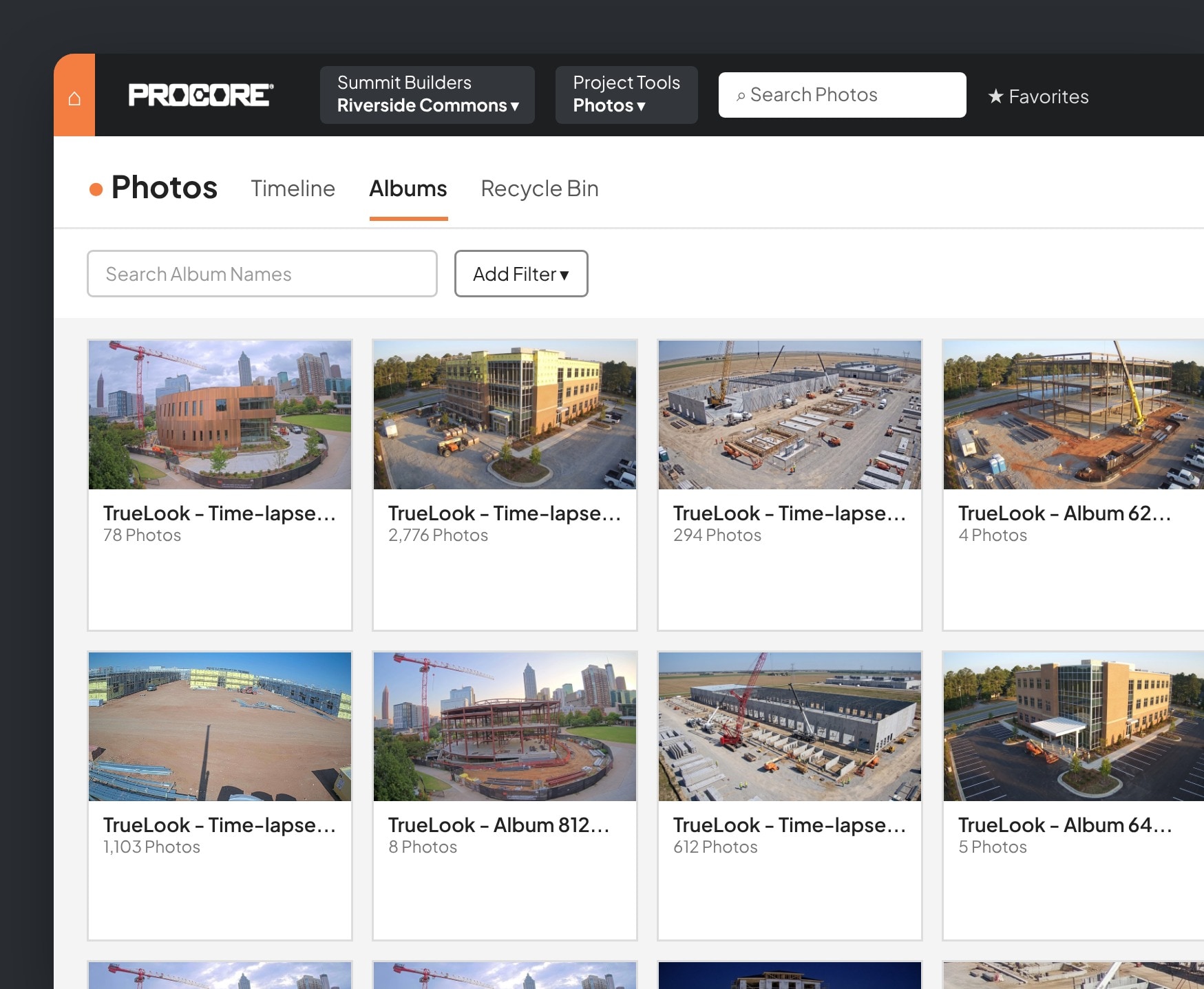
Add TrueLook to Procore as an embedded app and watch your cameras without leaving the project.
- Live view inside ProcoreOpen any camera from the Procore project, no second login needed.
- Automatic photo sharingChoose which time-lapse photos and albums show up in Procore Photos on their own.
- Share noteworthy photosSend the shots that matter from TrueLook straight to Procore.
- Create RFIs from TrueLookStart an RFI from a camera image and send it through to Procore.

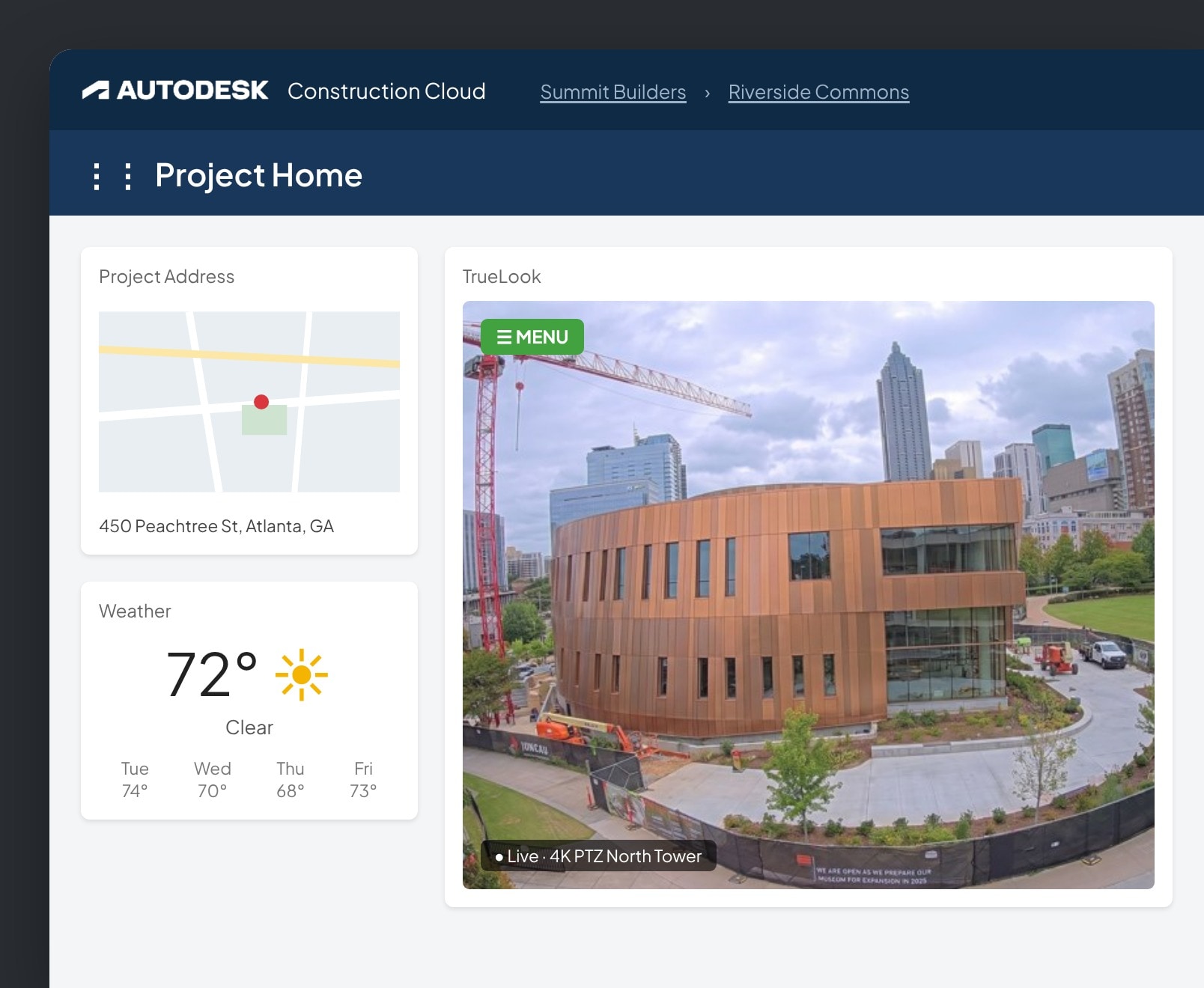
Add TrueLook as a card on your Autodesk Construction Cloud insights dashboard.
- Live camera on your dashboardView and control your TrueLook cameras from Autodesk.
- Time-lapse backupSave every time-lapse photo to a project folder in Autodesk.
- Save and send photosStore important shots in Autodesk and email them to Autodesk contacts.

DroneDeploy
Bring your TrueLook cameras into DroneDeploy so ground-level views sit next to your aerial maps.
- More angles, one placeSee fixed camera views alongside drone flights.
- Less jumping between toolsKeep jobsite documentation consolidated in DroneDeploy.

Add your TrueLook camera to Raken so live views sit next to your daily reports.
- Live views in RakenOpen your cameras from the Raken dashboard.
- Context for daily reportsCheck what happened on site while you document the day.

Connect TrueLook cameras to OnsiteIQ’s progress intelligence platform.
- Cameras in OnsiteIQView TrueLook camera imagery inside your OnsiteIQ projects.
- Imagery and insights togetherKeep site imagery and progress data in one workflow.

Testimonials
Trusted by construction teams across North America
Construction Site Theft Prevention Resources
FAQ
Theft prevention FAQs
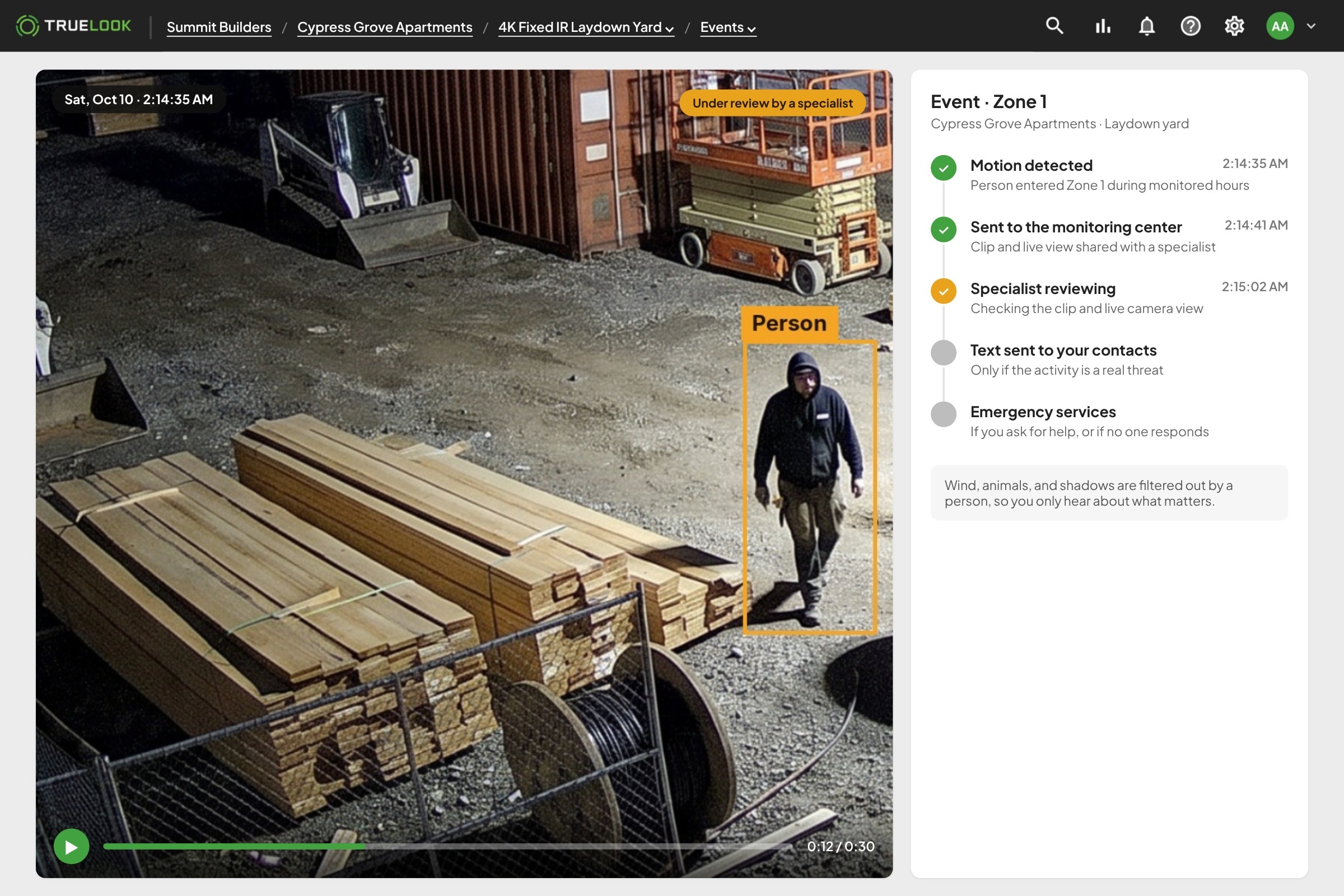
Cameras detect motion and send an alert the instant activity is picked up after hours. A trained monitoring team reviews the footage in real time, verifies whether it’s a real threat or a false alarm, and contacts authorities directly if it’s the real thing. Every incident is also recorded and timestamped for later reference.
A live monitoring team reviews alerts as they happen, not after the fact.
Many insurers offer reduced builders risk premiums for jobsites with active monitoring, since a trained team responding in real time is a stronger deterrent than recording alone. Documented incidents and response times also speed up the claims process if a loss does occur.
TrueLook flags the event in your recordings. With motion alerts, you get a notification so you can open the clip or the live feed and decide what to do. With Jobsite Monitoring, specialists verify the activity, contact you, and send emergency services if they can’t reach you.
Visible cameras help, but active deterrence does more. TrueDeter and TrueShield add strobe lights and audible deterrents, and TrueShield adds talk-down, so intruders know they’ve been seen. Lights and sirens are available through these security solutions.
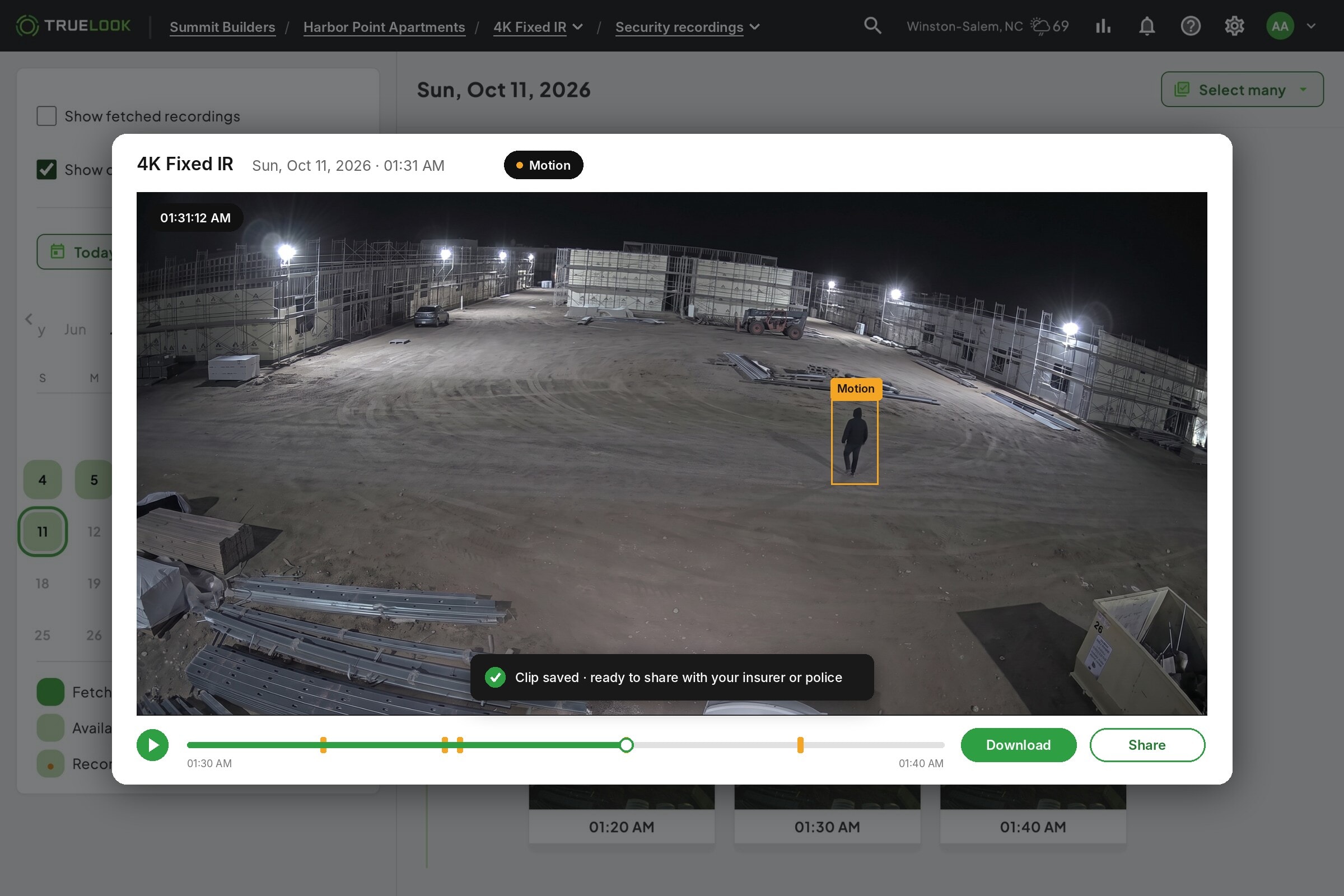
Yes. Download the clip you need and share it with your insurance carrier or the police. Having the footage ready makes it easier to document what happened and move a claim or investigation forward.
If your primary contact doesn’t respond, the monitoring center sends emergency services to the jobsite address.
get a quote
See which cameras and subscription plan fit your project
Answer a few questions about your jobsite. We’ll recommend cameras and a subscription plan, then a TrueLook rep will review it and follow up with your quote.
Answer a few short questions and we will send you a quote with product and pricing details, tailored specifically to your needs.