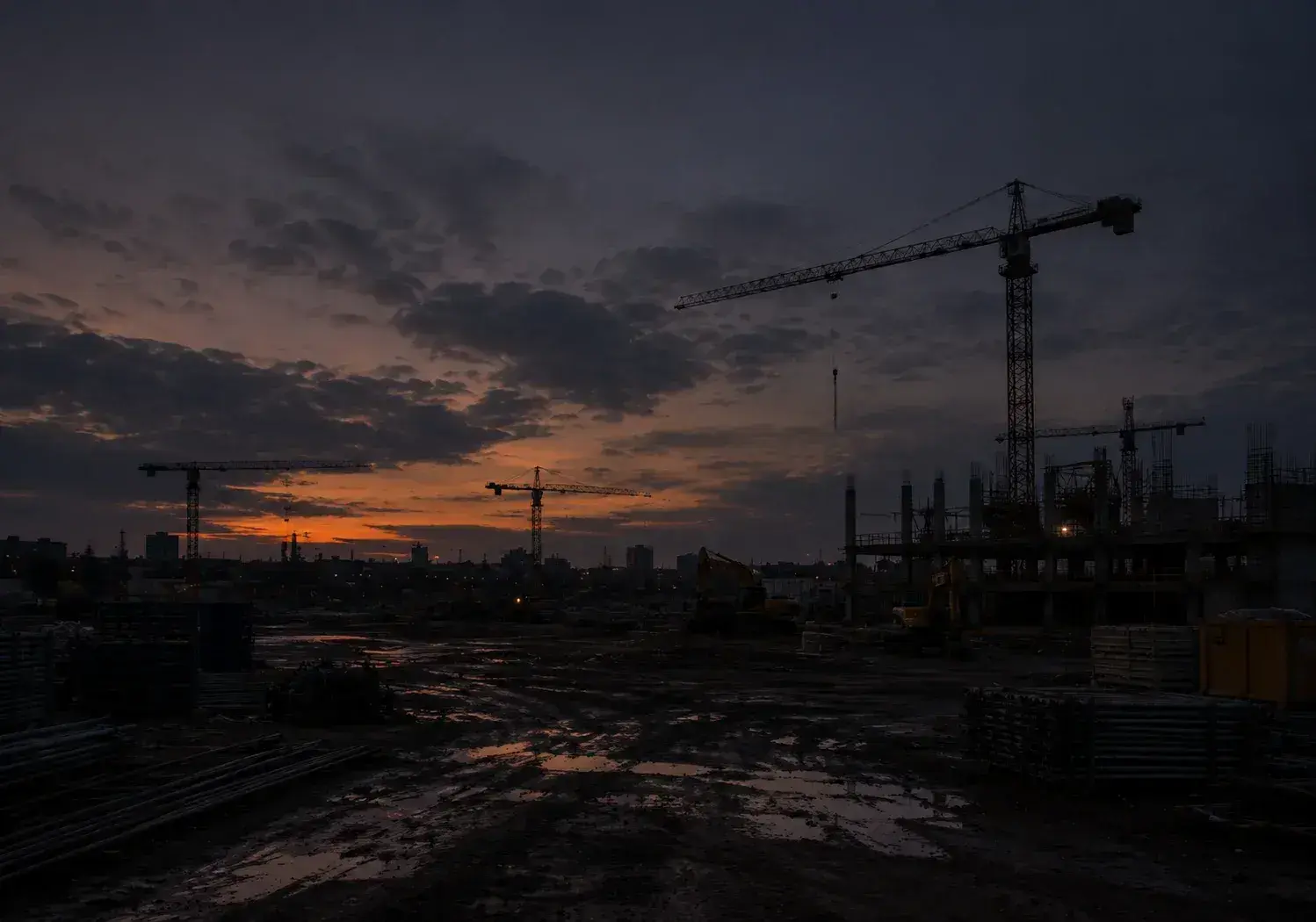

Too many sites to visit
With projects in different cities, seeing real progress means travel or waiting on someone else’s report.
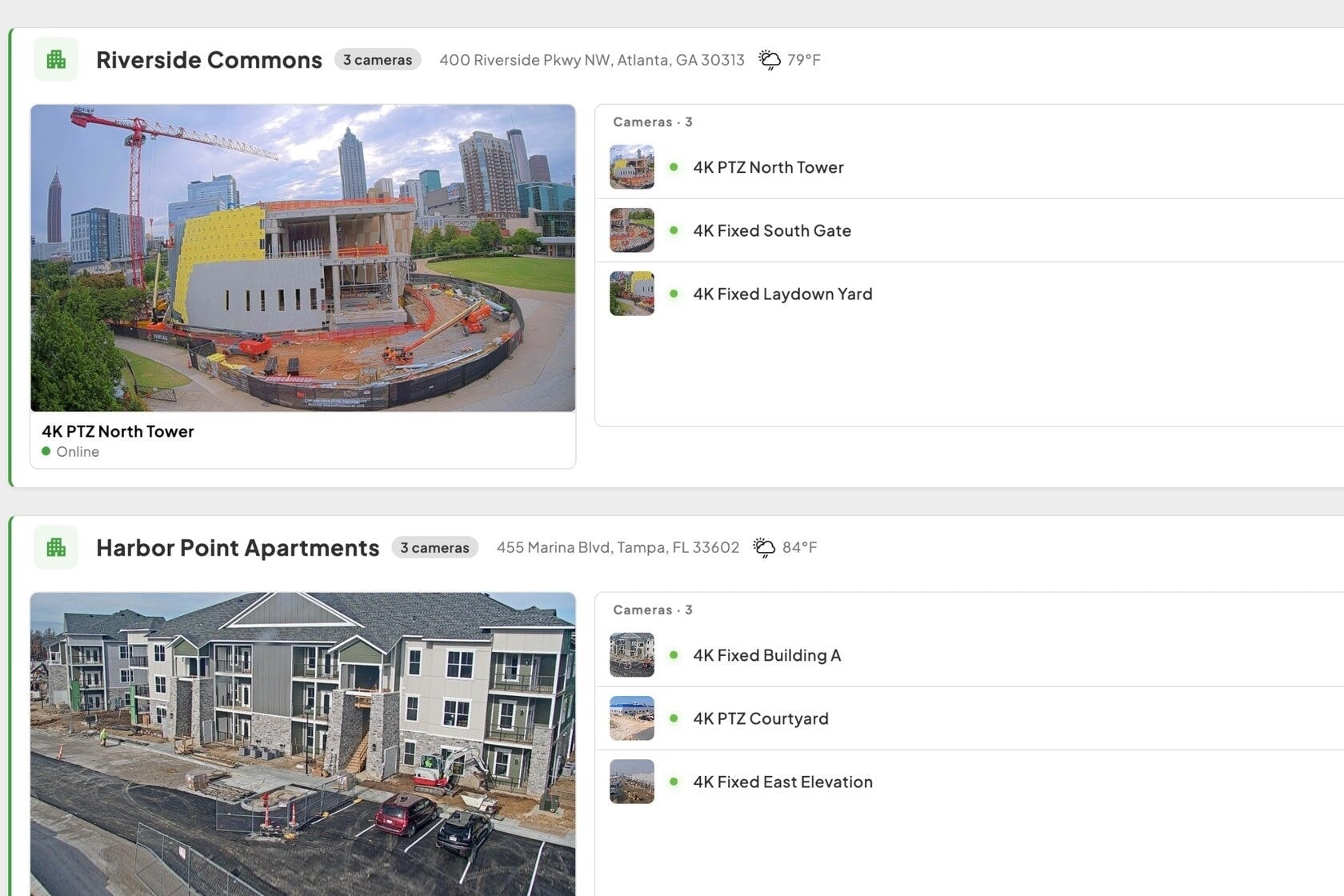
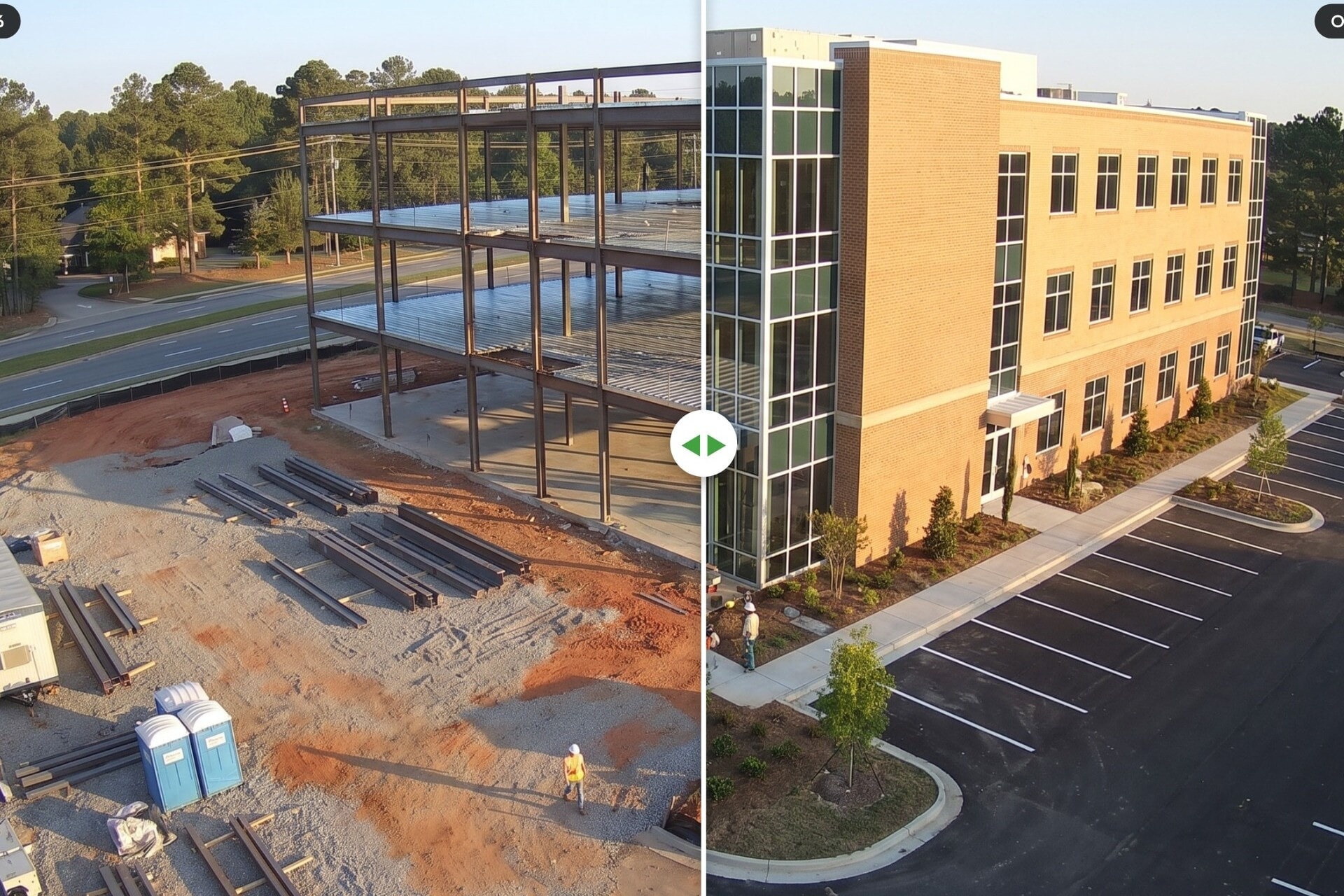
See every project you’re developing from one dashboard, share real progress with investors, and keep a record of every phase.



Compare cameras for documenting progress, checking the site live, and covering interiors.
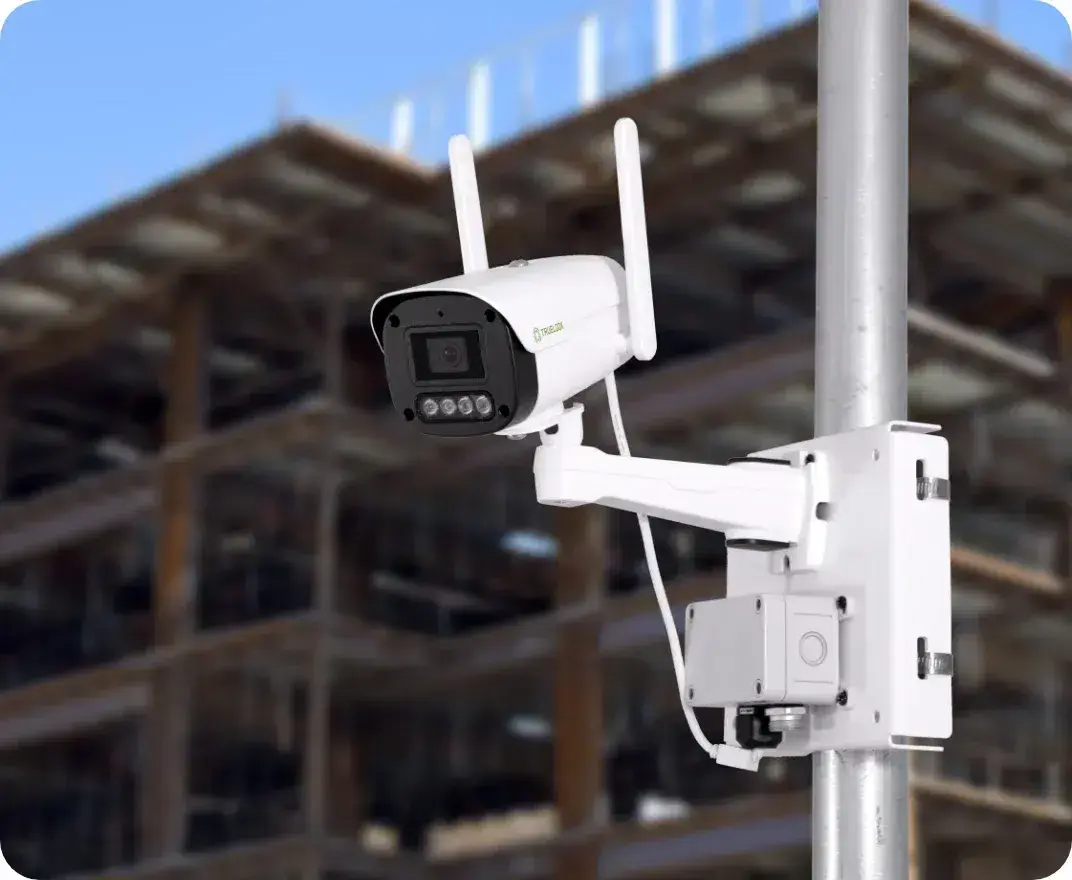
Turnkey, dependable, and delivers sharp visuals
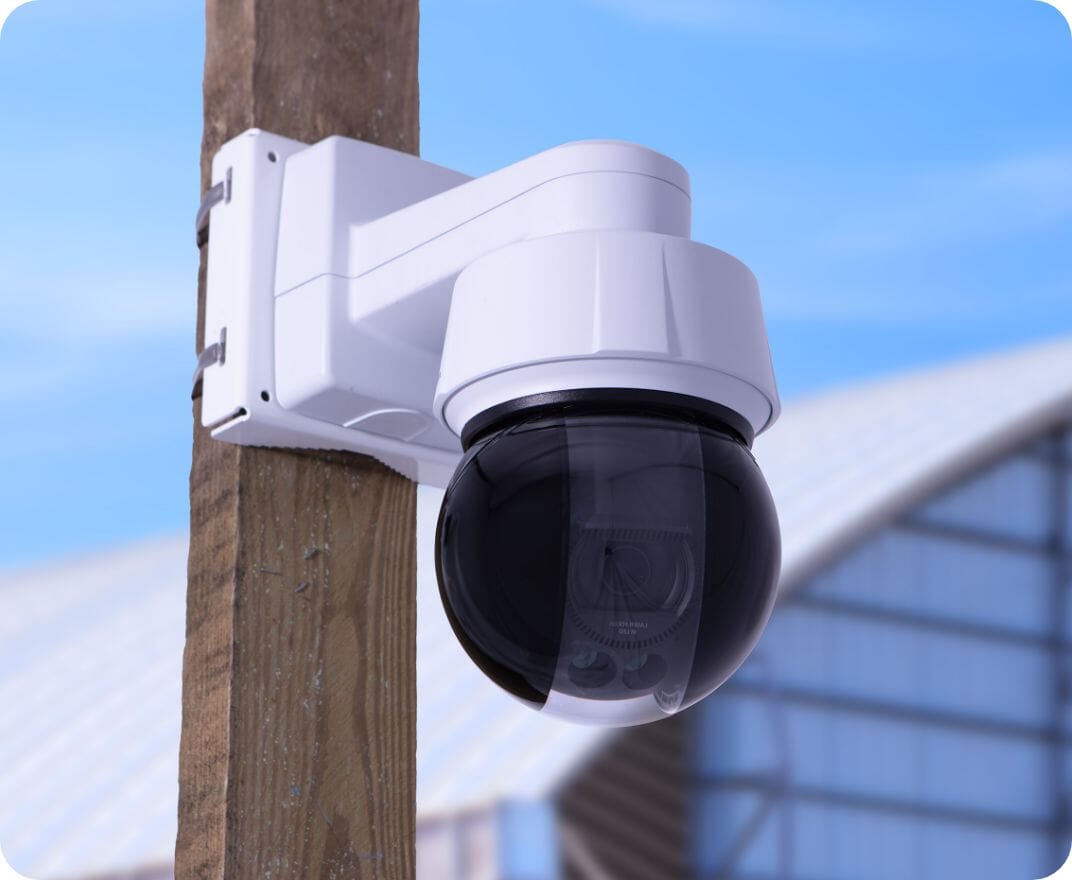
Top choice for jobsites requiring clarity and control
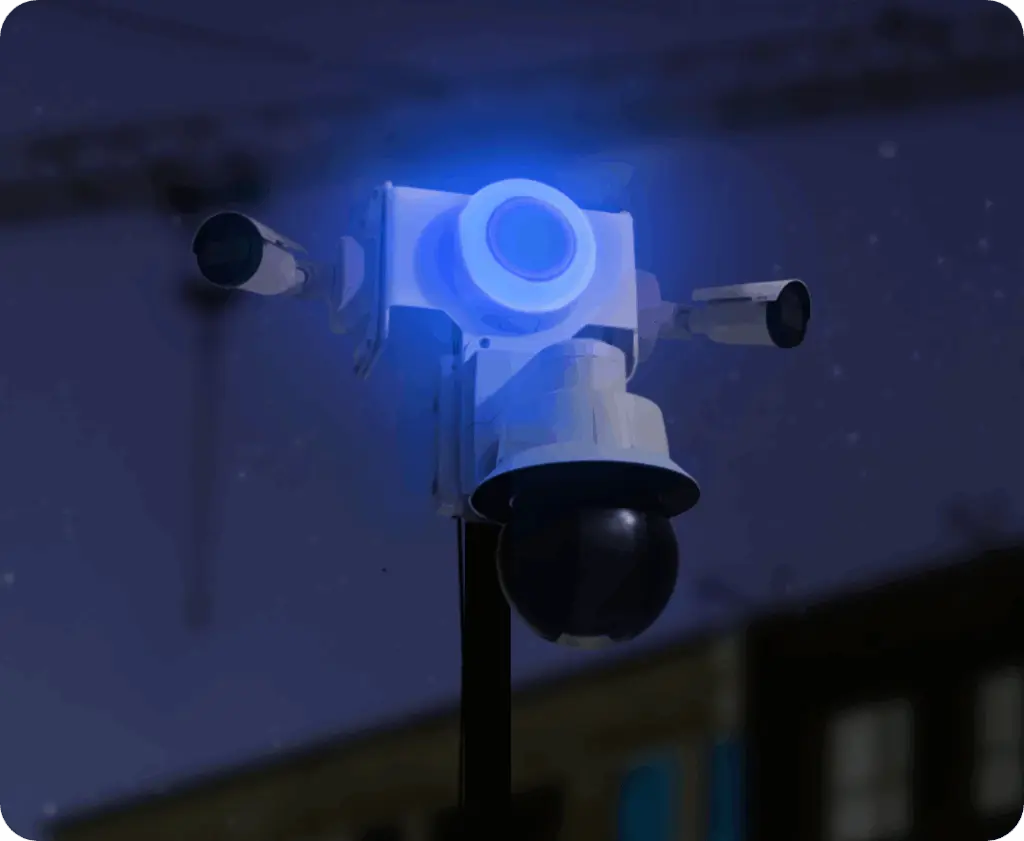
Multi-camera security with active deterrence
Remote by Design
“Plug and go. Easy installment, great video/photo quality, easy to control. We were in NC and the camera was in TX and the ease of use was remarkable.” K

Feels Like Next Door
“Our projects are located throughout the United States. The camera makes it feel like they’re in our back yard.”
Stakeholders stay informed
“Being able to communicate progress visually, both internally and externally to the public and the broader community, has been valuable in multiple ways.”

Best value, full stop
“While there are several similar types of companies that supply on-site cameras, TrueLook, when compared apples to apples, ticked all the boxes and was the best value.”

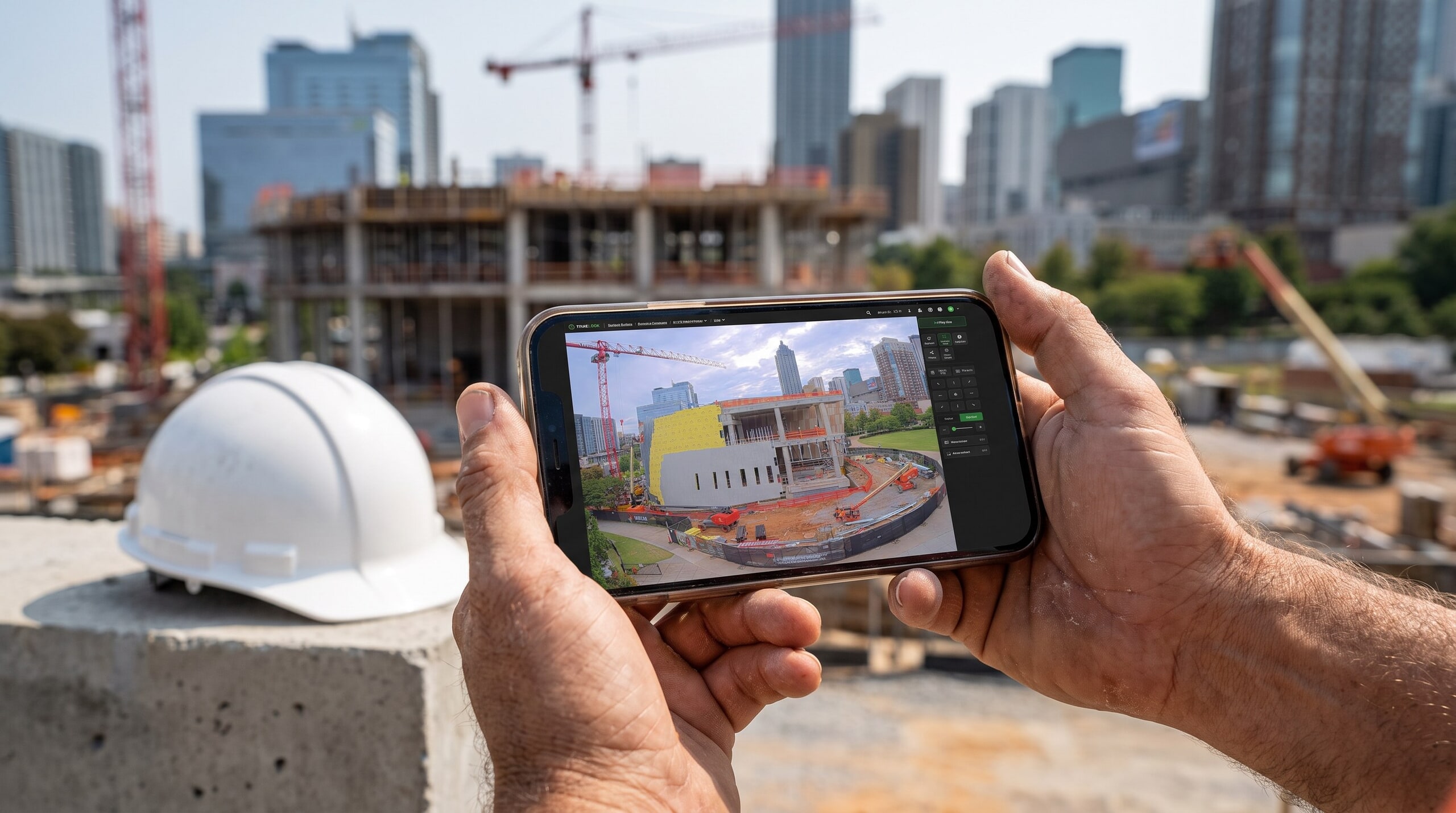
Every camera ships ready to go. Mount it, plug it in, and log in.
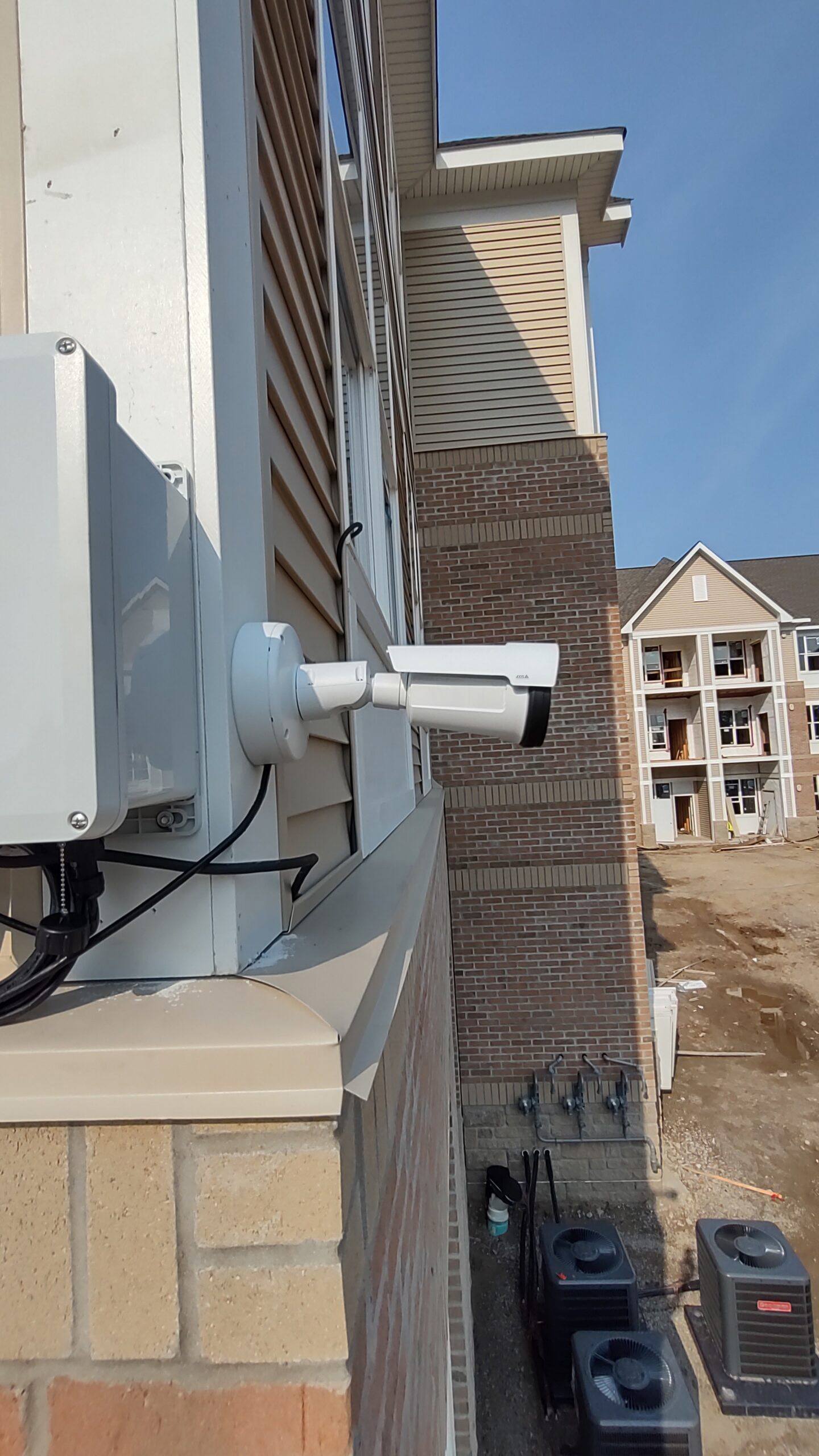
STEP 1
Plug into 110V power or add a solar package. Built-in cellular means there is no jobsite Wi-Fi to set up.
STEP 2
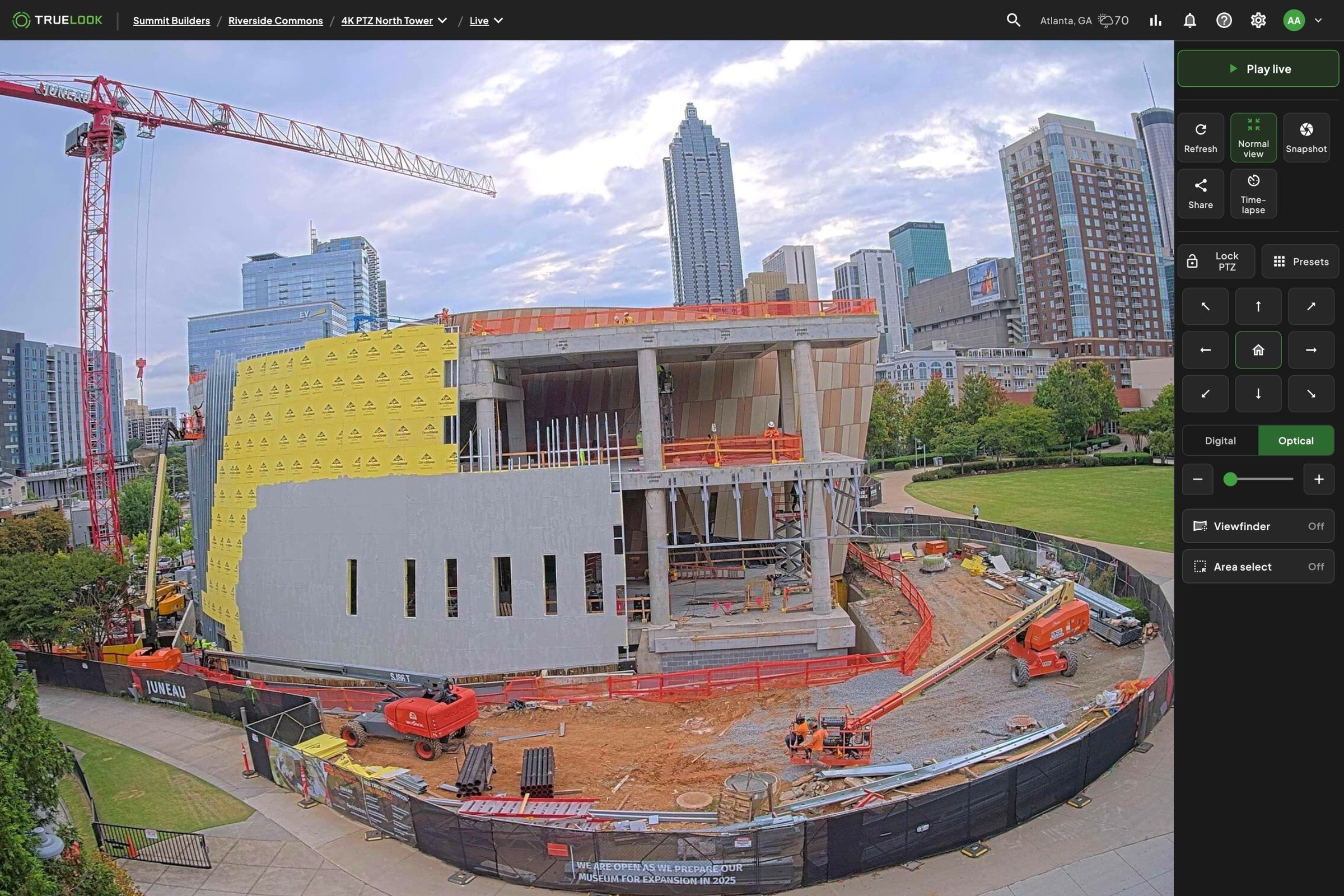
No software to install. Every plan includes unlimited users, so the field and the office get access on day one.
STEP 3
Live view and recordings start right away. Set up time-lapse once and share any view with an owner in one click.


You don’t have to own the cameras to get visibility. If your general contractor already runs TrueLook, they can create a Sharing Center link that adds their project to your dashboard, often with view-only access and no admin control. If you’d rather run your own cameras across a portfolio of developments, TrueLook’s professional installation team can be used to handle delivery, placement, and setup nationwide instead.
Yes. Once you have access to a project or have a camera, it appears in your multi-project dashboard alongside every other job. You can check live feeds, recent images, and site activity from one login instead of splitting time across separate accounts or driving between sites.
Both, from the same cameras. Security features record the site and send after-hours motion alerts on Advanced and Premium plans, and TrueAI can detect hard hats and safety vests in camera images so you can spot PPE gaps.
Yes. Share a link from the Sharing Center and guests can view without an account or login. You choose what each link shows and can turn it off anytime.
Yes. Solar packages and Mobile Surveillance Trailers power cameras where there is no electricity, and built-in cellular means no Wi-Fi is needed.
Answer a few questions about your jobsite. We’ll recommend cameras and a subscription plan, then a TrueLook rep will review it and follow up with your quote.