Connect your platform
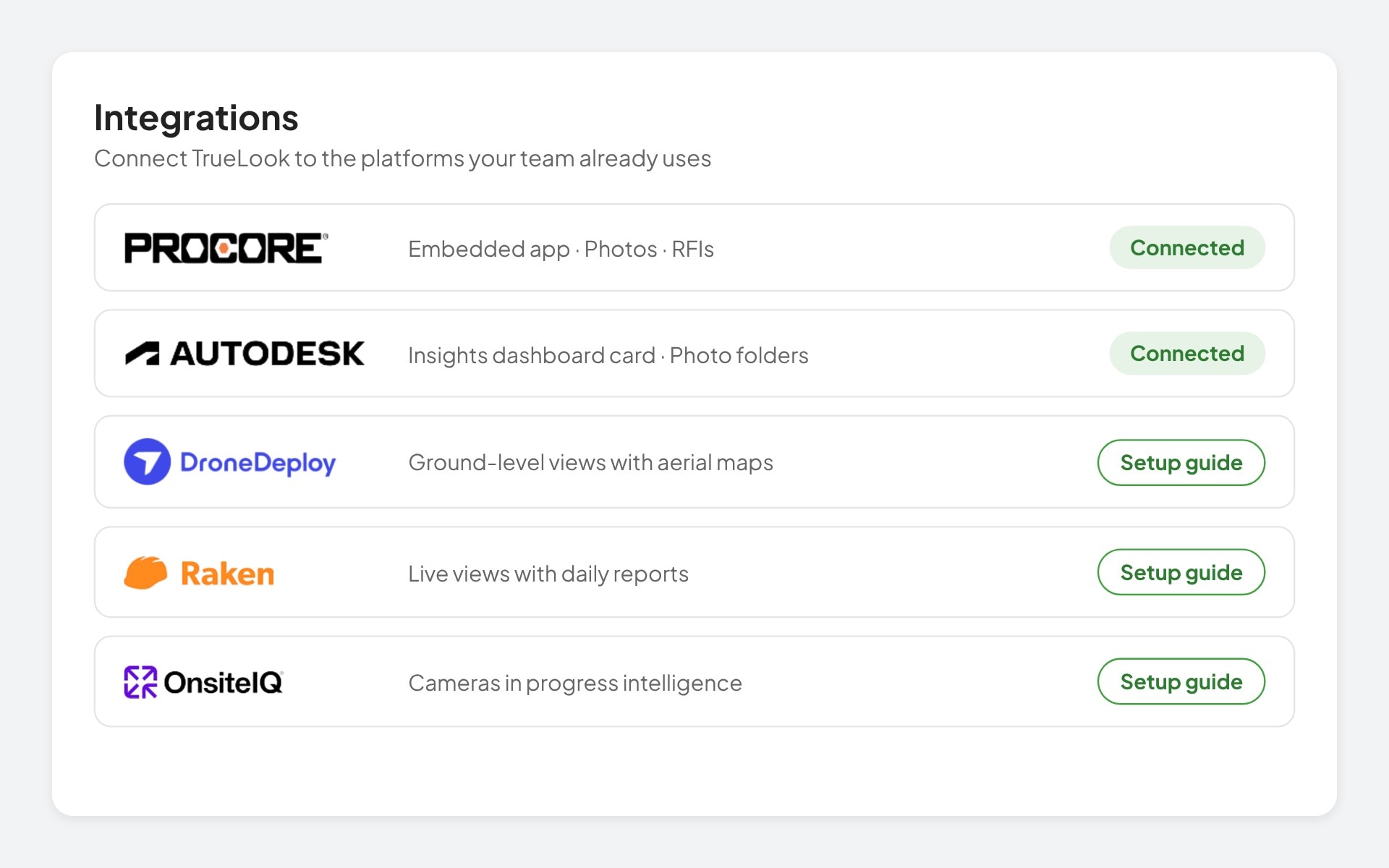
Link TrueLook to Procore or Autodesk from your account, or follow a quick setup guide for DroneDeploy, Raken, and OnsiteIQ.
TrueLook connects with Procore, Autodesk Construction Cloud, DroneDeploy, Raken, and OnsiteIQ. Watch live, sync time-lapse photos, and share images without switching apps.
 Procore
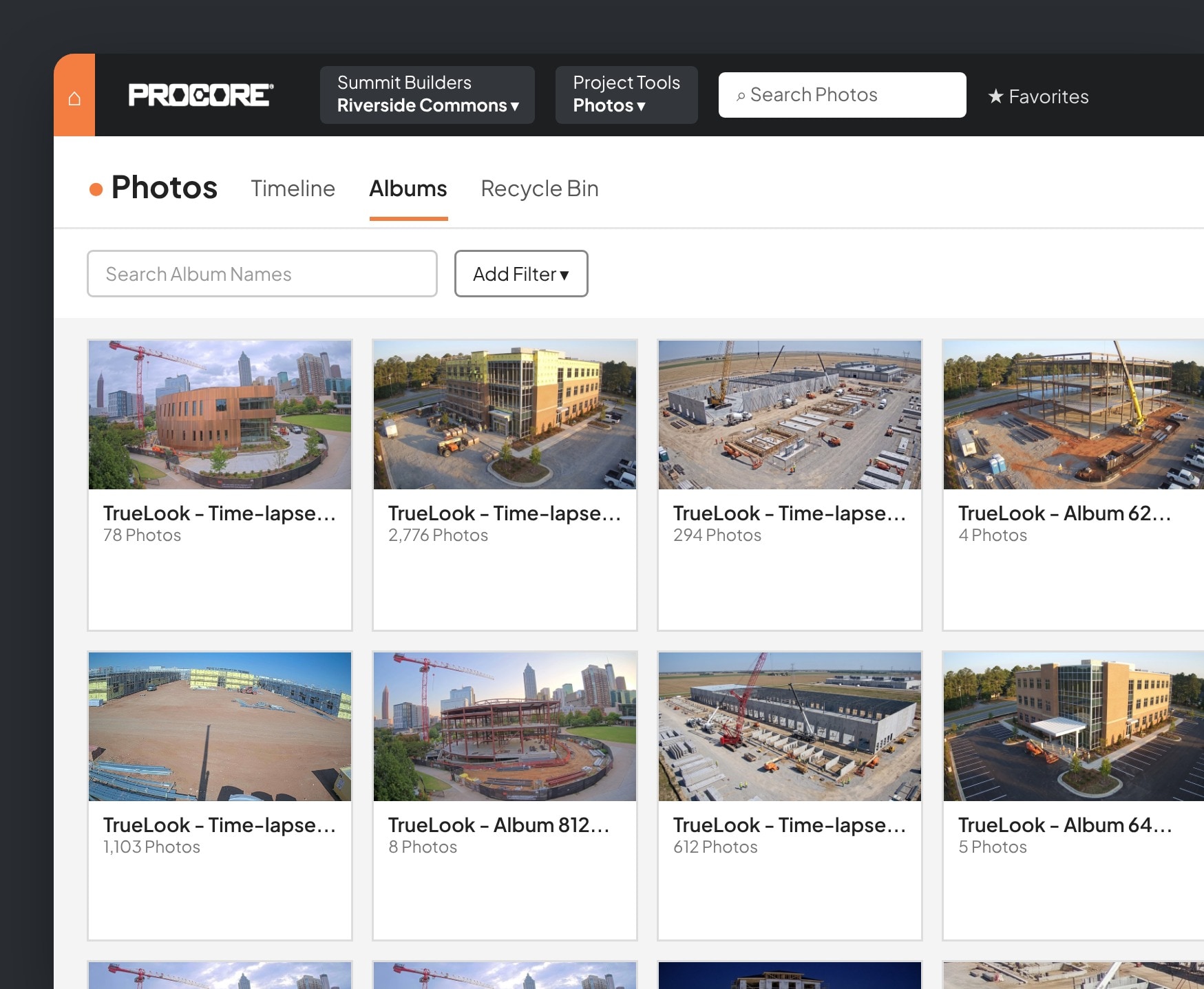
Add TrueLook to Procore as an embedded app and watch your cameras without leaving the project.
 Autodesk
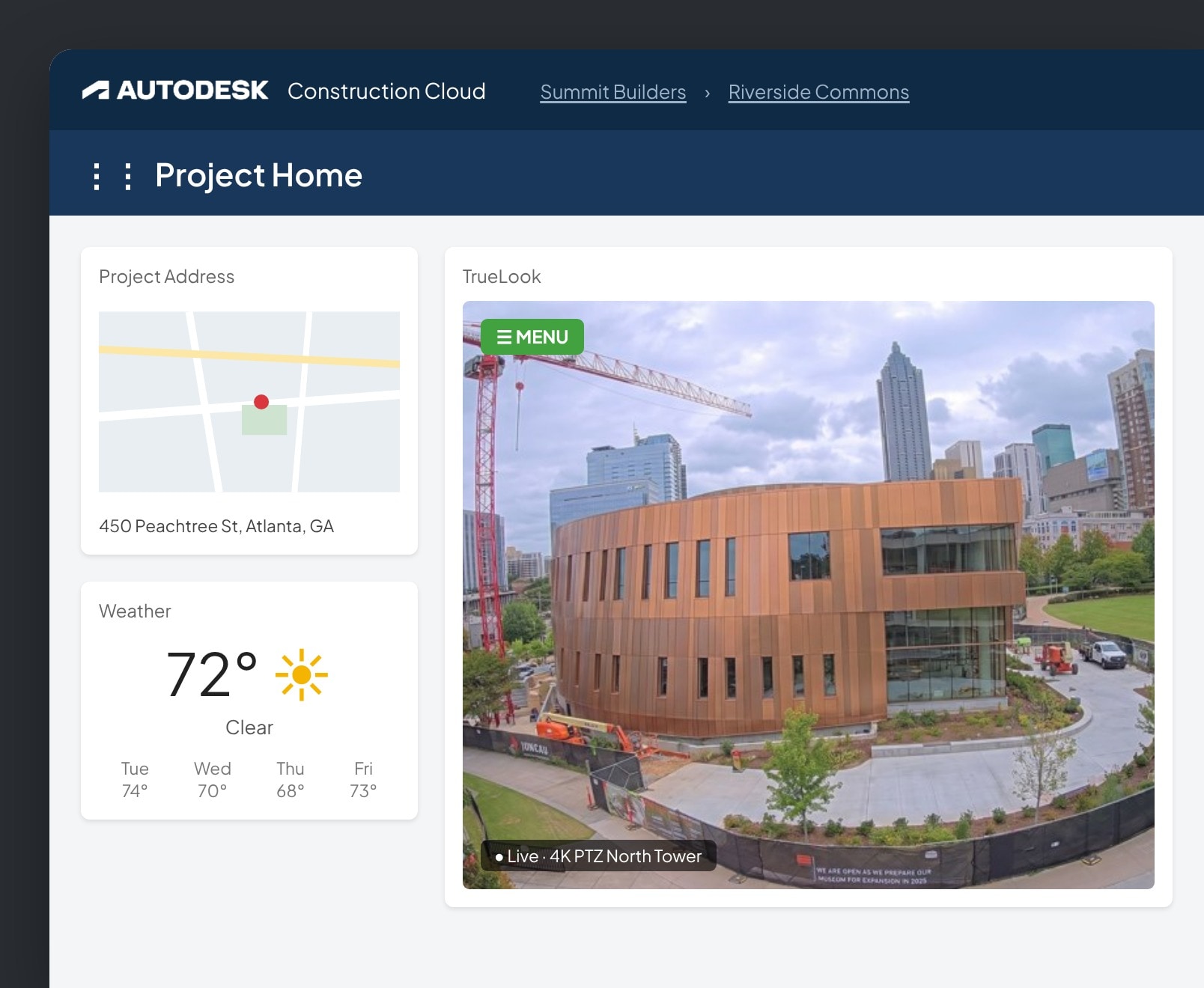
Add TrueLook as a card on your Autodesk Construction Cloud insights dashboard.
 DroneDeploy
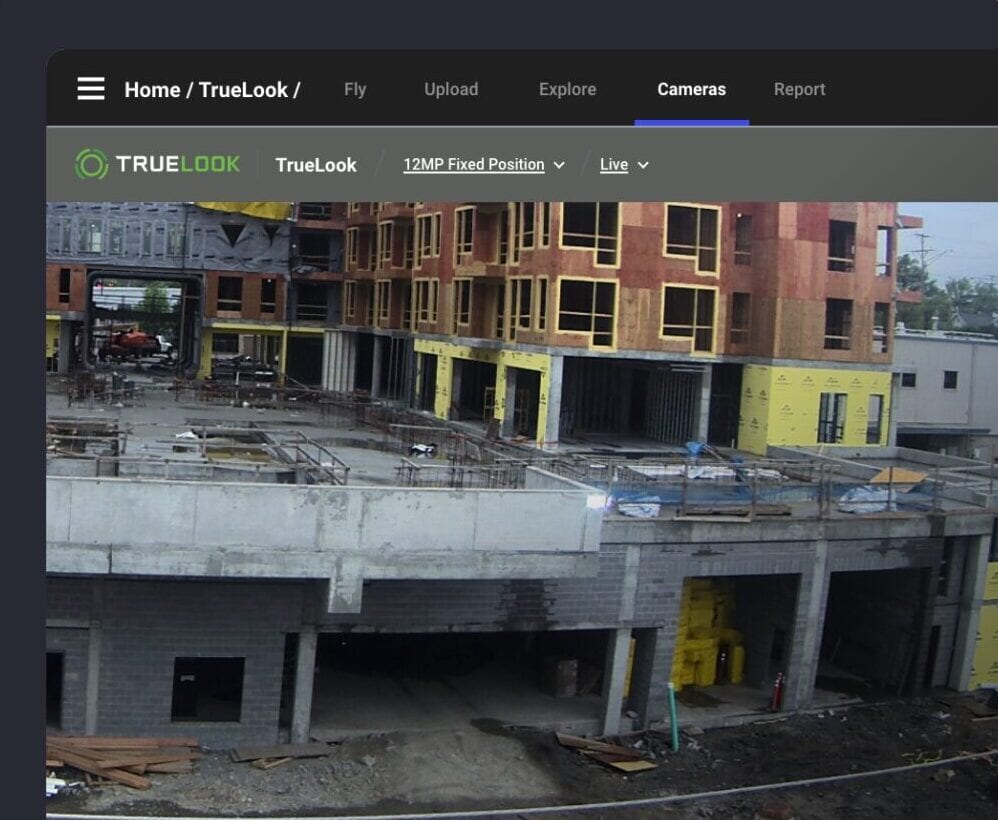
Bring your TrueLook cameras into DroneDeploy so ground-level views sit next to your aerial maps.
 Raken
Raken
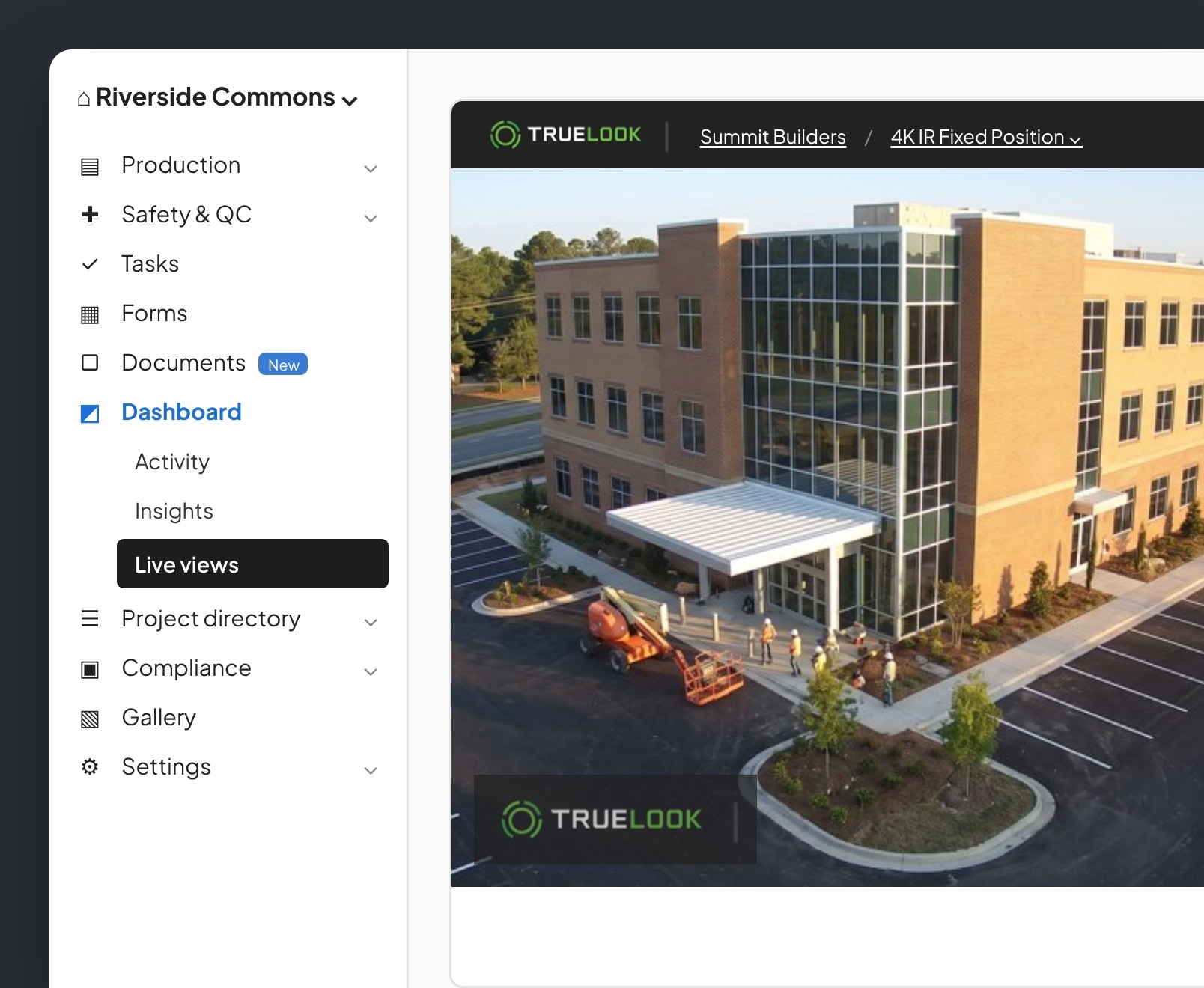
Add your TrueLook camera to Raken so live views sit next to your daily reports.
 OnsiteIQ
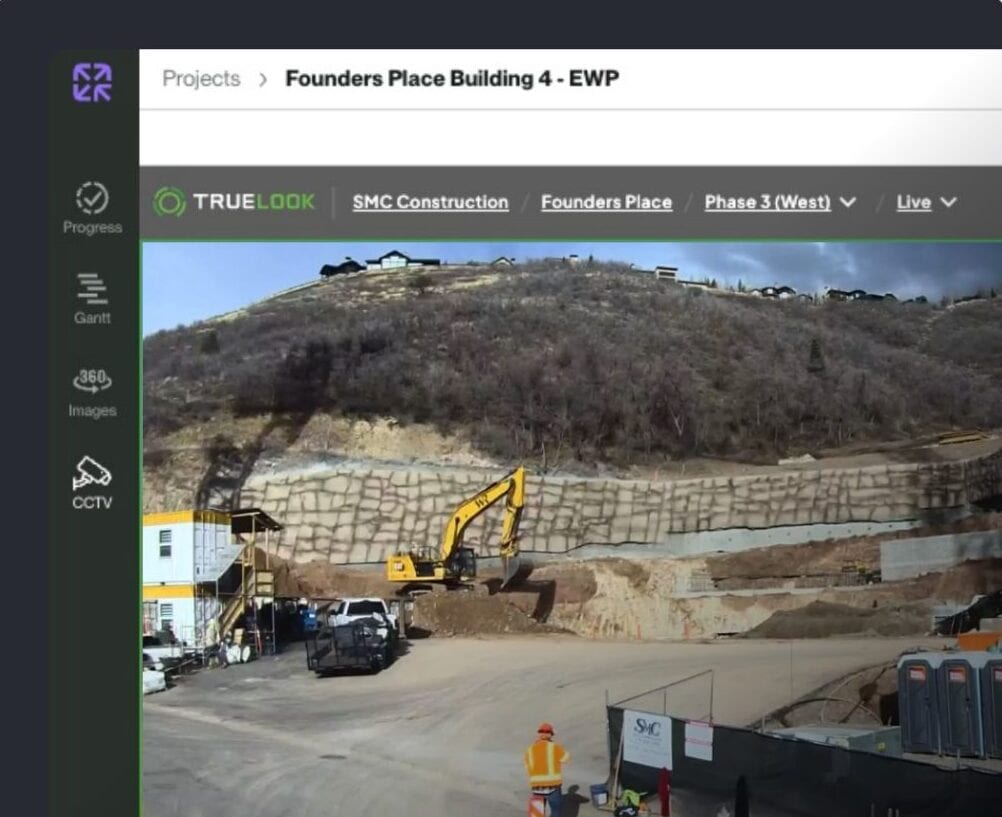
Connect TrueLook cameras to OnsiteIQ’s progress intelligence platform.
Connect TrueLook to your platform, choose what syncs, and your team works where they already do.
Link TrueLook to Procore or Autodesk from your account, or follow a quick setup guide for DroneDeploy, Raken, and OnsiteIQ.
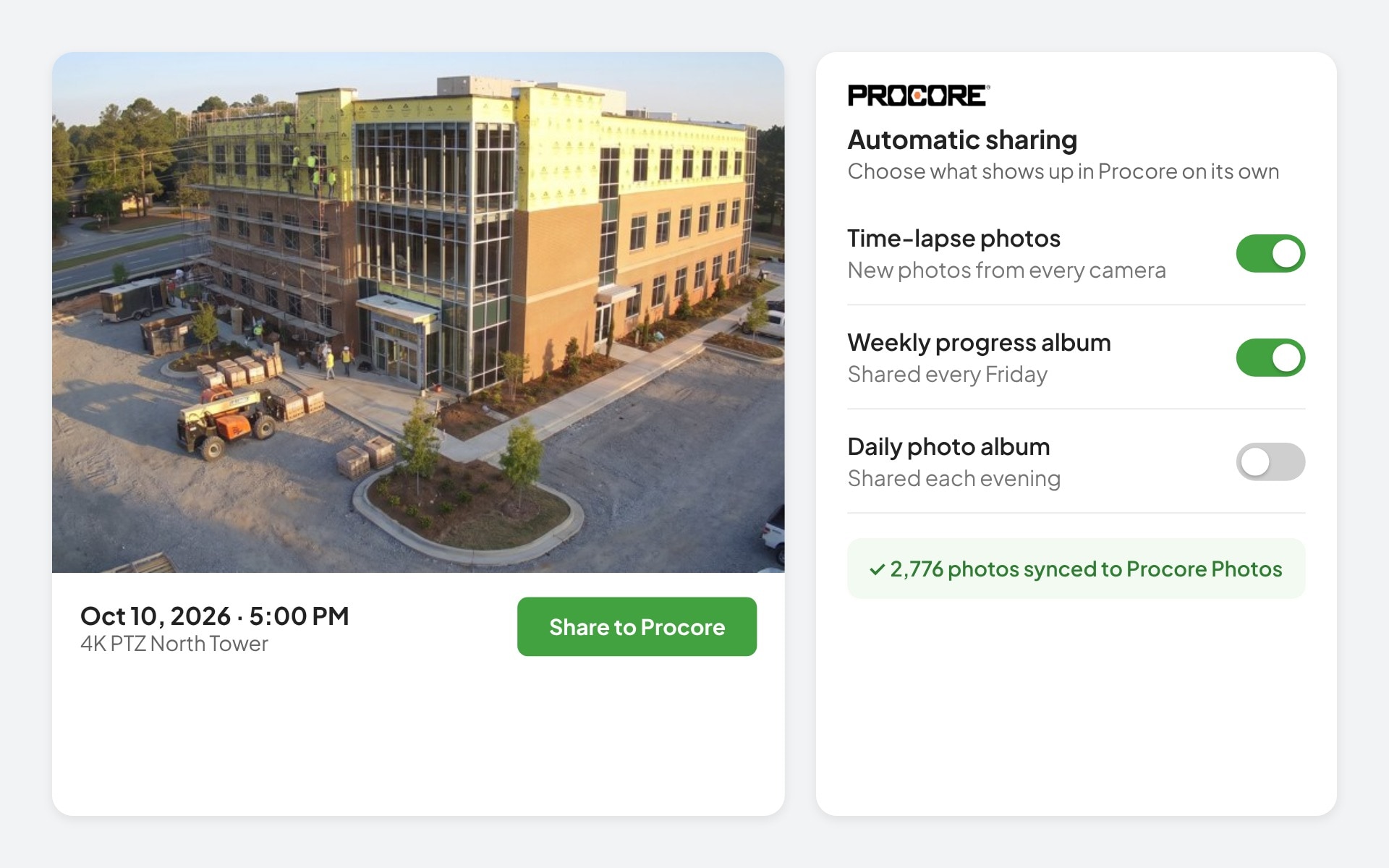
Pick which time-lapse photos and albums share automatically, so the right images land in the project without anyone uploading them.
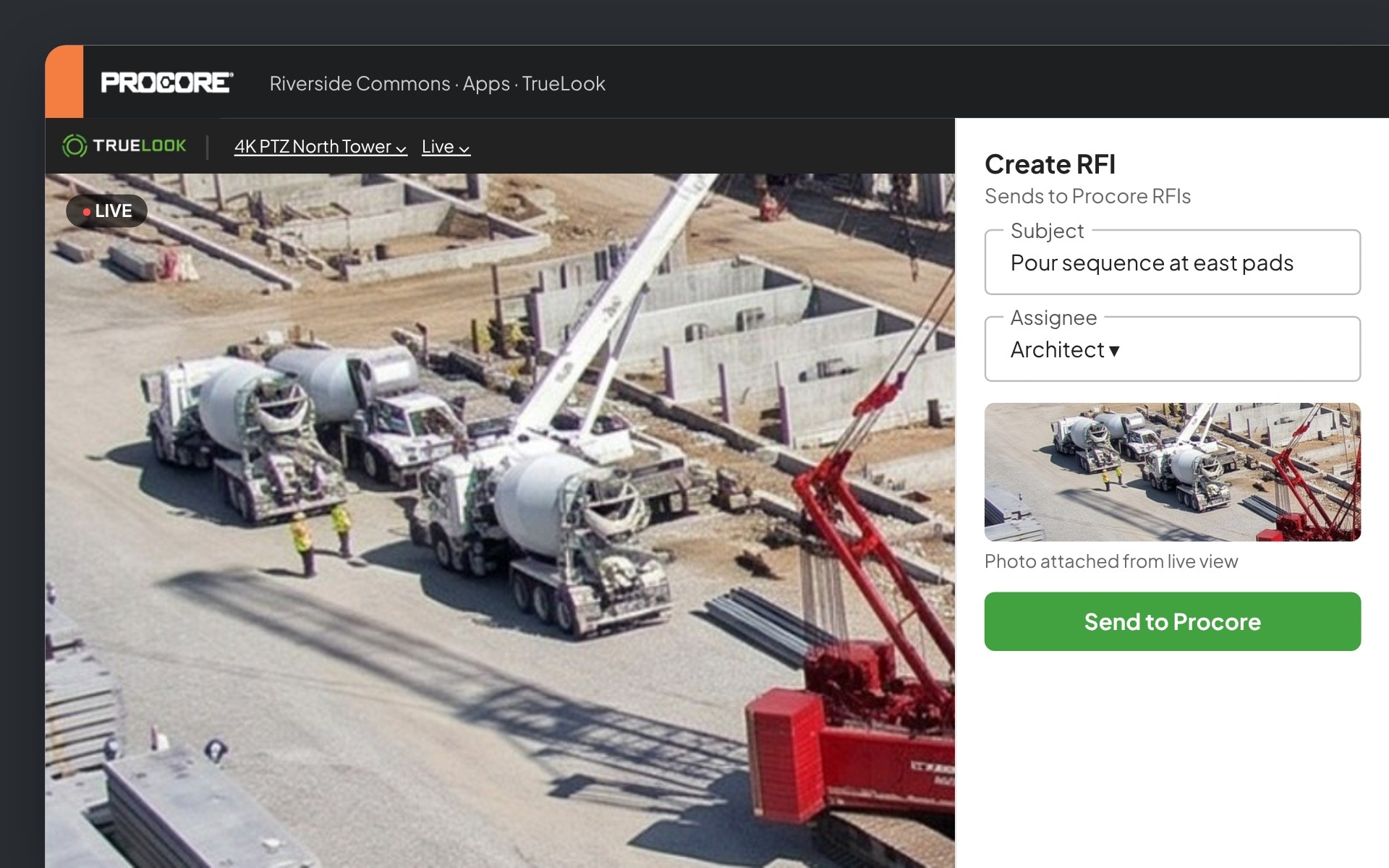
Watch live, save photos, and create RFIs from camera images without leaving the software your team already knows.
From project managers to owners, hear from the people who rely on TrueLook every day.
Quick Response
“It is rare to say the least, to work with a company that responds as quickly as TrueLook.”

Ready to use
“Plugged in the camera for the first time and just like you said, it’s up and running. So easy to use.”

“We were losing time and money driving to jobsites just to checkin, and struggling to share milestones with owners and stakeholders. The integration became our one-stop shop.”





TrueLook integrates with Procore, Autodesk Construction Cloud, DroneDeploy, Raken, and OnsiteIQ, so your camera views and jobsite images live alongside your project management and reality capture tools.
Add TrueLook to Procore as an embedded app. Your team can open live camera views from inside the Procore project without switching platforms.
Yes. You choose which time-lapse photos and photo albums are shared to Procore automatically, and you can also send selected photos from TrueLook to Procore.
Yes. With the Procore integration, you can create and assign RFIs from within TrueLook and send them through to Procore.
Add TrueLook as a card on your Autodesk insights dashboard to view and control your cameras. You can also back up time-lapse photos to an Autodesk project folder and email photos to Autodesk contacts.
Yes. TrueLook cameras can be added to DroneDeploy so ground-level camera views sit alongside your drone maps and aerial imagery.
Yes. You can add TrueLook cameras to Raken for live views next to your daily reports, and to OnsiteIQ to bring camera imagery into its progress intelligence platform.
No. Integrations use the cameras and photos already in your TrueLook account, so there is nothing new to install on site.
Each integration has setup instructions in the TrueLook help center, and our support team can walk you through connecting your platform.