
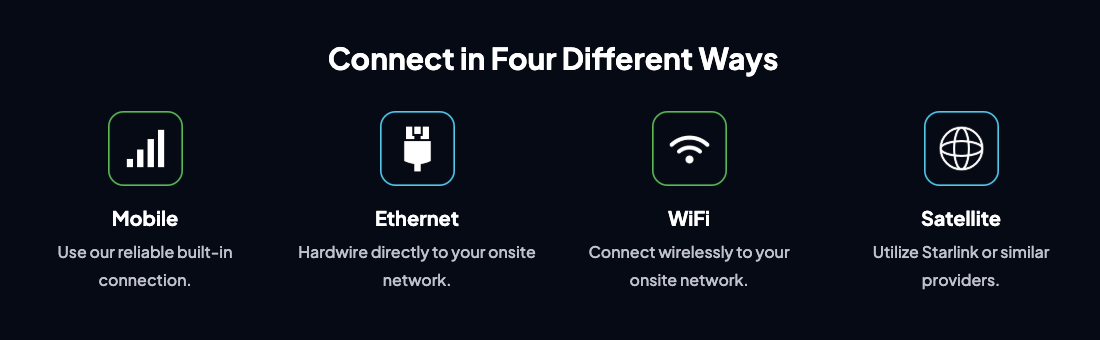
Construction site cameras do not need WiFi. TrueLook jobsite cameras ship with a built-in 4G LTE connection, so a camera can go live on a site with no network at all. Where cellular won’t work, the same camera can connect over Ethernet, on-site WiFi, or satellite internet such as Starlink.
Key Takeaways
- TrueLook cameras connect four ways: built-in mobile (cellular), Ethernet, on-site WiFi, and satellite.
- The built-in mobile connection means a camera needs only power to start streaming, with no jobsite network required.
- Ethernet and WiFi suit sites with an existing network, permanent installs, or locations where cellular devices are restricted.
- Satellite service like Starlink covers remote and rural builds outside reliable cell coverage.
- Pairing any connection with solar power gives you a fully off-grid camera that needs neither WiFi nor a utility hookup.
- Running cameras on your own bandwidth can lower subscription costs on long-running or permanent installations.
Do Construction Cameras Need WiFi?
No. A construction camera needs a data connection to send video to the cloud, and WiFi is only one way to get it. TrueLook cameras include a built-in 4G LTE modem that connects to a nearby mobile network, the same way a phone does.
On an early-phase site, there is often no trailer network yet. Even once there is, a router in the trailer may not reach a camera at the far corner of a laydown yard. A cellular camera mounted on a pole at the gate streams live video as soon as it has power.
Customers report going live in under five minutes: plug the camera in, and it connects on its own. For temporary construction sites, a cellular security camera with no WiFi requirement is the simplest setup available.
4 Ways to Connect a Jobsite Camera
TrueLook cameras support four connection types, so each site can use whichever one fits its conditions.
| Connection | How it works | Best for |
|---|---|---|
| Mobile (built-in cellular) | The camera’s built-in 4G LTE modem connects to a mobile network | Temporary sites, early phases, sites with no network |
| Ethernet | A hardwired cable runs to your on-site network | Permanent or semi-permanent installs, data center and industrial sites with managed networks |
| WiFi | The camera joins your on-site wireless network | Sites with existing coverage near the mount location |
| Satellite | Starlink or a similar provider supplies the internet | Remote and rural builds outside reliable cell coverage |
Ethernet gives the steadiest link wherever a cable run is practical. It also lets a camera sit on an owner’s approved network when site IT policy restricts cellular devices.
A satellite camera system pairs well with solar power. Together, they put a camera on a site that has neither cell coverage nor utility power.
When to Bring Your Own Connection
A built-in mobile connection won’t fit every job. TrueLook added Ethernet, WiFi, and satellite support so teams can pick the connection that suits each site.
Supplying your own connection makes sense when you need to:
- Use an existing network on sites where cellular isn’t practical or isn’t allowed, such as secure facilities with device restrictions.
- Run cameras on remote or rural builds through satellite internet or site-installed WiFi.
- Support permanent or semi-permanent installations without carrying a separate cellular plan.
- Cut subscription costs by running video over bandwidth you already pay for.
Building on a site with limited coverage?
Our team will match the connection, power, and mounting to your jobsite.
Off-Grid Security Cameras: Power, Mounting, and Camera Options
A team building on a site with no WiFi needs to find a camera that has built-in power. TrueLook cameras are plug-and-play and get configured for the conditions on each site, from urban towers to remote builds.
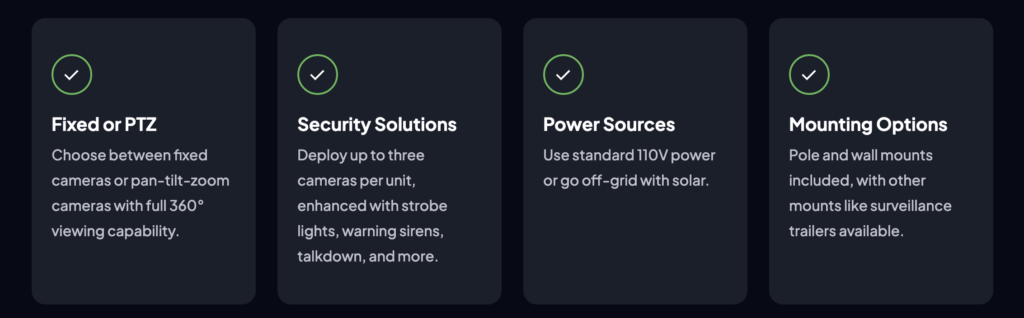
- Power: Standard 110V, or solar for off-grid sites with no utility hookup. Solar plus a cellular or satellite connection gives you a security camera with no WiFi and no wired power. Our complete guide to solar-powered cameras explains how they work and where they fit.
- Camera type: Fixed cameras, or PTZ (pan-tilt-zoom) cameras with full 360° viewing.
- Security solutions: TrueShield units can hold up to three fixed or PTZ cameras with strobe lights, warning sirens, and talkdown available.
- Mounting: Pole and wall mounts come included. Surveillance trailers and solar skids are available for spots without a pole or wall where you need one.
What a Connected Camera Does on Your Jobsite
Once the camera is online, project managers and superintendents get the same core features on every site.
- Remote live viewing: Check the site anytime from any internet-connected device, including a phone in the truck.
- Intelligent security: 24/7 recording with up to 90 days of rolling video storage, plus optional motion alerts for after-hours activity.
- Time-lapse documentation: Automatically generated time-lapse videos that show progress to owners and fit into project closeout packages.
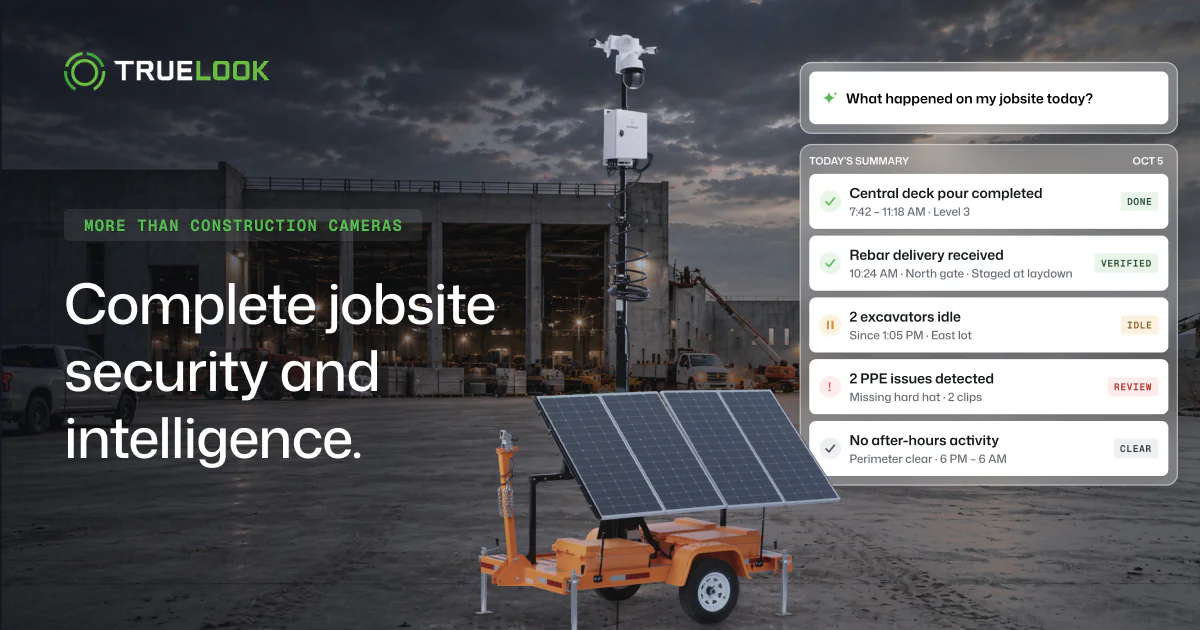
- AI site intelligence: Ask your camera anything with Chat, have Notify watch a specific area or condition, and get automated site briefings from Brief. TrueAI also logs site activity, flags PPE issues, and tracks equipment by telling individual machines apart, recording when each one is on site with photos, and alerting on after-hours movement.
TrueLook cameras run on general construction, data center and industrial, energy and utility, retail, and infrastructure and civil projects. Flexible connectivity is what lets one camera system cover all of them, from a downtown tower with a managed network to a substation build with no cell tower in range.
FAQs
No. Cellular security cameras use a built-in modem to send video over a mobile network. Some, including TrueLook cameras, also accept ethernet or satellite connections, so WiFi is one option among several.
Yes. A cellular camera streams to the cloud, and you watch it on your phone over your phone’s own data plan. TrueLook live view works in a browser on any internet-connected device.
Satellite internet such as Starlink works where cell coverage is weak or missing. Add solar power, and the camera runs with no WiFi and no utility hookup.
Yes. TrueLook cameras support Starlink and similar satellite providers, which makes a standard jobsite camera into a satellite camera system for surveillance on sites beyond cell coverage.
TrueLook cameras record 24/7 and keep up to 90 days of rolling video storage.
Get a Camera Matched to Your Site’s Connection
Tell us where the site is, what power it has, and whether a network exists yet. TrueLook’s team will build a quote around the connection, camera type, and mounting your project needs.